

描述
CS Google Analytics is the simple plugin which enables you to place your analytics code and verify your website from the admin panel.
You will find following option with plugins:
- Place your google UA code (UA-XXXXXXXX-X)
螢幕截圖
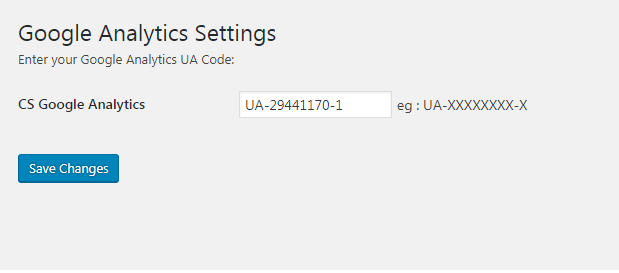
1 Backend Setting
安裝
- Put the plug-in folder
cs-google-analyticsinto [wordpress_dir]/wp-content/plugins/ - Go into the WordPress admin interface and activate the plugin
- Search for Google Analytics menu link
- Enter your UA code
- Click
Savebutton
Have fun!!!

貢獻者及開發者

修改日誌
1.0.2
Test upto lastet WordPress version
1.0.1
Icon Url Fixed
1.0
Initial version