

Àpèjúwe
WP INBOX is the first plugin developed by SOFTBRANCH for managing your multiple email accounts within your WordPress Dashboard.
We tried our best to provide you the best and the smoothest user experience to check or manage your email. Easy-to-use admin interface to configure multiple email accounts in few clicks.
We are continuously updating our plugin with new features and security patches.
WP INBOX comes with many options like creating labels, Mark as Important, Trash, Reply and more….
Functions
- Email Inbox
- Label Email
- Important Email
- Star Email
- Send Email
- Receive Email
- Forword Email
- Trash Email
- Email Attachments
Buy PRO Version
- Tons of Features with multiple email management in PRO Version.
Translations
- Arabic / عربي
- Spanish / español
- Czech / čeština
- Danish / dansk
- Dutch / nederlands
- English
- French / français
- German / deutsch
********* Convert WP Inbox plugin in your language – Use Loco Translate and Loco Automatic Translate Addon *********
Live Demo
https://wordpress.org/plugins/wp-inbox/
Àwọn àwòrán ìbòjú

Enable IMAP 
Menu Link 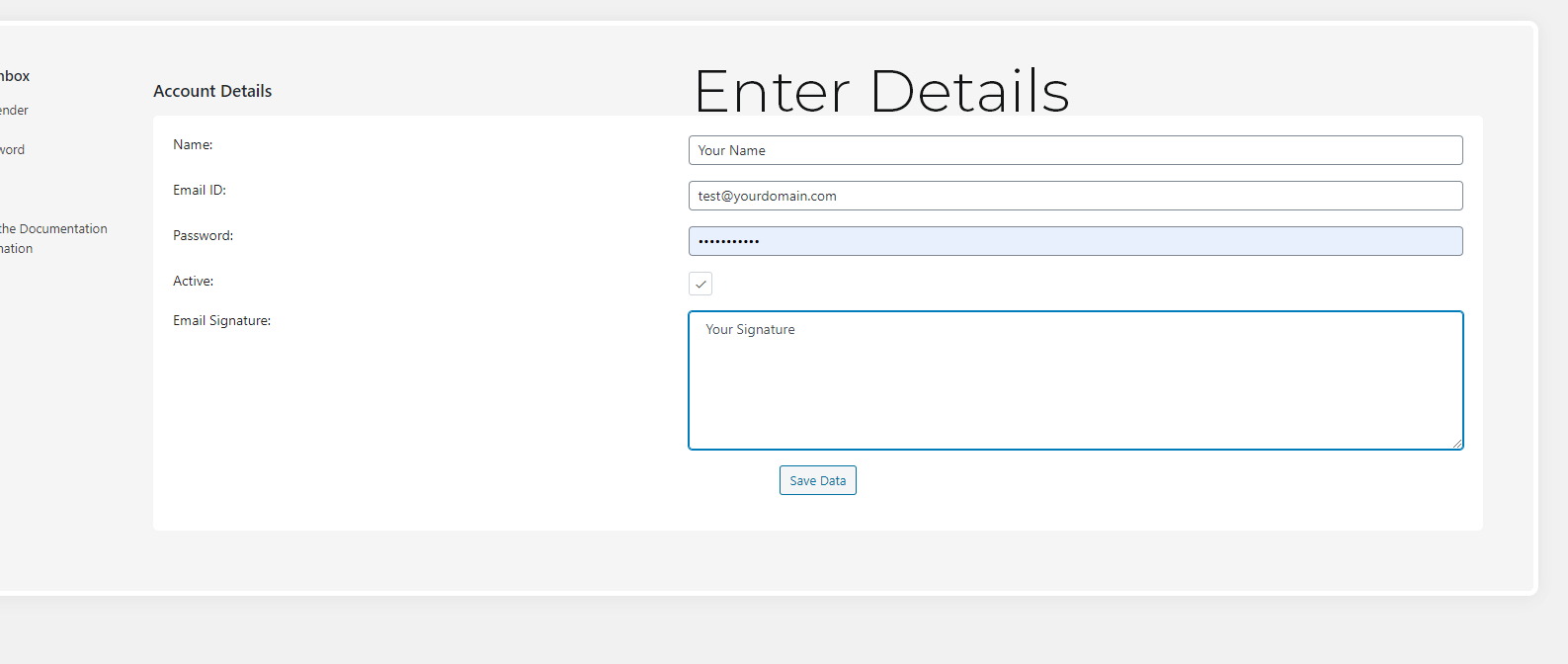
Enter Settings 
Load Emails
Ìgbéwọlẹ̀
- Open your Cpanel
- Click on Select PHP Version
- Enable the IMAP.
- Upload the plugin files to the
/wp-content/plugins/directory, or install the plugin through the WordPress plugins screen directly. - Activate the plugin through the ‘Plugins’ screen in WordPress
- Click on INBOX->Settings to configure the plugin
- Email ID is created in Menu.
- Click on Email
- Click on Refresh button to load Emails.
FAQ
-
Do I need to enable IMAP
-
Yes, you need to enable your IMAP.
-
I have more questions
-
Please create ticket in plugin support forum.
Àwọn àgbéyẹ̀wò


Àwọn Olùkópa & Olùgbéejáde
“WP INBOX” jẹ́ ètò ìṣàmúlò orísun ṣíṣí sílẹ̀. Àwọn ènìyàn wọ̀nyí ti ṣe ìkópa sí plugin yìí.
Àwọn Olùkópa
A ti túmọ̀ “WP INBOX” sí èdè agbègbè 1 kan. Ọpẹ́lọpẹ́ fún àwọn atúmọ̀ èdè fún àwọn ìkópa wọn.
Ṣe o nífẹ̀ẹ́ sí ìdàgbàsókè?
Ṣàwárí koodu, ṣàyẹ̀wò ibi ìpamọ́ SVN, tàbí ṣe àgbékalẹ̀ sí àkọsílẹ̀ ìdàgbàsókè nípasẹ̀ RSS.