
Àpèjúwe
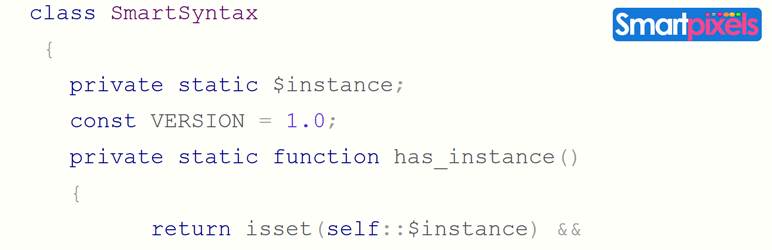
Smart Syntax plugin automatically adds Google prettify syntax highlighting to the fenced code blocks in both content and comments.
ItÌtumọ̀ Yorùbá: ’s made with Jetpack markdown in mind, which brings the power of markdown extra to WordPress and gives you an easy to use markdown syntax for fenced code blocks.
For more information on usage and features, check out smartpixels.
Ìgbéwọlẹ̀
- Install Smart Syntax either via the WordPress.org plugin directory, or by uploading the files to your server
- Activate Smart Syntax through the ‘Plugins’ menu in WordPress.You will now see ‘Smart Syntax’ menu in admin sidebar.
- You can leave the default settings as it is or change according to your needs.
- Voila! Your code is now highlighted.
FAQ
- I donÌtumọ̀ Yorùbá: ’t use Jetpack markdown?
-
Jetpack markdown is not a necessity. You can add syntax highlighting for fenced code blocks in the following format
<pre><code class="html"> echo 'Hello World!'; </code></pre> - How do I contact you ?
-
Please use the support forum here.
Àwọn àgbéyẹ̀wò

Àwọn Olùkópa & Olùgbéejáde
“Smart Syntax” jẹ́ ètò ìṣàmúlò orísun ṣíṣí sílẹ̀. Àwọn ènìyàn wọ̀nyí ti ṣe ìkópa sí plugin yìí.
Àwọn Olùkópa

Túmọ̀ “Smart Syntax” sí èdè rẹ.
Ṣe o nífẹ̀ẹ́ sí ìdàgbàsókè?
Ṣàwárí koodu, ṣàyẹ̀wò ibi ìpamọ́ SVN, tàbí ṣe àgbékalẹ̀ sí àkọsílẹ̀ ìdàgbàsókè nípasẹ̀ RSS.
Àkọsílẹ̀ àwọn àyípadà
-
Initial release
-
1.0.3
Altering google CDN for prettify to reflect the changes