
Àpèjúwe
A simple plugin that adds a notification system to your WordPress. Via custom post types, Simple Notices gives you a way to make announcements that are displayed site-wide at the top of your site.
Notices are displayed with fixed positioning, meaning that they will overlap the rest of your siteÌtumọ̀ Yorùbá: ’s contents. Each notice includes a close button that allows the current user to hide the notice. If the user is logged in, the notice ID will be permanently stored in their user meta, and so will never shown again. If the user is not logged in, the ID of the notice will be stored in a cookie.
Notices can be set to only be shown to logged-in users.
Five colors are included:
- Blue
- Red
- Orange
- Green
- Gray
Go to the pluginÌtumọ̀ Yorùbá: ’s home page for a demonstration video.
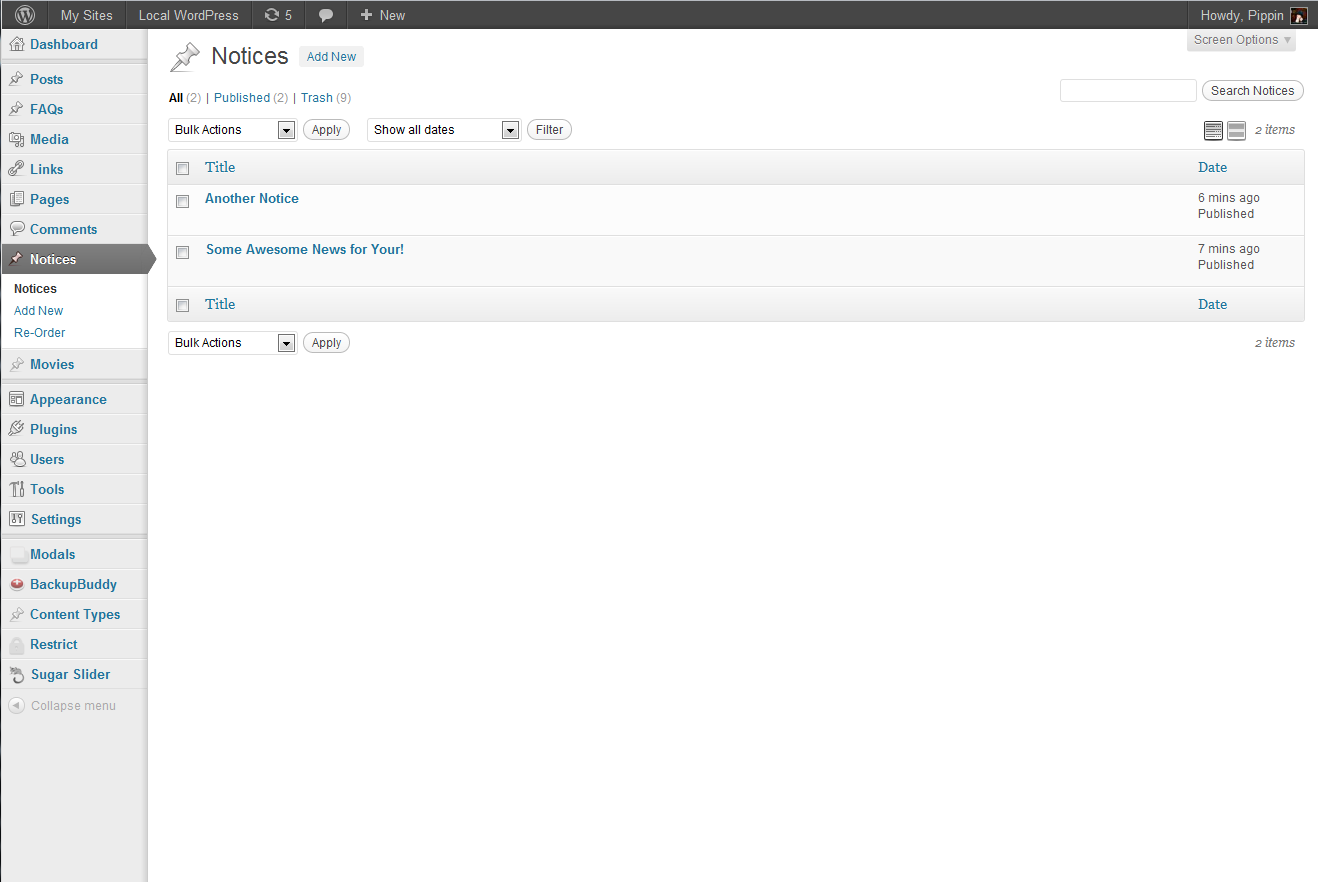
Àwọn àwòrán ìbòjú




Ìgbéwọlẹ̀
- Upload simple-notices to wp-content/plugins
- Click “Activate” in the WordPress plugins menu
- Click Notices in the left dashboard menu
- Create a new notice, choose the color and click Publish
Àwọn àgbéyẹ̀wò


Àwọn Olùkópa & Olùgbéejáde
“Simple Notices” jẹ́ ètò ìṣàmúlò orísun ṣíṣí sílẹ̀. Àwọn ènìyàn wọ̀nyí ti ṣe ìkópa sí plugin yìí.
Àwọn Olùkópa

Túmọ̀ “Simple Notices” sí èdè rẹ.
Ṣe o nífẹ̀ẹ́ sí ìdàgbàsókè?
Ṣàwárí koodu, ṣàyẹ̀wò ibi ìpamọ́ SVN, tàbí ṣe àgbékalẹ̀ sí àkọsílẹ̀ ìdàgbàsókè nípasẹ̀ RSS.
Àkọsílẹ̀ àwọn àyípadà
1.0.7
Updaed compatibility with latest versions of WordPress
1.0.6
Updated to allow notice content to be translated through plugins such as qTranslate.
1.0.3
Added an option to show notices to logged-in users only.
1.0.2
Updated CSS to work better with Twenty Evelen Dark theme.
1.0.1
Minor bug fix.
1.0
Initial release.