

Àpèjúwe
With this plugin you can easily integrate the best functions of the SHOPVOTE rating portal into your WooCommerce shop:
- obtaining the legally required consent for receiving review requests
- automatic and legally secure review requests for shop reviews
- automatic and legally secure review requests for product reviews
- integration of the SHOPVOTE review badge
The integrated EasyReviews function automatically sends a rating request for product and store reviews to your customers in a legally secure manner and ensures the legally required consent of your customers to receive a review invitation.
Your customers can quickly and easily rate your shop and, if applicable, the products they have purchased – without prior registration. The plugin ensures the optimal presentation of your ratings on your website.
By the way: WooCommerce sellers who secure their store with the general terms and conditions service of the “IT-Recht Kanzlei” can also permanently use all SHOPVOTE premium functions (except for product reviews) as part of the cooperation with the “IT-Recht Kanzlei” use for free. A detailed description of all current SHOPVOTE functions can be found here:
- https://www.shopvote.de/unternehmen
You can register your shop here for free:
- https://www.shopvote.de/shop-kostenlos-eintragen
Àwọn àwòrán ìbòjú
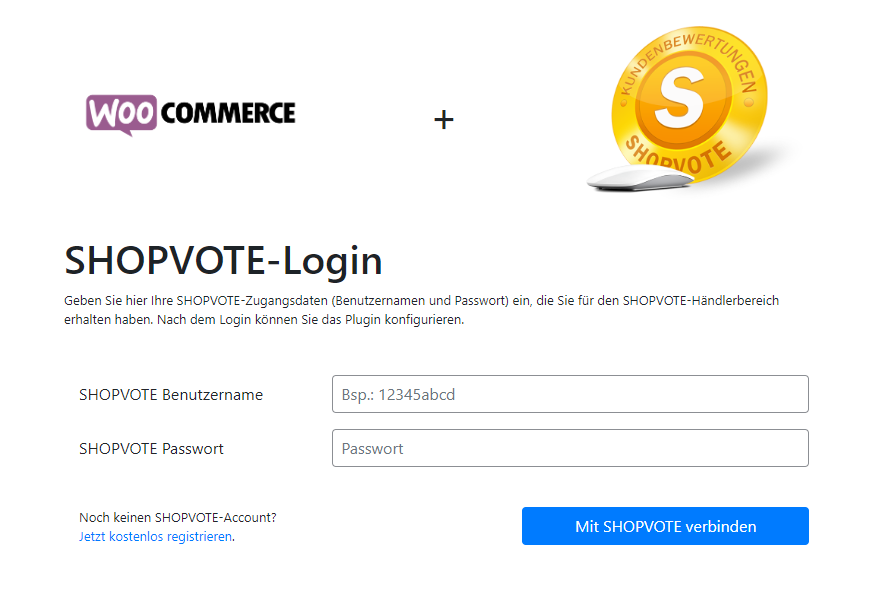
Plugin Login 
Configuration 
Widget Configuration 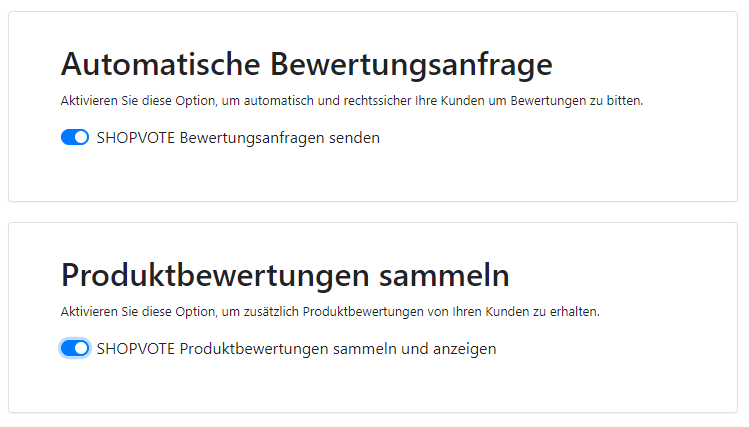
Seller- And Product Reviews (Switch to activate)
Ìgbéwọlẹ̀
Please follow these steps to install the plugin:
Important note: If you are upgrading from version 1.x to version v2.x, it is mandatory to uninstall the previous version beforehand.
- Upload the plugin files to the
/wp-content/plugins/plugin-namedirectory, or install the plugin through the WordPress plugin store directly. - Activate the plugin through the plugin manager
- Navigate to Settings > SHOPVOTE to configure the plugin
Àwọn àgbéyẹ̀wò

Àwọn Olùkópa & Olùgbéejáde
“SHOPVOTE” jẹ́ ètò ìṣàmúlò orísun ṣíṣí sílẹ̀. Àwọn ènìyàn wọ̀nyí ti ṣe ìkópa sí plugin yìí.
Àwọn Olùkópa
A ti túmọ̀ “SHOPVOTE” sí èdè agbègbè 1 kan. Ọpẹ́lọpẹ́ fún àwọn atúmọ̀ èdè fún àwọn ìkópa wọn.
Ṣe o nífẹ̀ẹ́ sí ìdàgbàsókè?
Ṣàwárí koodu, ṣàyẹ̀wò ibi ìpamọ́ SVN, tàbí ṣe àgbékalẹ̀ sí àkọsílẹ̀ ìdàgbàsókè nípasẹ̀ RSS.
Àkọsílẹ̀ àwọn àyípadà
Version 2.1.1
- Bugfixes
Version 2.1
- Optimizations and Bugfixes
Version 2.0
- Full redesign of the plugin