

Àpèjúwe
Is there any doubt the security of your site? Do you think that your computer has keylogger virus? Do you think someone has stolen your password? None of this is important when you get this plugin 🙂
SeCWrity Wp Login is coded for your sites againts brute force attacks, keylogger viruses and more..
Àwọn àwòrán ìbòjú
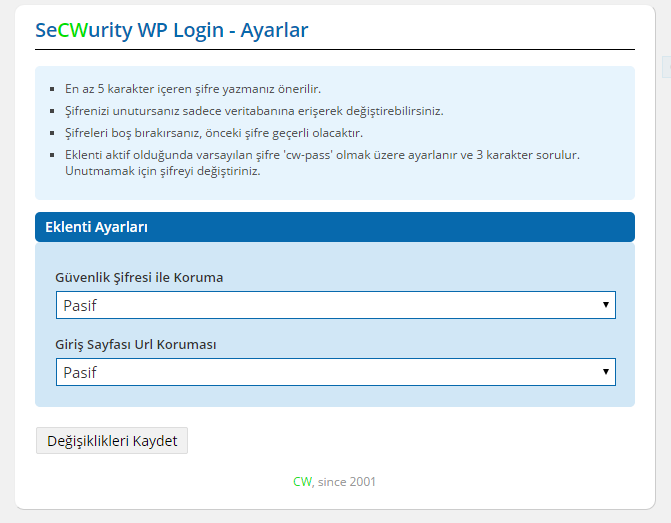
Plugin Settings 
Password Settings 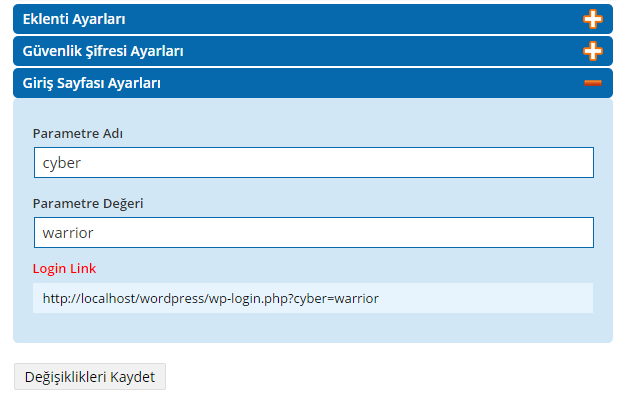
Security with URL Settings 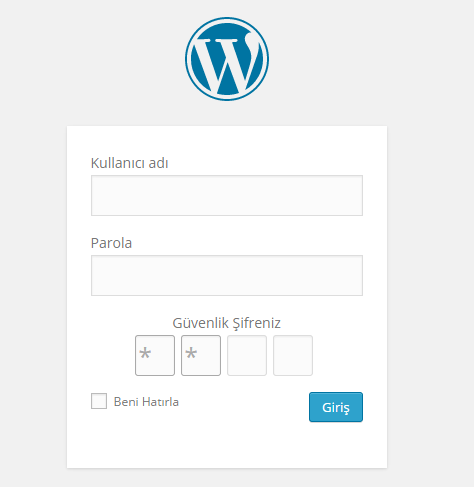
Example of login page with password security 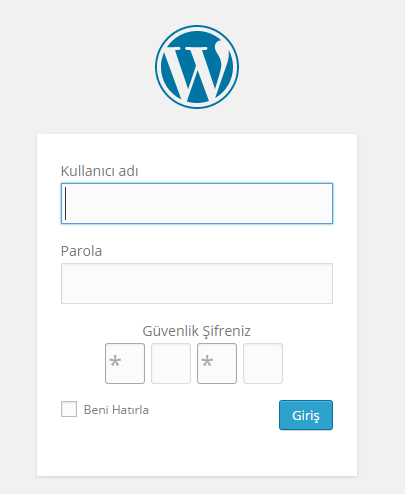
Another example of login page with password security
Ìgbéwọlẹ̀
- Upload folder of plugin to the
/wp-content/plugins/directory - Activate the plugin through the ‘Plugins’ menu in WordPress
- Go to Cyber-Warrior > SeCWurity Login and make the settings by yourself.
- Do not forget to change your password.
FAQ
- I forgot my password. What should I do?
-
You can change your password by providing access to the database.
Learn more (and get detailed instructions) in our contribute guide.
Àwọn àgbéyẹ̀wò
Kò sí àwọn àgbéyẹ̀wò fún plugin yìí.
Àwọn Olùkópa & Olùgbéejáde
“SeCWurity WP Login” jẹ́ ètò ìṣàmúlò orísun ṣíṣí sílẹ̀. Àwọn ènìyàn wọ̀nyí ti ṣe ìkópa sí plugin yìí.
Àwọn Olùkópa
Túmọ̀ “SeCWurity WP Login” sí èdè rẹ.
Ṣe o nífẹ̀ẹ́ sí ìdàgbàsókè?
Ṣàwárí koodu, ṣàyẹ̀wò ibi ìpamọ́ SVN, tàbí ṣe àgbékalẹ̀ sí àkọsílẹ̀ ìdàgbàsókè nípasẹ̀ RSS.
Àkọsílẹ̀ àwọn àyípadà
1.0
=
Some bugs were fixed.
2.0
=
New features were added.
Interface design was updated.
2.1
=
Performance is increased by reducing the number of files.