
Àpèjúwe
A razor sharp plugin that does just one thing: allow you to quickly create new posts from the Block Editor toolbar. You can create new posts in one of two ways:
- Create a brand new empty post.
- Duplicate the current post.
This brings back the ability to create new posts, pages, custom post types quickly and easily even when youÌtumọ̀ Yorùbá: ’re in Fullscreen Mode in the Editor.
If you enjoy the plugin, please leave a review! ⭐
If you have a feature request, please create an issue in the GitHub repository. ➕
If you need support, please use the support forum to reach out. 🆘
Key Features
- A disabled button is available in the toolbar in brand new posts
- The “Add New” button becomes clickable once your postÌtumọ̀ Yorùbá: ’s status is auto-draft, draft, pending, published, or any other state except new.
- You can duplicate the current post with two clicks.
- A keyboard shortcut to create a new post directly from your keyboard (Ctrl + Option + N on Mac or Alt + Shift + N on Windows)
Stay Connected
Àwọn àwòrán ìbòjú
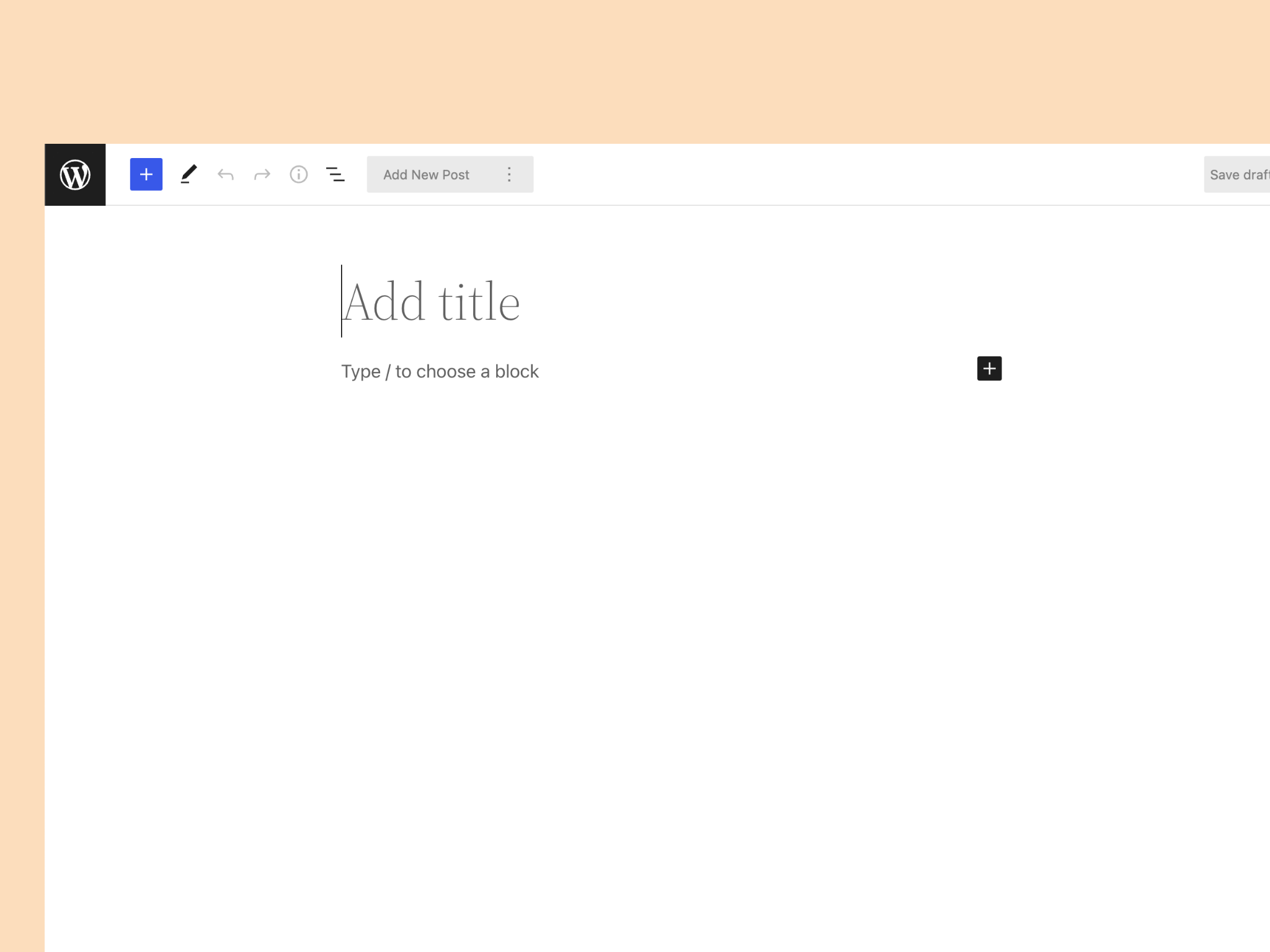
In brand new posts, the Add Newbutton is disabled.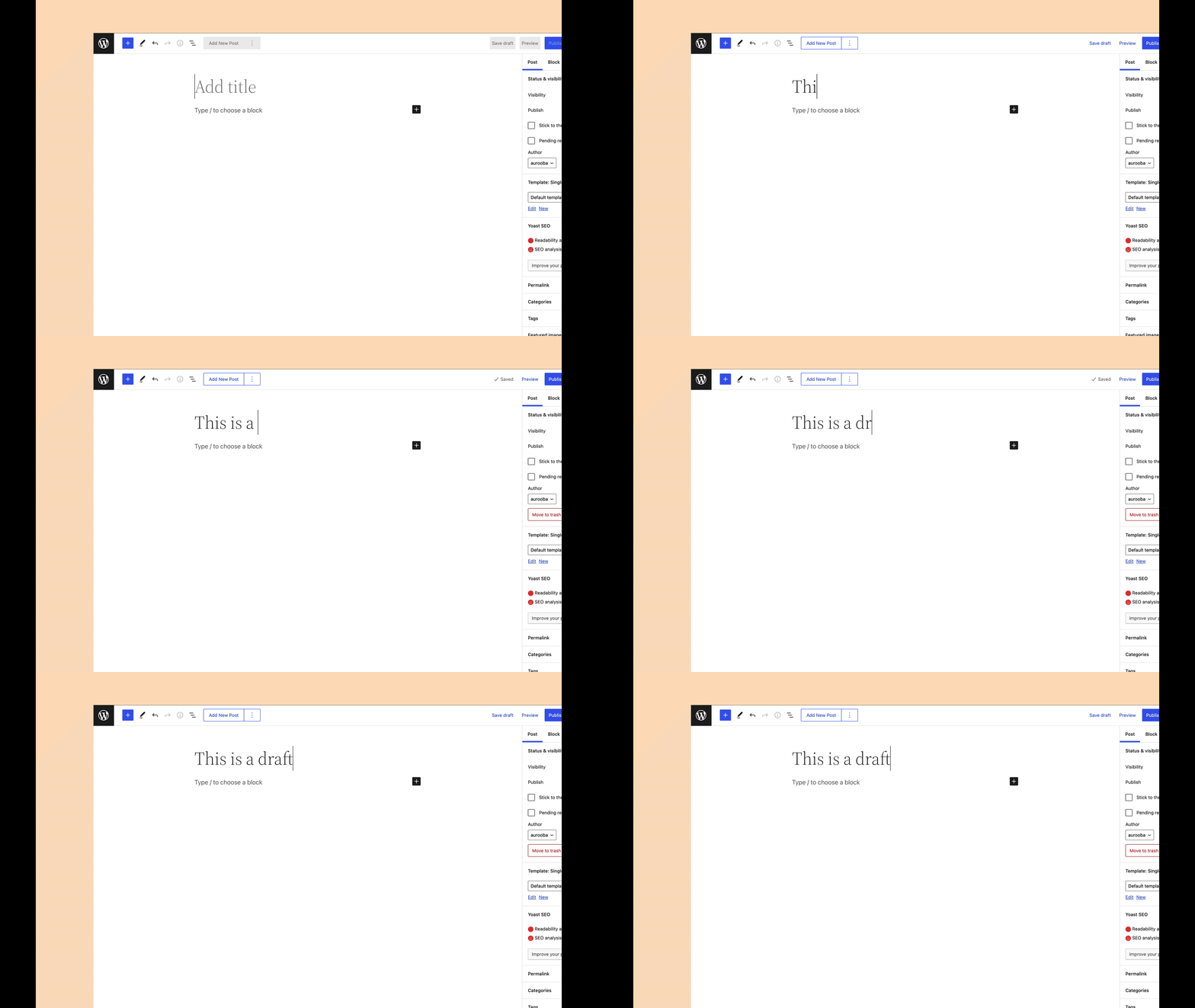
In posts that are not new, the Add Newbutton is clickable and lets you create new and duplicate posts right from the Block Editor.
Click the kebab menu button to reveal the Duplicate Postbutton.
Clicking the Add Newbutton takes you to a fresh new post of the same post type.
Ìgbéwọlẹ̀
- Upload the plugin files to the
/wp-content/plugins/directory, install the plugin through the WordPress plugins screen directly, or search forQuickPostin the Block Library. - Activate the plugin through the ‘Plugins’ screen in WordPress if installed manually or through the WordPress plugins screen.
- Use the
Add Newbutton in the Block Editor toolbar when needed.
FAQ
-
Is this plugin supported?
-
Yes, this plugin is actively supported. If you have a question, issue, or youÌtumọ̀ Yorùbá: ’ve identified a bug, please reach out through the support forums.
-
What gets duplicated?
-
Right now all default WordPress post information gets duplicated, except featured images. Currently, custom taxonomies, Yoast information, or custom additions are not supported. But as the plugin evolves, more support will be added. Please use the support forums to let us know what youÌtumọ̀ Yorùbá: ’d like added support for.
-
How can I change when QuickPost is available?
-
The plugin provides a filter called
QuickPostDisplayto help you affect QuickPostÌtumọ̀ Yorùbá: ’s visibility. Refer to the example in the README on GitHub.
Àwọn àgbéyẹ̀wò


Àwọn Olùkópa & Olùgbéejáde
“QuickPost Ìtumọ̀ Yorùbá: – Add New Posts & Duplicate from the Block Editor” jẹ́ ètò ìṣàmúlò orísun ṣíṣí sílẹ̀. Àwọn ènìyàn wọ̀nyí ti ṣe ìkópa sí plugin yìí.
Àwọn Olùkópa


A ti túmọ̀ “QuickPost Ìtumọ̀ Yorùbá: – Add New Posts & Duplicate from the Block Editor” sí àwọn èdè agbègbè 3. Ọpẹ́lọpẹ́ fún àwọn atúmọ̀ èdè fún àwọn ìkópa wọn.
Túmọ̀ “QuickPost Ìtumọ̀ Yorùbá: – Add New Posts & Duplicate from the Block Editor” sí èdè rẹ.
Ṣe o nífẹ̀ẹ́ sí ìdàgbàsókè?
Ṣàwárí koodu, ṣàyẹ̀wò ibi ìpamọ́ SVN, tàbí ṣe àgbékalẹ̀ sí àkọsílẹ̀ ìdàgbàsókè nípasẹ̀ RSS.
Àkọsílẹ̀ àwọn àyípadà
0.1.5 Ìtumọ̀ Yorùbá: – Feb 27, 2023
- Adds a new keyboard shortcut to create a new post directly from your keyboard (Ctrl + Option + N on Mac or Alt + Shift + N on Windows)
0.1.4 Ìtumọ̀ Yorùbá: – May 10, 2022
- Looks like the last release didnÌtumọ̀ Yorùbá: ’t get pushed correctly, so this is a push to actually fix the
common.min.cssproblem.
0.1.3 Ìtumọ̀ Yorùbá: – May 6, 2022
- FIX: the
common.min.cssfile was getting enqueued unnecessarily to the front-end, this fixes that. Thanks for the report @mrwweb!
0.1.2 Ìtumọ̀ Yorùbá: – May 1, 2022
- NEW FEATURE: You can filter the visibilty of the entire QuickPost button using the filter
QuickPost.Display. QuickPost has a property calledvisibility, which you can set totrueorfalsedepending on a condition of your choosing. - ENHANCEMENT: The
Add Newbutton into a true semantic link to allow folks to open the new post in the current tab/window, new tab, or new window. - ENHANCEMENT: When you choose to duplicate a post, on success, not only does the entire menu item transforms into a semantic link (for the same benefits as the
add newbutton transformation, but also with the call to actionEdit duplicated {post type label}, to correctly indicate theyÌtumọ̀ Yorùbá: ’ll be taken to the editor for the newly duplicated post. - FIX: the translations werenÌtumọ̀ Yorùbá: ’t working correctly because of an incorrectly enqueued file, thatÌtumọ̀ Yorùbá: ’s been fixed.
0.1.1 Ìtumọ̀ Yorùbá: – February 27, 2022
- Fixes a small bug that causes a fatal error on installs running PHP versions lower than PHP 7.3
0.1.0 Ìtumọ̀ Yorùbá: – February 21, 2022
- Release