

Àpèjúwe
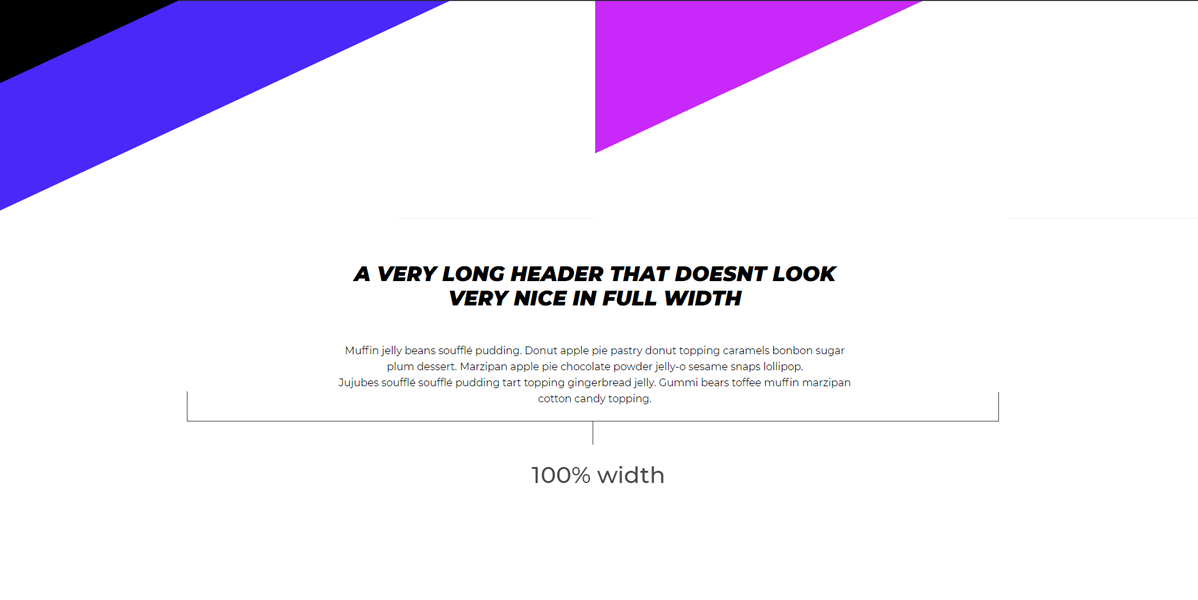
Surely you know the feeling, when your text looks silly in a 100% width layout. “Max With Container” letÌtumọ̀ Yorùbá: ’s you set a max-width, making your text fit nicely within the design of your page. This plugin creates a new Gutenberg block in the layout category, which allows you yo create a container with an adjustable maximun width, giving your perfect control over the layout.
Àwọn àwòrán ìbòjú
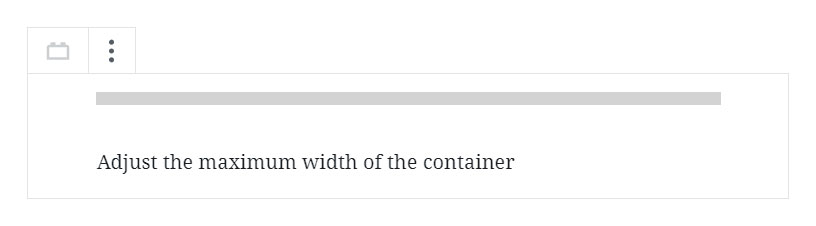
Gutenberg editor
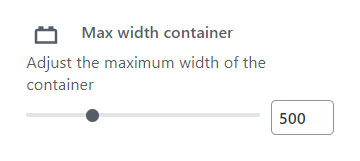
Block controls

Àwọn ìdí
Plugin yìí pèsè 2 àwọn ìdí.
- gutenberg-blocks/width-container
- Max width container
Ìgbéwọlẹ̀
- Upload the plugin files to the
/wp-content/plugins/plugin-namedirectory, or install the plugin through the WordPress plugins screen directly.
FAQ
- No questions yet
Àwọn àgbéyẹ̀wò

Àwọn Olùkópa & Olùgbéejáde
“Max width container” jẹ́ ètò ìṣàmúlò orísun ṣíṣí sílẹ̀. Àwọn ènìyàn wọ̀nyí ti ṣe ìkópa sí plugin yìí.
Àwọn Olùkópa
A ti túmọ̀ “Max width container” sí àwọn èdè agbègbè 3. Ọpẹ́lọpẹ́ fún àwọn atúmọ̀ èdè fún àwọn ìkópa wọn.
Túmọ̀ “Max width container” sí èdè rẹ.
Ṣe o nífẹ̀ẹ́ sí ìdàgbàsókè?
Ṣàwárí koodu, ṣàyẹ̀wò ibi ìpamọ́ SVN, tàbí ṣe àgbékalẹ̀ sí àkọsílẹ̀ ìdàgbàsókè nípasẹ̀ RSS.
Àkọsílẹ̀ àwọn àyípadà
1.0.0
- Release
1.1
- Content is properly centered on the page by modifying the CSS class name