
Àpèjúwe
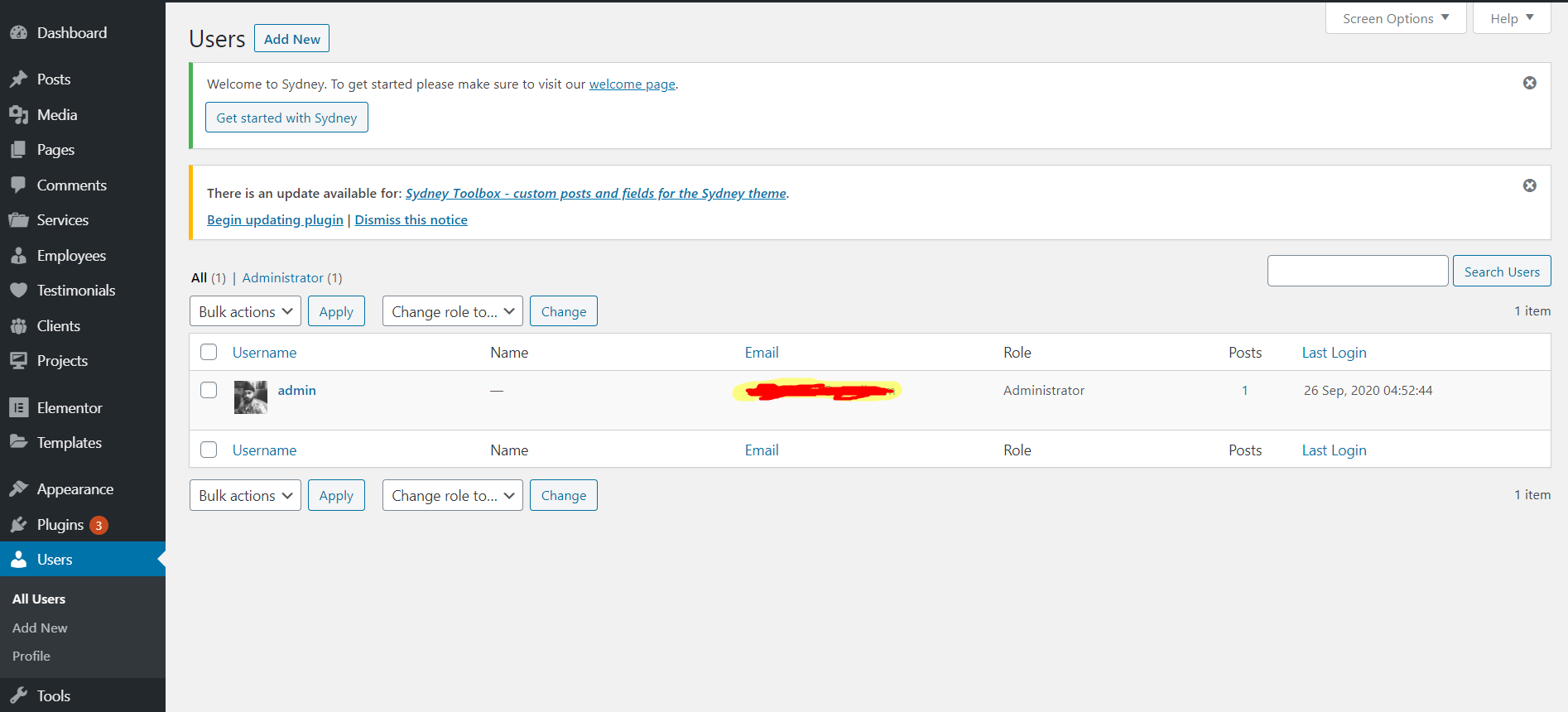
A lightweight plugin that allows you to see active users according to their last login time/date. No need to configure, simply activate the Last Login Time and you’re ready to go! This adds a custom column to your WordPress users list of “Last Login” and a timestamp linked to that user.
Feature:
- Show when last a user has logged into your site.
- Sorts users according to the last login timestamp (Ascending/Descending) in the WordPress user list.
Arbitrary section
A brief Markdown Example
Àwọn àwòrán ìbòjú
Ìgbéwọlẹ̀
This section describes how to install the plugin and get it working.
e.g.
- Upload plugin to the
/wp-content/plugins/directory - Activate the plugin through the ‘Plugins’ menu in WordPress
- and its start working
Àwọn àgbéyẹ̀wò
Kò sí àwọn àgbéyẹ̀wò fún plugin yìí.
Àwọn Olùkópa & Olùgbéejáde
“Last Login Time” jẹ́ ètò ìṣàmúlò orísun ṣíṣí sílẹ̀. Àwọn ènìyàn wọ̀nyí ti ṣe ìkópa sí plugin yìí.
Àwọn Olùkópa
Túmọ̀ “Last Login Time” sí èdè rẹ.
Ṣe o nífẹ̀ẹ́ sí ìdàgbàsókè?
Ṣàwárí koodu, ṣàyẹ̀wò ibi ìpamọ́ SVN, tàbí ṣe àgbékalẹ̀ sí àkọsílẹ̀ ìdàgbàsókè nípasẹ̀ RSS.
Àkọsílẹ̀ àwọn àyípadà
1.0
- Final upload of the plugin.
- Working well.
0.5
- Just a test plugin.