
Àpèjúwe
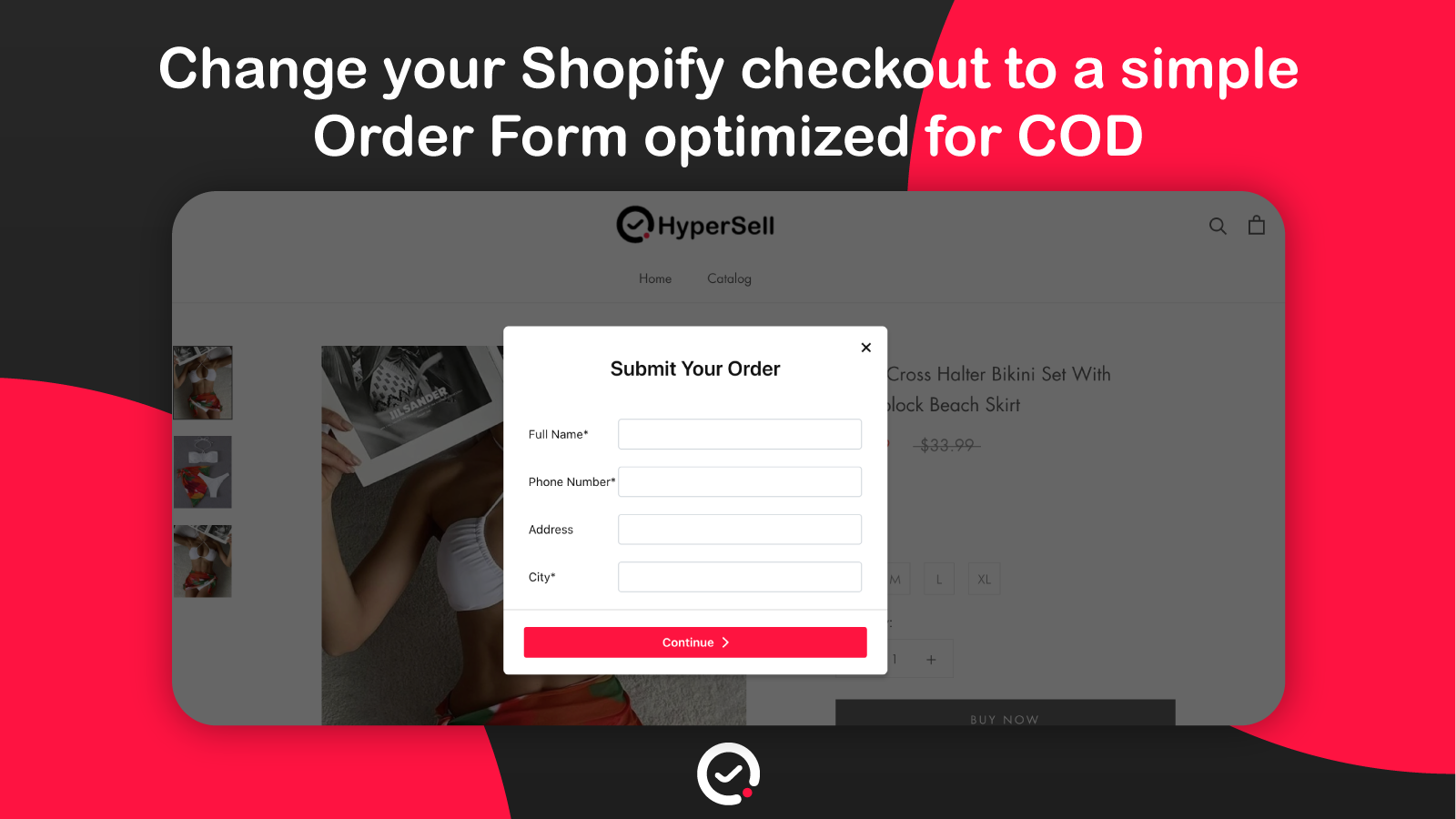
If your business is based on Cash On Delivery, you need HyperSell in your store, it will help you increase your conversion by changing the normal WooCommerce checkout with a simple, fully customizable Order Form.
How it Works
Fast and simple
1- Install HyperSell extension
2- Customize your form
3- Enable it from Settings
HyperSell works with a 3rd Party
HyperSell is an app for receiving and sending orders/leads to WooCommerce stores
So in this part, we’re using WooCommerce API
in your first entry to HyperSell Dashboard, we will redirect you to the WooCommerce panel to give us an Authorization
With this authorization, HyperSell can send the orders/leads that are received from the form to your WooCommerce store (this authorization includes reading and writing orders)
You can read all information about WooCommerce API from here WooCommerce API.
This is terms & Conditions of WooCommerce Terms & Conditions.
Note
By installing this plugin you agree to accept HyperSell Terms of Use.
Support
= Do you have any question? =
Please feel free to contact us on this email [email protected]
Original version
Àwọn àwòrán ìbòjú


Àwọn àgbéyẹ̀wò


Àwọn Olùkópa & Olùgbéejáde
“HyperSell – COD Order Form for WooCommerce” jẹ́ ètò ìṣàmúlò orísun ṣíṣí sílẹ̀. Àwọn ènìyàn wọ̀nyí ti ṣe ìkópa sí plugin yìí.
Àwọn Olùkópa
Túmọ̀ “HyperSell – COD Order Form for WooCommerce” sí èdè rẹ.
Ṣe o nífẹ̀ẹ́ sí ìdàgbàsókè?
Ṣàwárí koodu, ṣàyẹ̀wò ibi ìpamọ́ SVN, tàbí ṣe àgbékalẹ̀ sí àkọsílẹ̀ ìdàgbàsókè nípasẹ̀ RSS.