
Àpèjúwe
- Use your Site Settings to white label WordPress automatically.
- Customize admin login page by multiple options.
- Set Image Metadata automatically after uploading.
- Convert plain email text into link automatically.
- Enable SVG support.
- Drag and drop post types / taxonomies order.
- Duplicate post types with single item or bulk action.
- Protect your site image by disable right click / drag image into html page (only for non-admin users).
- Protect your site content by disable these following keys: Ctrl / Cmd + S, Ctrl / Cmd + A, Ctrl / Cmd + C, Ctrl / Cmd + X, Ctrl / Cmd + Shift + I (only for non-admin users).
- Disable WordPress comments & WordPress Automatic Updates completely as default.
- Customize 503 Database Error page.
Àwọn àwòrán ìbòjú

White Label WordPress settings. 
Enable drag and drop post types / taxonomies order. 
Enable duplicate post types with single item or bulk action. 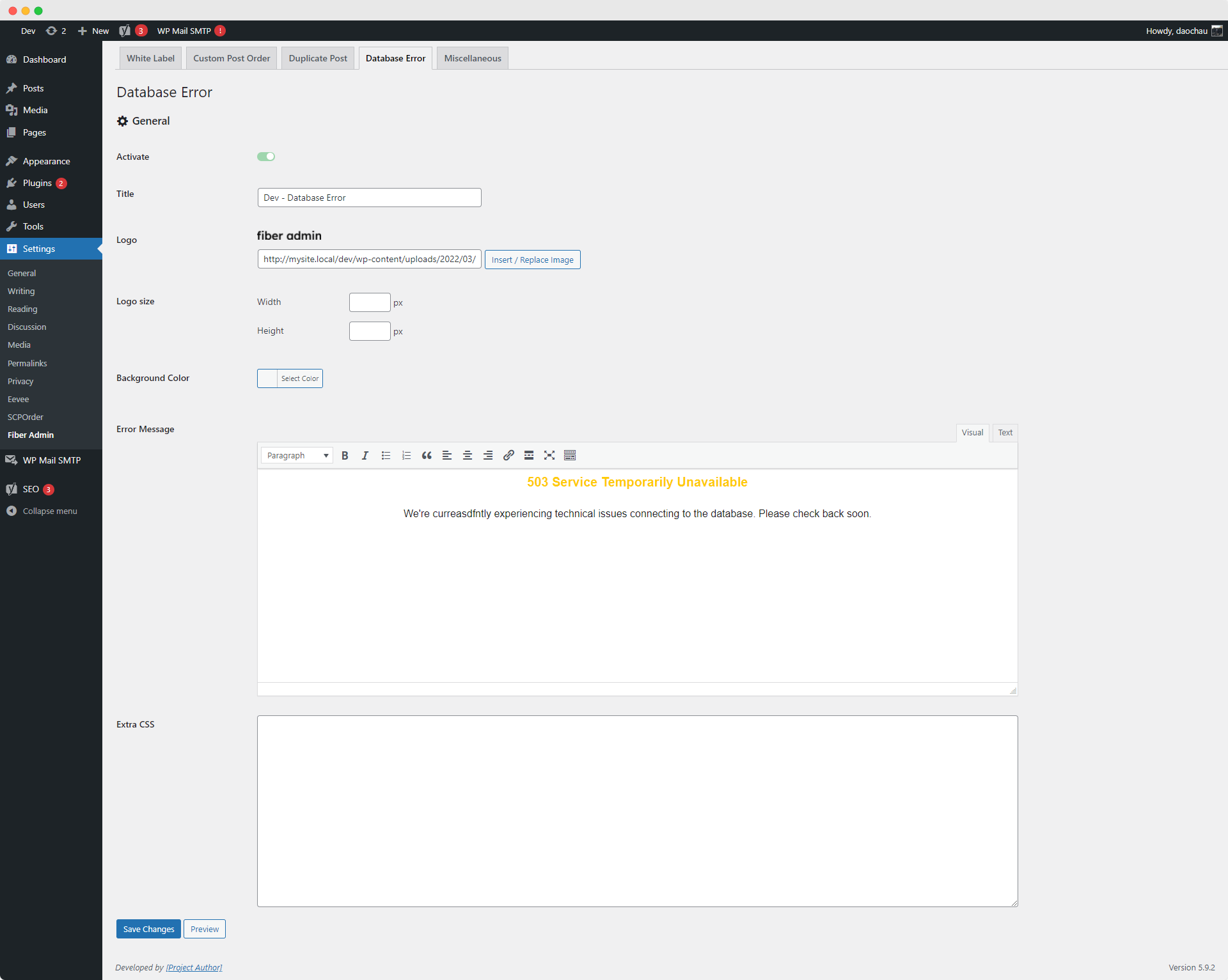
503 Database Error page settings. 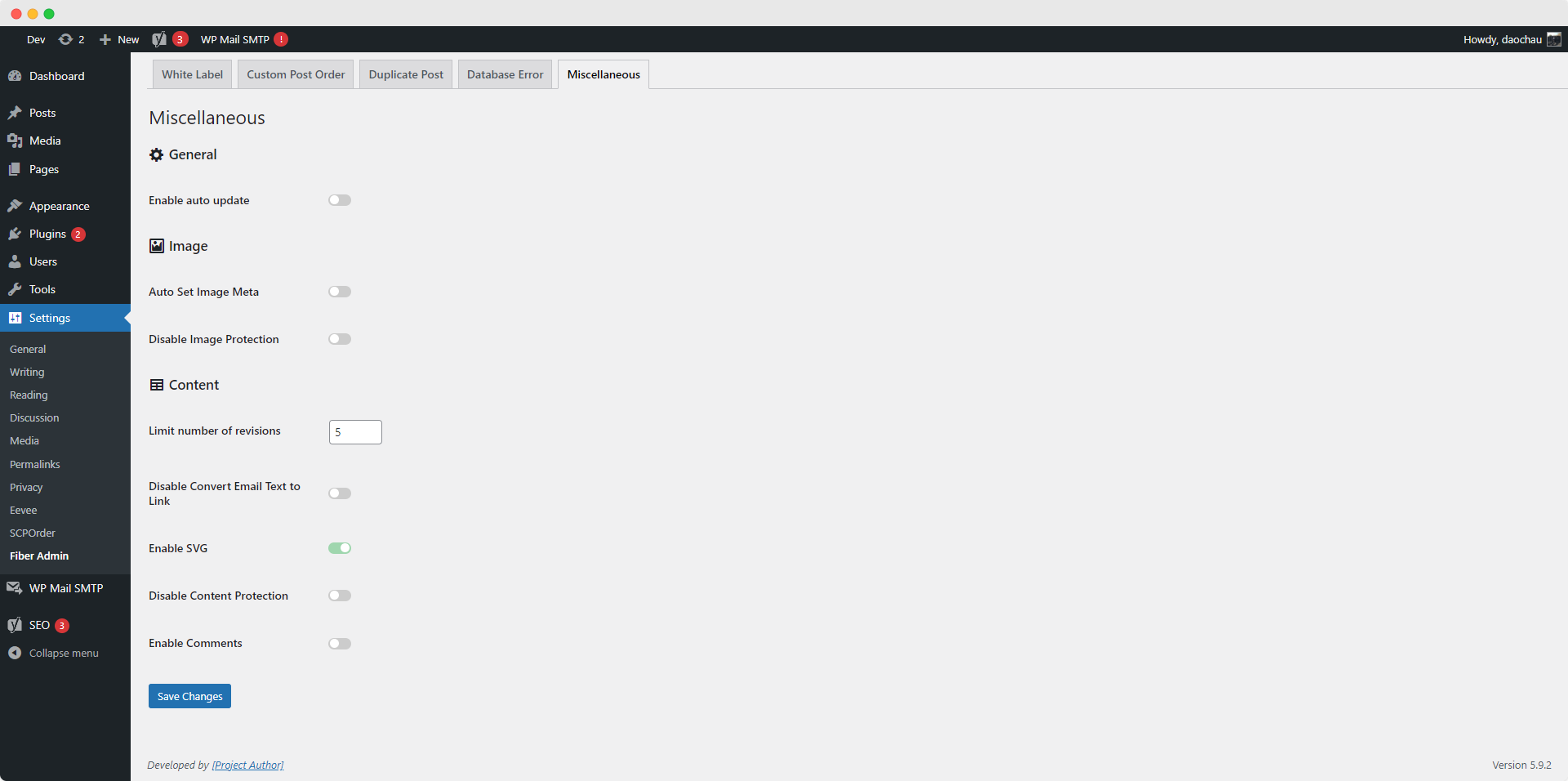
Miscellaneous settings.
Ìgbéwọlẹ̀
- Install either via the WordPress.org plugin directory, or by uploading the files to your server.
- Go to CMS admin plugins list and activate the plugin.
- Go to Fiber Admin setting page and update the options.
FAQ
-
Why can’t I save the settings for Customized WordPress Database Error page?
-
At the first time using this setting, Fiber Admin will ask you to save it to create the db-error.php file. When your site has some security plugins like Sucuri or Wordfence Security…, these plugins will have an option to prevent file editor. All you need is whitelist wp-content/db-error.php from plugin setting.
Àwọn àgbéyẹ̀wò
Kò sí àwọn àgbéyẹ̀wò fún plugin yìí.
Àwọn Olùkópa & Olùgbéejáde
“Fiber Admin” jẹ́ ètò ìṣàmúlò orísun ṣíṣí sílẹ̀. Àwọn ènìyàn wọ̀nyí ti ṣe ìkópa sí plugin yìí.
Àwọn Olùkópa
Túmọ̀ “Fiber Admin” sí èdè rẹ.
Ṣe o nífẹ̀ẹ́ sí ìdàgbàsókè?
Ṣàwárí koodu, ṣàyẹ̀wò ibi ìpamọ́ SVN, tàbí ṣe àgbékalẹ̀ sí àkọsílẹ̀ ìdàgbàsókè nípasẹ̀ RSS.
Àkọsílẹ̀ àwọn àyípadà
3.2.7
Release Date – 15 September 2025
- Changed: Improve Admin Login UI