

Àpèjúwe
EnvyDoc WordPress plugin can help you create unlimited online docs for your project. The plugin offers extra-ordinary features, including easy-to-use options for creating and customizing documentation for ultimate needs. This shortcode enabled plugin can make building and using with minimum effort.
EnvyDoc Management
- General Mode
- Classic Mode
- Add Docs
- Edit Docs
- View Docs
- Delete Docs
- Reorder Docs
- Section Options
- Subsection Options
- Top and Vertical Menu
- Print Options
- Email Query Options
- Shortcode Options
Documentation and Support
- For documentation and tutorials go to our Documentation
- If you have any more questions, visit our support on the Plugin’s Forum
Àwọn àwòrán ìbòjú

EnvyDoc Sample Screen 1 
EnvyDoc Sample Screen 2 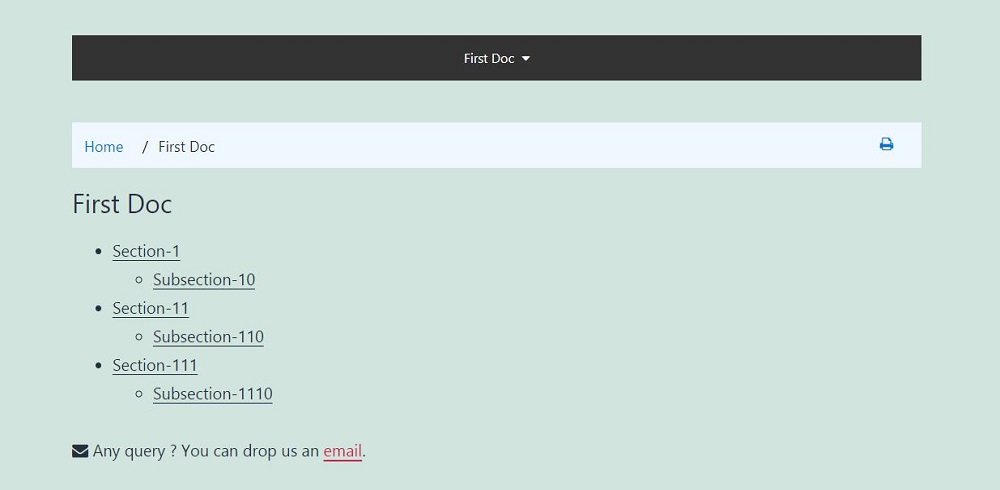
EnvyDoc Sample Screen 3 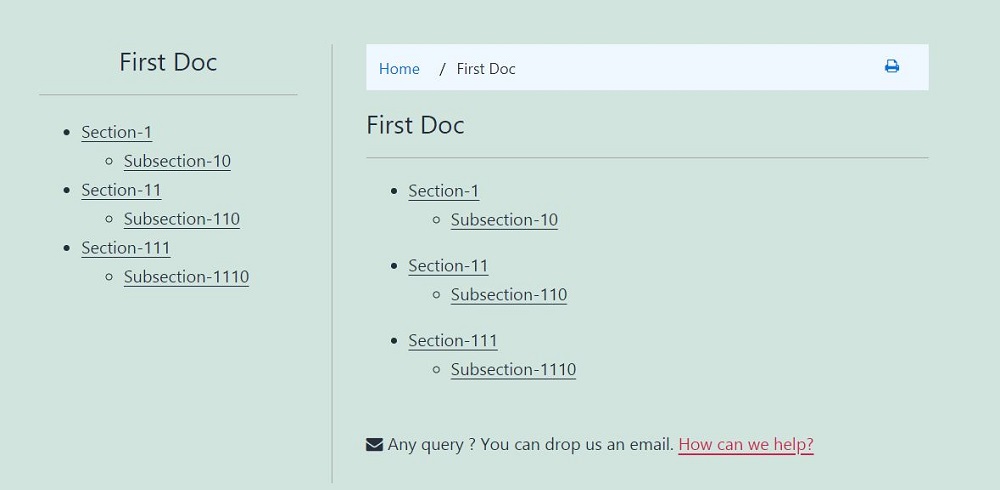
EnvyDoc Sample Screen 4
Ìgbéwọlẹ̀
From the dashboard:
- Go to the WordPress Dashboard “Add New Plugin” section
- Search For “EnvyDoc”
- Install, then Activate it
From the control panel:
- Unzip (if it is zipped) and Upload
envy-docfolder to the/wp-content/plugins/directory - Activate the plugin through the ‘Plugins’ menu in WordPress

Àwọn Olùkópa & Olùgbéejáde
“EnvyDoc – WordPress Plugin for Ultimate Online Documentation” jẹ́ ètò ìṣàmúlò orísun ṣíṣí sílẹ̀. Àwọn ènìyàn wọ̀nyí ti ṣe ìkópa sí plugin yìí.
Àwọn Olùkópa
Túmọ̀ “EnvyDoc – WordPress Plugin for Ultimate Online Documentation” sí èdè rẹ.
Ṣe o nífẹ̀ẹ́ sí ìdàgbàsókè?
Ṣàwárí koodu, ṣàyẹ̀wò ibi ìpamọ́ SVN, tàbí ṣe àgbékalẹ̀ sí àkọsílẹ̀ ìdàgbàsókè nípasẹ̀ RSS.
Àkọsílẹ̀ àwọn àyípadà
1.1 – January 25, 2021
- Added: Subsection Sub Options
- Added: Image, Description & Icon Options
- Added: Voting System
- Added: EnvyDoc Knowledge Base
- Added: Live Search With Filtering
- Added: Popular Knowledge Base Widget
- Added: Related Knowledge Base Widget
1.0 – January 20, 2021
- Initial Release