
Àpèjúwe
Are you creating WordPress websites for your clients?
Take control over Dashboard experience with DK White Label.
Features
- Login Screen Customization
- Create your own Color Scheme
- Hide Dashboard UI Elements
- Email fields to from…
Github
Àwọn àwòrán ìbòjú
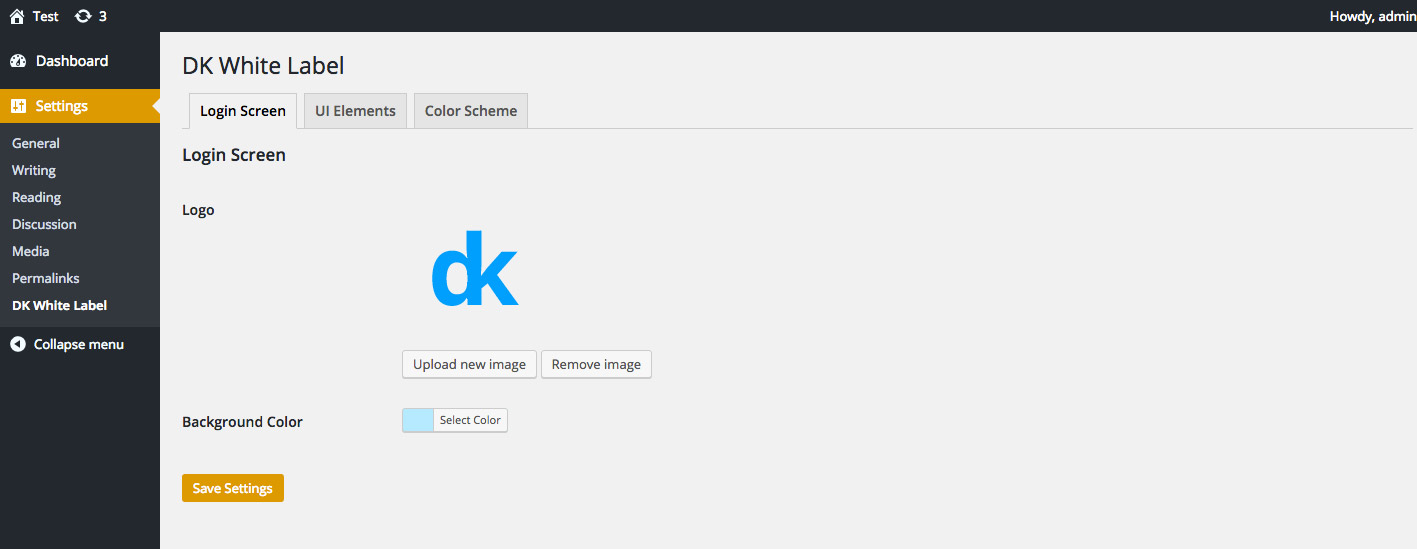
Login Screen 
UI Elements 
Color Scheme
Ìgbéwọlẹ̀
Installing “DK White Label” can be done either by searching for “DK White Label” via the “Plugins > Add New” screen in your WordPress dashboard, or by using the following steps:
- Download the plugin via WordPress.org
- Upload the ZIP file through the ‘Plugins > Add New > Upload’ screen in your WordPress dashboard
- Activate the plugin through the ‘Plugins’ menu in WordPress
Àwọn àgbéyẹ̀wò

Ọwẹ́wẹ̀ 3, 2016
Very handy tool when you need to scale off some menu items and functions or simply just want to get rid of a few annoying things (read Dashboard 🙂 ).
Easy to use, great plugin to have!
Àwọn Olùkópa & Olùgbéejáde
“DK White Label” jẹ́ ètò ìṣàmúlò orísun ṣíṣí sílẹ̀. Àwọn ènìyàn wọ̀nyí ti ṣe ìkópa sí plugin yìí.
Àwọn Olùkópa
Túmọ̀ “DK White Label” sí èdè rẹ.
Ṣe o nífẹ̀ẹ́ sí ìdàgbàsókè?
Ṣàwárí koodu, ṣàyẹ̀wò ibi ìpamọ́ SVN, tàbí ṣe àgbékalẹ̀ sí àkọsílẹ̀ ìdàgbàsókè nípasẹ̀ RSS.
Àkọsílẹ̀ àwọn àyípadà
1.2
- Fix – Reflected XSS
1.1
- WordPress Email
1.0
- Initial release