

Àpèjúwe
Block Manager gives you complete control over the WordPress Block Editor by allowing you to:
✅ Disable Blocks Ìtumọ̀ Yorùbá: – Remove unwanted blocks from the Block Inserter and Editor
✅ Disable Patterns Ìtumọ̀ Yorùbá: – Hide block patterns you donÌtumọ̀ Yorùbá: ’t need with a single click
✅ Change Block Categories Ìtumọ̀ Yorùbá: – Reorganize blocks by updating their categories for better workflow
Simplify your WordPress editing experience by removing clutter and organizing blocks exactly how you need them. Perfect for client sites, custom workflows, and maintaining a clean, focused Block Editor.
Key Features
Disable Blocks
Ìtumọ̀ Yorùbá: – Globally remove any block from the Block Inserter and Block Editor.
Ìtumọ̀ Yorùbá: – Disable block variations individually while keeping the core block.
Ìtumọ̀ Yorùbá: – Control Embed blocks (Twitter, Facebook, YouTube, etc.) to remove unwanted options.
Ìtumọ̀ Yorùbá: – Toggle entire block categories on/off with one click.
Disable Block Patterns
Ìtumọ̀ Yorùbá: – Remove unwanted block patterns with a simple toggle.
Ìtumọ̀ Yorùbá: – Hide core WordPress patterns that donÌtumọ̀ Yorùbá: ’t fit your site.
Ìtumọ̀ Yorùbá: – Clean up the pattern library for a focused editing experience.
Change Block Categories
Ìtumọ̀ Yorùbá: – Update the category of any block to better organize your Block Inserter.
Ìtumọ̀ Yorùbá: – Create a custom workflow that matches your editing process.
Ìtumọ̀ Yorùbá: – Improve findability by grouping related blocks together.
Additional Features
Ìtumọ̀ Yorùbá: – Code Hooks: Use filters to control blocks and patterns via functions.php.
Ìtumọ̀ Yorùbá: – Search and Filter: Quickly locate blocks and patterns with built-in search.
Ìtumọ̀ Yorùbá: – Export Options: Generate code snippets for syncing across environments.
Ìtumọ̀ Yorùbá: – Status Reports: View active and disabled blocks at a glance.
Hooks & Filters
Use Block Manager hooks to controls blocks via code and sync options across multiple WordPress environments.
gbm_disabled_blocks
Use the gbm_disabled_blocks hook to remove blocks via backend code.
// functions.php
add_filter( 'gbm_disabled_blocks', function() {
    return [
        'core/buttons',
        'core/columns',
        'core/freeform',
        'core/table'
    ];
});
gbm_disabled_patterns
Use the gbm_disabled_patterns hook to remove block patterns via backend code.
// functions.php
add_filter( 'gbm_disabled_patterns', function() {
   return ['gbm/core-patterns', 'core/query-standard-posts', 'core/query-medium-posts'];
});
gbm_block_categories
Use the gbm_block_categories hook to update block categories via backend code.
// functions.php
add_filter( 'gbm_block_categories', function() {
    return [
        [ 'block' => 'core/html', 'cat' => 'design' ],
        [ 'block' => 'core/cover', 'cat' => 'design' ],
        [ 'block' => 'core/details', 'cat' => 'design' ]
    ];
});
block_manager_user_role
Update the minimum user role allowed to access the Block Manager plugin.
// functions.php
add_filter(
    'block_manager_user_role',
    'edit_theme_options' // Default: activate_plugins
);
Àwọn àwòrán ìbòjú
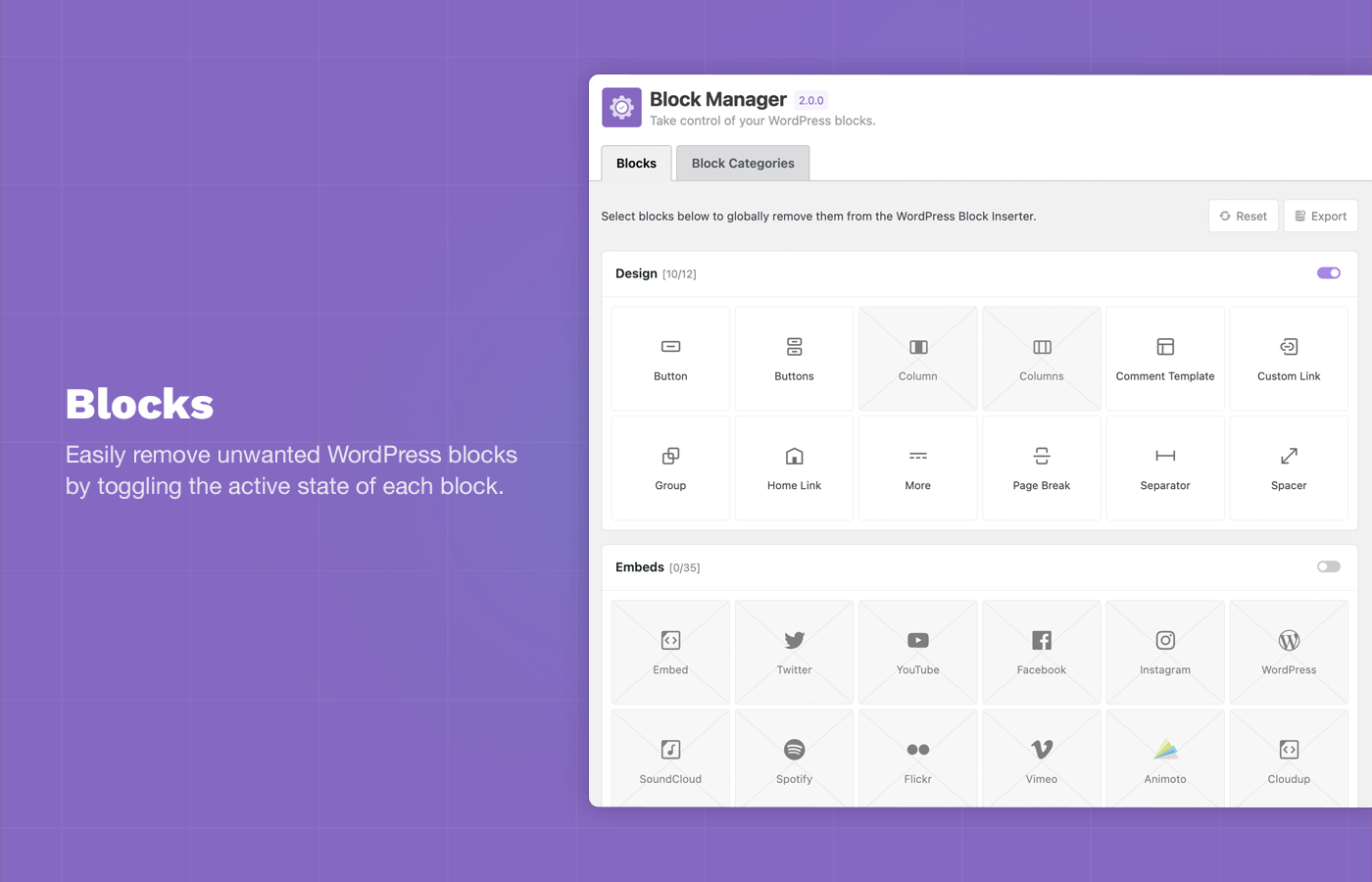
Disable Blocks: Easily remove unwanted WordPress blocks by toggling the active state of each block. 
Block Toggle: Disable all blocks in a block categories with a single click. 
Block Categories: Improve the admin editing experience by updating the category of each block using the Category Switcher. 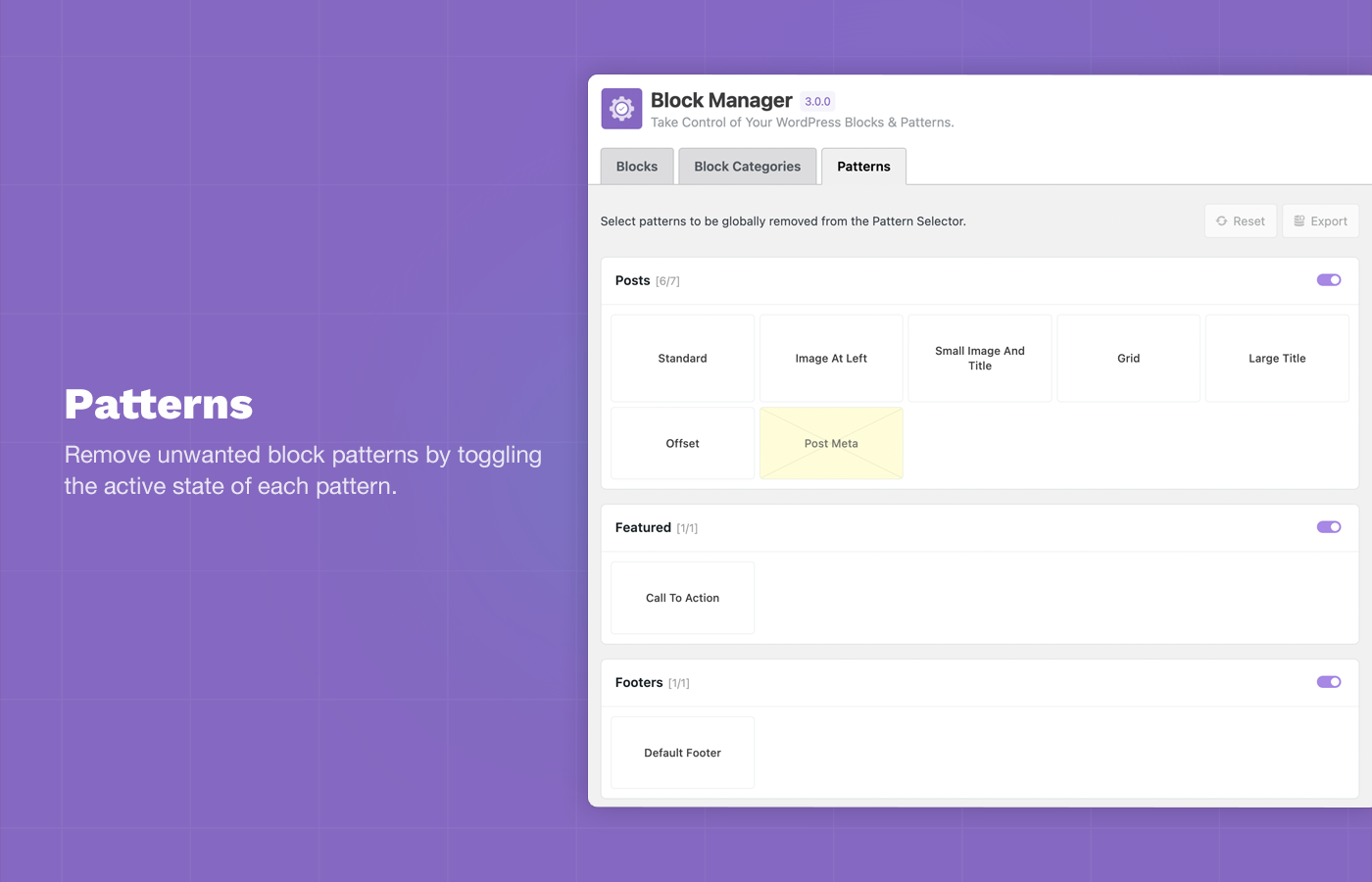
Disable Block Patterns: Remove unwanted block patterns and core patterns by toggling the active state of each pattern. 
Status Reports: Total active and disabled blocks are displayed in the plugin sidebar. 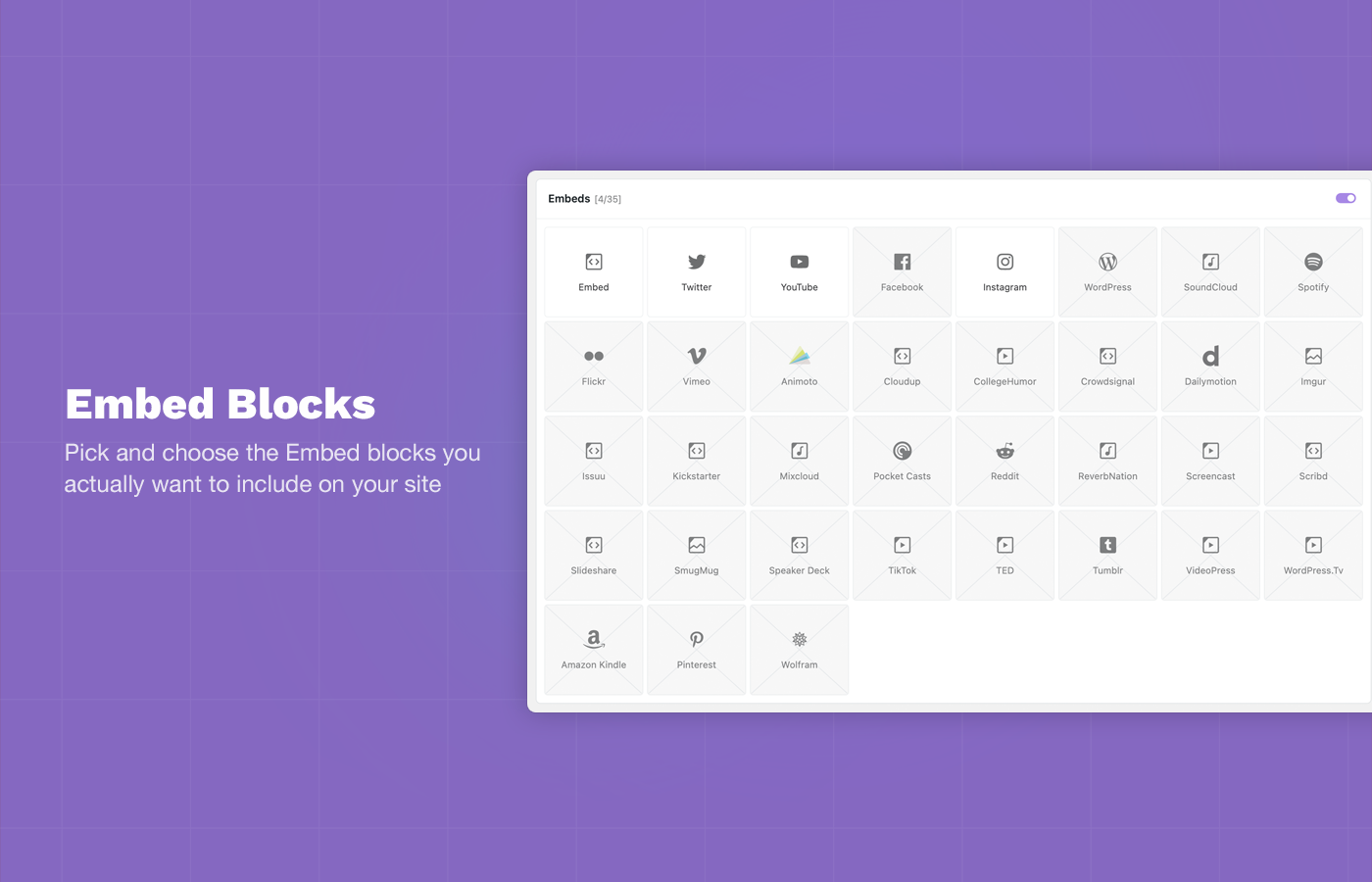
Embed Blocks: Choose the Embed blocks you want to allow on your site and remove the majority of useless options.
Ìgbéwọlẹ̀
How to install Block Manager.
Using The WordPress Dashboard
- Navigate to the ‘Add New’ in the plugins dashboard
- Search for ‘Block Manager’
- Click ‘Install Now’
- Activate the plugin on the Plugin dashboard
Uploading in WordPress Dashboard
- Navigate to the ‘Add New’ in the plugins dashboard
- Navigate to the ‘Upload’ area
- Select
block-manager.zipfrom your computer - Click ‘Install Now’
- Activate the plugin in the Plugin dashboard
Using FTP
- Download
block-manager.zip - Extract the
block-managerdirectory to your computer - Upload the
block-managerdirectory to the/wp-content/plugins/directory - Activate the plugin in the Plugin dashboard
Then navigate to wp-admin -> Settings -> Block Manager to use the plugin.
Àwọn àgbéyẹ̀wò


Àwọn Olùkópa & Olùgbéejáde
“Block Manager” jẹ́ ètò ìṣàmúlò orísun ṣíṣí sílẹ̀. Àwọn ènìyàn wọ̀nyí ti ṣe ìkópa sí plugin yìí.
Àwọn Olùkópa

A ti túmọ̀ “Block Manager” sí àwọn èdè agbègbè 6. Ọpẹ́lọpẹ́ fún àwọn atúmọ̀ èdè fún àwọn ìkópa wọn.
Túmọ̀ “Block Manager” sí èdè rẹ.
Ṣe o nífẹ̀ẹ́ sí ìdàgbàsókè?
Ṣàwárí koodu, ṣàyẹ̀wò ibi ìpamọ́ SVN, tàbí ṣe àgbékalẹ̀ sí àkọsílẹ̀ ìdàgbàsókè nípasẹ̀ RSS.
Àkọsílẹ̀ àwọn àyípadà
3.2.0 Ìtumọ̀ Yorùbá: – January 14, 2026
- NEW: Added support for Stretchy Paragraph and Stretchy Heading block variations.
- Fix: Fixed issue with Embed block variation display.
- NEW: Added WordPress version detection to improve compatibility with future WP releases.
- UPDATE: Project dependency updates.
- UPDATE: Various code refactoring and organization.
3.1.2 Ìtumọ̀ Yorùbá: – December 8, 2025
- FIX: Fixed issue WP 6.9 and missing required sprintf package.
- UPDATE: Project dependency updates.
3.1.1 Ìtumọ̀ Yorùbá: – March 15, 2025
- FIX: Fixed issue with rendering block icons of various plugins. Now using default WP block editor
BlockIconrendering. - FIX: Fixed issue with blocks not showing in Block Manager when being registered using
enqueue_block_assetshook. - UPDATE: Admin UI/UX updates.
3.1.0 Ìtumọ̀ Yorùbá: – November 3, 2024
- UPDATE: New admin UI.
- UPDATE: Various changes for upcoming Block Manager Pro plugin.
3.0.0 Ìtumọ̀ Yorùbá: – April 3, 2024
- NEW: Added support for disabling block patterns and core block patterns.
- FIX: Fixed incorrect number of filtered blocks display in Blocks sidebar.
- FIX: Fixed issue with return value in admin_footer text.
- UPDATE: Updated plugin installer vendor file.
- UPDATE: Various code refactoring and organization.
- UPDATE: Various security updates.
2.1.1 Ìtumọ̀ Yorùbá: – November 1, 2023
- HOTFIX: Fix for undefined React key warning when
WP_DEBUGis enabled.
2.1.0 Ìtumọ̀ Yorùbá: – November 1, 2023
- NEW: Adding notification system for feedback after an action is performed.
- UPDATE: Added display indicators for variation blocks.
- FIX: Fixed potential upgrade issue with disabled blocks throwing admin error due to object vs array data.
- FIX: Fixed issue with missing loading animation.
- FIX: Fixed issue with block variations not counting towards block count.
2.0.0 Ìtumọ̀ Yorùbá: – October 20, 2023
- NEW Ìtumọ̀ Yorùbá: – New admin interface and interactions for the Block and Block Categories pages.
- NEW: Added block category export and hook
gbm_block_categoriesto allow for changing block categories at the theme level. - UPDATE: Updated build scripts and dependencies to use wp-scripts.
- UPDATE: Block Manager is now supported on Widget screen.
- FIX: Fixed issue with some missing block definitions.
- FIX: Fixed issues with block icons not rendering for some blocks.
- FIX: Fixed issue with various blocks crashing the Block Manager edit screen.
- FIX: Other various bug fixes and overall improvements.
1.2.5 Ìtumọ̀ Yorùbá: – May 23, 2023
- FIX Ìtumọ̀ Yorùbá: – Fixed potential issue with JS errors on Site Editor screens.
- UPDATE Ìtumọ̀ Yorùbá: – WP version bump and testing.
1.2.4 Ìtumọ̀ Yorùbá: – November 30, 2022
- HOTFIX Ìtumọ̀ Yorùbá: – Fixed issue with plugin not working on
editscreens.
1.2.3 Ìtumọ̀ Yorùbá: – November 19, 2022
- FIX: Added fix for blank screen when users have JetPack plugin enabled.
- FIX: Fixed issue with missing semi-colon in Block Manager export functionality.
- FIX: Added fix for only loading the block removal script on
NewandEditscreens.
1.2.2 Ìtumọ̀ Yorùbá: – August 17, 2021
- NEW Ìtumọ̀ Yorùbá: – Added new Reset option that will clear all disabled blocks.
- FIX Ìtumọ̀ Yorùbá: – Added fix for possible issue with icon width on blocks admin page.
- UPDATE Ìtumọ̀ Yorùbá: – Updated tab navigation inside the plugin to make it more clear which section was being edited.
1.2.1 Ìtumọ̀ Yorùbá: – February 28, 2021
- UPDATE Ìtumọ̀ Yorùbá: – Added Category Switcher support for all block including core Gutenberg blocks.
1.2 Ìtumọ̀ Yorùbá: – February 27, 2021
- NEW Ìtumọ̀ Yorùbá: – Added new Category Switcher.
- The Category Switcher provides functionality for changing the category core Gutenberg blocks.
- Changing a block category will update the location of the block in the Gutenberg Block Inserter while editing posts.
- FIX Ìtumọ̀ Yorùbá: – Fixed issue with missing semi-colon in export code.
- UPDATE Ìtumọ̀ Yorùbá: – Various admin UI/UX updates.
1.1 Ìtumọ̀ Yorùbá: – January 19, 2021
- NEW Ìtumọ̀ Yorùbá: – Added new
gbm_disabled_blocksfilter to allow for disabling blocks via functions.php - NEW Ìtumọ̀ Yorùbá: – Added
Exportoption to dynamically build a pre-populatedgbm_disabled_blocksfilter. - NEW Ìtumọ̀ Yorùbá: – Added Grid/List view toggle.
1.0.1 Ìtumọ̀ Yorùbá: – January 2, 2021
- NEW Ìtumọ̀ Yorùbá: – Added support for Embed blocks (Twitter, Facebook, Spotify etc). These blocks were changed in WP 5.6 and the handler had to be updated to manage the active/inactive states.
- FIX Ìtumọ̀ Yorùbá: – Fixed REST API warning for missing
permissions_callback.
1.0 Ìtumọ̀ Yorùbá: – January 6, 2020
- Initial release