
Àpèjúwe
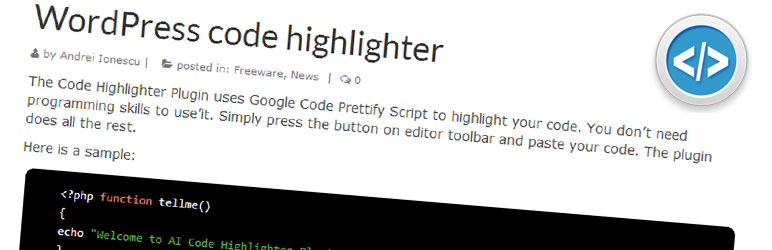
The Code Highlighter Plugin uses Google Code Prettify Script to highlight your code. You don’t need programming skills to use’it. Simply press the button on editor toolbar and paste your code. The plugin does all the rest.
Àwọn àwòrán ìbòjú

Press the Code Highlighter button on the Visual toolbar of the Editor. 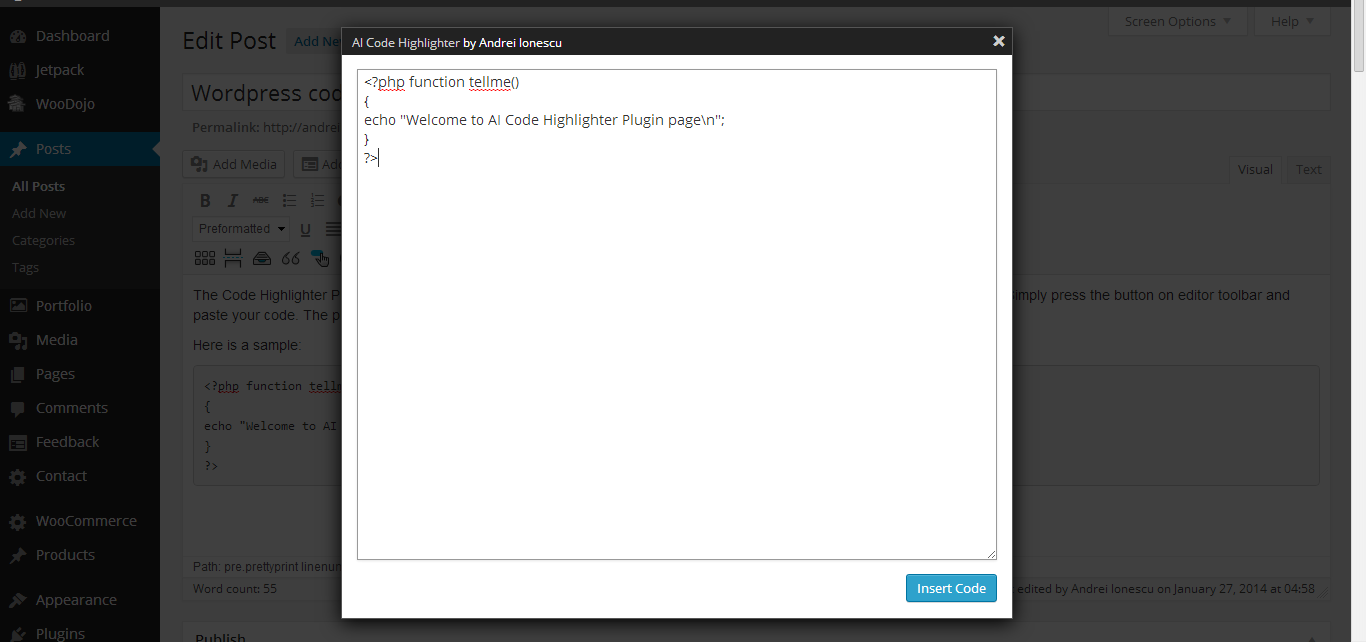
As simple as that. Paste your code and press Insert code. 
This is the result
Ìgbéwọlẹ̀
There are three ways of installing this plugin:
- Plugins > Add New. Search for “AI Code Highlighter” then Install Now from the list and Activate
- Plugins > Add New > Upload. Choose File “AI Code Highlighter.zip” then Install Now and Activate
- If you have direct access to the installation path, copy the zip file and extract to Plugin folder (usually wp-content/plugins). Then goto Plugins and Activate the plugin.
FAQ
- Why this plugin?
-
I needed a simple copy/paste for the code, no shortcodes, no writing a lot, just copy/paste.
Àwọn àgbéyẹ̀wò
Kò sí àwọn àgbéyẹ̀wò fún plugin yìí.
Àwọn Olùkópa & Olùgbéejáde
“AI Code Highlight” jẹ́ ètò ìṣàmúlò orísun ṣíṣí sílẹ̀. Àwọn ènìyàn wọ̀nyí ti ṣe ìkópa sí plugin yìí.
Àwọn Olùkópa
Túmọ̀ “AI Code Highlight” sí èdè rẹ.
Ṣe o nífẹ̀ẹ́ sí ìdàgbàsókè?
Ṣàwárí koodu, ṣàyẹ̀wò ibi ìpamọ́ SVN, tàbí ṣe àgbékalẹ̀ sí àkọsílẹ̀ ìdàgbàsókè nípasẹ̀ RSS.
Àkọsílẹ̀ àwọn àyípadà
1.3
- Plugin path fixed on js load.
1.2
- Embedded Prettify Script.
1.1
- Added button to the Visual editor.
1.0
- Initial release. Just a simple button on the text editor