Install & Download:
# NPM
$ npm install v-markdown-editor--save
Description:
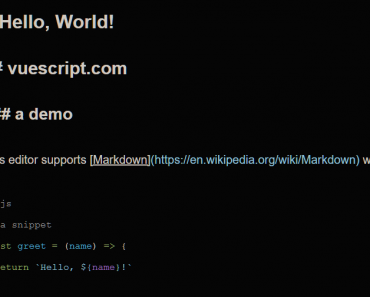
A simple, clean WYSIWYG markdown editor for Vue.js. Powered by Bootstrap 4 and Font Awesome iconic font.
Usage:
Install, import the component.
import Css from './css/layout.css'
import 'bootstrap'
import Vue from 'vue'
import App from './app.vue'
import router from './router';
import store from './store'
import Editor from '../src/index'
Vue.use(Editor);
const app = new Vue({
  el: '#app',
  store,
  router,
  render: h => h(App)
})
// expose the app, the router and the store.
// note we are not mounting the app here, since bootstrapping will be
// different depending on whether we are in a browser or on the server.
export { app, router, store }
The example app.
<template>
  <div class="container">
      <!-- <transition name="fade" mode="out-in">
          <router-view class="view" keep-alive></router-view>
      </transition> -->
      <div class="form-group">
          <markdown-editor v-model="value"></markdown-editor>
      </div>
      <div class="form-group">
          <button @click="val" class="btn btn-primary">Change</button>
      </div>
      <div class="form-group">
          <pre>{{value}}</pre>
      </div>

      <div class="form-group">
          <markdown-editor toolbar="bold italic heading | image link | numlist bullist code quote | preview fullscreen" buttonClass="btn btn-outline-success"></markdown-editor>
      </div>
  </div>
</template>

<script>
  export default {
      data() {
          return {
              value: 'Hello world'
          }
      },
      methods: {
          val() {
              this.value = "jjkjlkjljlkjlkjlkjlkj"
          }
      }
  }
</script>
Preview: