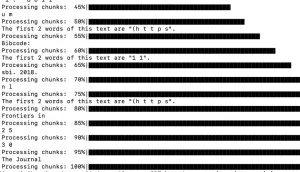
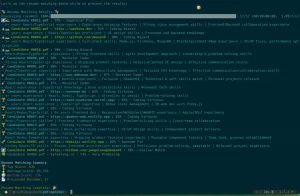
The Easy Webpage Summarizer allows you to analyze webpages and deliver concise summaries directly in the command-line interface.
Built on Python, LangChain, and the ChatOllama chatbot, it leverages open-source large language models like Llama 2 to swiftly extract the key points from any URL you provide.
How to use it:
1. Install Ollama and the required dependencies by running the following commands:
ollama run llama2
pip install -r requirements.txt
2. Run the Python script with the URL of the webpage you want to summarize. Here’s the code, just replace “/path/to/webpage” with the actual website address:
python summarizer.py -u "/path/to/webpage"
3. For a more user-friendly experience, especially if you’re not keen on command lines:
python webui.py
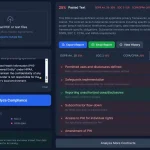
This utilizes the Gradio App to provide a convenient web-based experience for anyone to use.
FAQs:
Q: Is Easy Webpage Summarizer free to use?
A: Yes, it’s completely free and open-source, making it accessible for everyone.
Q: Can I use this tool without any technical background?
A: Absolutely. While it offers a command-line interface for tech-savvy users, the web interface makes it user-friendly for anyone.
Q: Does it work with any webpage?
A: Yes, it’s designed to summarize content from any webpage you provide, as long as it’s publicly accessible.