


terminal.css is a lightweight CSS framework that helps you create terminal-style web pages.
How to use it:
Install and import the terminal.css.
# NPM
$ npm install terminal.css --save
import 'terminal.css'
Or directly load the terminial.css from a CDN.
<link rel="stylesheet" href="https://unpkg.com/terminal.css">
Previews:
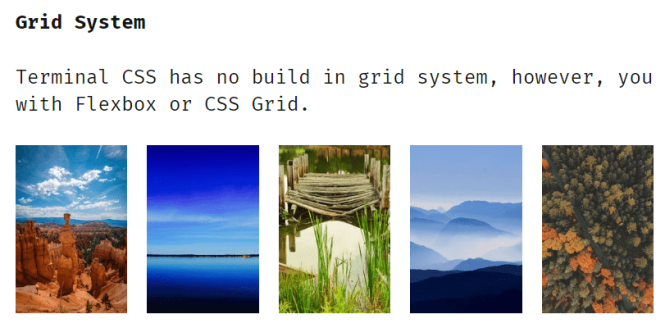
Grid Sysytem
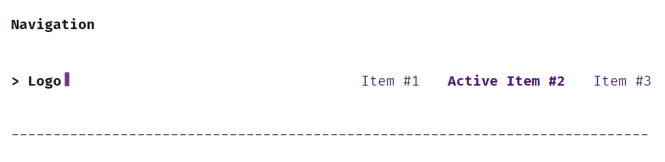
Navigation

Lists

Table
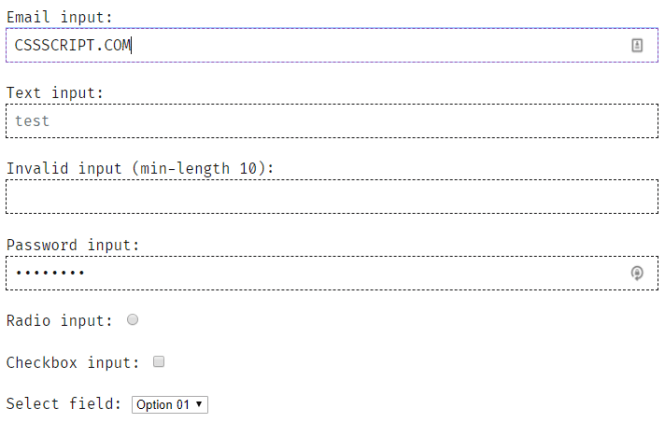
Form
Related Resources:
- NES.css: A CSS front-end framework used to create retro 8-bit web applications inspired by classic NES games.
- XP.css: A lightweight and easy-to-use CSS framework to create Windows XP-style UI elements on web applications.
- Terminal.css CSS Framework: A lightweight, CSS framework that provides 10+ terminal-style UI components using Bulma-like CSS naming conventions.
- 10 Best Terminal Emulators In JavaScript And jQuery
Changelog:
v0.7.5 (12/15/2025)
- Update
v0.6.5 (02/05/2019)
- Add stylelint linter
- Change hr style
- Change dark theme colors
- Fix Toc hover colors
v0.6.2 (02/03/2019)
- Add twitter link
- Change default primary color
- Fix navigation margin
- Add table of content component
v0.6.0 (01/31/2019)
- Use .terminal for single font-size effect
v0.5.0 (01/31/2019)
- change overall look and feel
See Also:
 Terminal-Inspired CSS Library for Retro Web UI – WebTUI
 Build Terminal UI with Terminal.css CSS Framework
 Classless CSS Framework with Georgia & Verdana Typography System – MCSS
 Windows 7 CSS Framework – 7.css
 Minimalist CSS Framework For Creating Modern Web Pages – Mgplus
 Minimal Classless CSS Framework – Simple.css
 Zero-Class Web Development with launch.css Framework
 Vanilla CSS Design System: Lightweight & Modular