


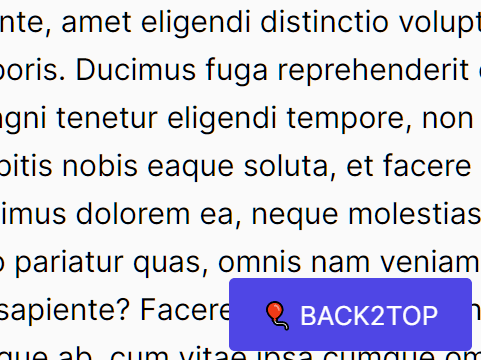
A tiny and configurable back to top button that auto reveals on scroll down and auto hides after the page has scrolled to the top.
How to use it:
1. Add the back2top.js JavaScript library to the page.
<script src="back2top.min.js"></script>
2. Create a back to top button on the page.
<button id="back2top">BACK2TOP</button>
3. Initialize the back to top button and decide how far the page is scrolled down to display this button.
const button = document.querySelector("#back2top");
BACK2TOP(button, 200);
4. Config the smooth scroll behavior.
// BACK2TOP(selector, offset, prop, time, effect, delay);
BACK2TOP(button, 200, "all", 300, "ease", 0);
5. Apply your own CSS styles to the back to top button.
button#back2top{
  position: fixed;
  right: 2%;
  bottom: 2%;
  opacity: 0;
  visibility: hidden;
  font-size: 14px;
  color: #fff;
  background-color: #4F46E5;
  border: none;
  outline: none;
  cursor: pointer;
  padding: 10px 18px;
  margin: 0;
  border-radius: 3px;
}
See Also:
 Ultimate Back To Top Button Library – scrolltopable.js
 Minimal Back To Top Button – scrollToTop.js
 Animated Back To Top Button With JavaScript And CSS3
 Vanilla JavaScript Back To Top Button Plugin – Vanillatop
 Minimal Back To Top Button In Pure JavaScript – up-button
 Tiny Customizable Scroll To Top Button – ue-scroll-js
 Display A Back To Top Button When Reaching The Bottom Of the Page – pageTopScroller
 Multifunctional Smooth Scroll In Pure JavaScript – blob-scroll