


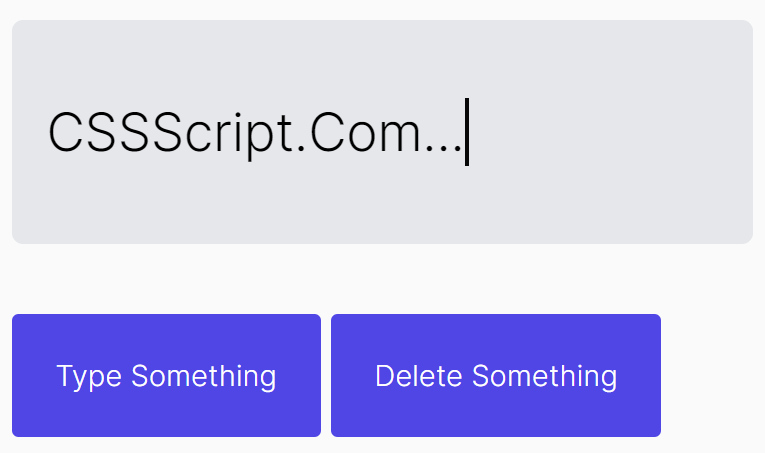
TA.js is a JavaScript library that can be used to simulate text typing and erasing just like a real person typing on a typewriter.
How to use it:
1. Load the TA.css and TA.js files in the document.
<link rel="stylesheet" href="TA.css" />
<script src="TA.js"></script>
2. Create a container to hold the text to be animated.
<div id="demo"></div>
3. To apply a blinking cursor to the end of the text while typing & deleting, add the CSS class caret to the container.
<div id="demo" class="caret"></div>
4. Initialize the TA.js and config the typing animation.
let ta = new TA({
    htmlEl: "#demo",
    minDelay: 50,
    maxDelay: 150,
});
5. Type something in that container.
ta.typingForward('CSSScript.Com...', 0);6. Delete characters using the typingBackward method.
ta.typingBackward('CSS');See Also:
 Advanced Typewriter Animation Library – TypeFX.js
 Text Typing Animations with Real-time Markdown/HTML Rendering – TypeMorph
 Create Scroll-Triggered Letter Animations – AniLet.js
 Create Realistic Typing Animations With Human Replay
 Highly Configurable Text Typing Library – typed.js
 Create Smooth Looping Typewriter Effects with Typewriter.js
 Easy Text Typing and Deleting JavaScript Library – TextScript.js
 Add Typing Animations to Your Site with Typing.js