


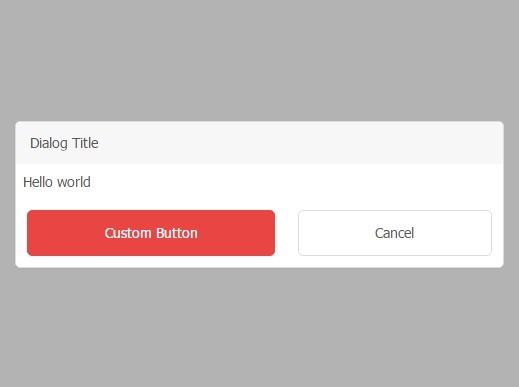
jDialog is a lightweight and standalone JavaScript library that makes it easy to display customizable modals & dialog boxes on your web applications.
How to use it:
Load the jDialog.css and jDialog.js in the html page.
<link href="dist/jDialog.css" rel="stylesheet">
<script src="dist/jDialog.js"></script>
Basic usage.
jDialog('Hello world!');Add a confirm button.
jDialog('Hello world!',function(){
  alert('Bye!');
  this.remove();
});
Add a custom button.
var dialog = jDialog('Hello world');
dialog.addButton('Custom Button','sayHello',function(){
  alert('hello world');
  this.remove();
});
Display an alert message.
jDialog.alert('Hello world');Display a toast message.
jDialog.toast('Hello world');Display an error message.
jDialog.error(‘Hello world’);
Advanced usage.
jDialog({
  title:"Say Hi",
  content:"Hello world",
  modal:true,
  autoHide:5,
  callBack:function(){
      alert('Bye!');
      this.remove();
  }
});
Add a custom event.
// add a custom event
jDialog.event.add('sayHello',function(){
    alert('Hi there!');
});
// fire the event
jDialog.event.fire('sayHello');
See Also:
 WAI-ARIA Compliant Dialog Box In JavaScript – a11y-dialog
 iOS Style Dialog Web Component – pure-dialog
 Modern Dialog Modals with Invoker Command API
 Create Custom Stylish Dialogs with SnapDialog JavaScript Library
 Easily Build Confirmation Popups with the confirmDialog.js Library
 Create Bootstrap 5 Modals Programmatically With JavaScript – bs_dialogs.js
 Moden Modal Window Using Dialog Element and CSS @starting-style
 Async, Promise-based Alert/Confirm/Prompt Dialogs – Prompts.js