


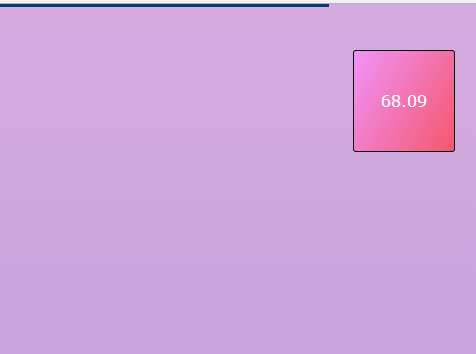
Yet another JavaScript library to create a sticky top(or bottom) progress bar which can be used to visualize the current scroll position (reading progress) on the webpage.
In addition, it also has the ability to display the current scroll progress in percentage.
How to use it:
Import the scrollprogressJS’ files into your html document.
<link href="scrollprogressJS.css" rel="stylesheet">
<script src="scrollprogressJS.js"></script>
Initialize the scroll progress indicator and done.
document.addEventListener("DOMContentLoaded", function (event) {
  progressJS.start();
});
If you want to display the current scroll (reading) progress in percentage.
<p class="per"></p>
document.addEventListener("DOMContentLoaded", function (event) {
  progressJS.start({
    "attach":  ".per"
  });
});
Customize the appearance of the progress indicator.
progressJS.start({
  //color
  "color": "#003f72",
  //height
  "height": "3px",
  "top": 0,
  "bottom": 0,
  "left": 0,
  "right": 0,
  "zIndex": 9999,
  //bottom or top
  "ontop": true,
  //left to right
  "ltr": true,
  //js style or css
  "css": false,
});
Decide whether to use decimal numbers.
progressJS.start({
  "round": false
});
Hide the indicator (only display percentage values.).
progressJS.start({
  "nobar": false
});
See Also:
 Page Scroll Reading Progress Indicator with Progress.js
 Tiny Reading Progress Indicator With Pure JavaScript – rpbar.js
 Easy Scroll Position Tracking – ScrollProgress.js
 Smoothly Animated Scroll Progress Bar – page-progress
 Custom Scroll Progress Indicator Bar – uScroll
 Pure CSS Progress Bar Library with Custom Themes – progress-bar.css
 Modern TypeScript Progress Bar Library – BProgress
 Enable Synced Scrolling On Scrollable Elements – ScrollMirror