


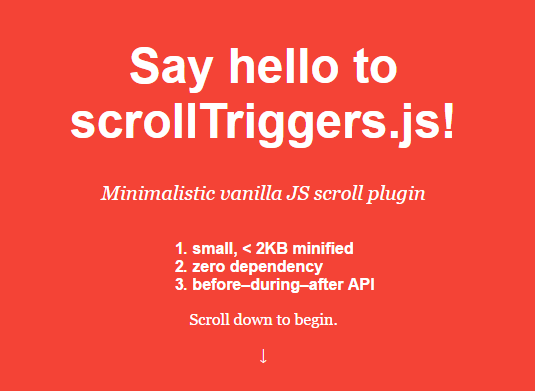
scrollTriggers.js is a vanilla JavaScript library which allows to execute specific callback functions when a specific element is scrolling into or out of view. Great for applying CSS/JS powered animations to the element based on the scroll position.
Basic usage:
Import the main JavaScript file ‘scrollTriggers.min.js’ into the html page.
<script src="src/scrollTriggers.min.js"></script>
Create a new ‘addScrollingTriggers’ object and specify the target container on which you want to trigger corresponding functions while scrolling.
window.addScrollingTriggers([{
  // target element
  el: 'element',
  before: function() {
    // do something
  },
  during: function () {
    // do something
  },
  after: function () {
    // do something
  },
  // from 0 to 1
  // where 0 = top of the screen, 1 = bottom of the screen
  origin: 0.5

}]);
Changelog:
v1.0.3 (04/18/2020)
- Updated
See Also:
 Enable Synced Scrolling On Scrollable Elements – ScrollMirror
 Enable Automatic Scrolling On Scrollable Content – Auto-Scroll
 Scroll Size Tracking With ScrollSizeObserver Library
 Create Customizable Omnidirectional Marquees – Manawave
 Add Rich Interactions to Your Scroll Experience with Detect Scroll Library
 Performant Sliding/Scrolling Animation Library – animasiTextSlide
 Page Scroll Reading Progress Indicator with Progress.js
 Synchronize Scrolling In Two Scrollable Elements – Scryll