


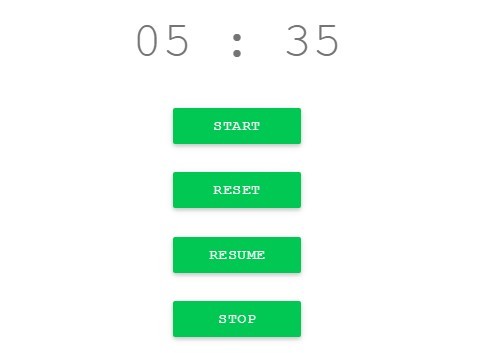
Timer.js is a lightweight, generic JavaScript timer library which allows you to start / stop / resume / reset a timer inside any HTML element.
How to use it:
Download and include the timer.js JS file in your html page.
<script src="js/Timer.js"></script>
Add a timer placeholder with controls to the webpage.
<div id="timer">
</div>
<button id="start">Start</button>
<button id="reset">Reset</button>
<button id="resume">Resume</button>
<button id="stop">Stop</button>
Initialize the timer.
function initTimer(id) {
	Timer.init(id);
	document.getElementById('start').addEventListener('click', Timer.start);
	document.getElementById('stop').addEventListener('click', Timer.stop);
	document.getElementById('resume').addEventListener('click', Timer.resume);
	document.getElementById('reset').addEventListener('click', Timer.reset);
}
See Also:
 Easy Timer/Countdown/Chronometer Library – easytimer.js
 Feature-rich Countdown/Clock/Timer In Vanilla JavaScript – W3FClockTimer
 Minimalist Countdown Timer with timerJS.js
 Minimal Page Slideshow Library – onePage.js
 Basic Calendar View In Pure JavaScript – calendar.js
 Toggle CSS Class When Clicking Outside Of An Element – clickout
 Create Stunning Checkboxes And Radio Buttons With Magic-Input CSS Library
 Clean Sliding Notification Box Component – ui-notification