


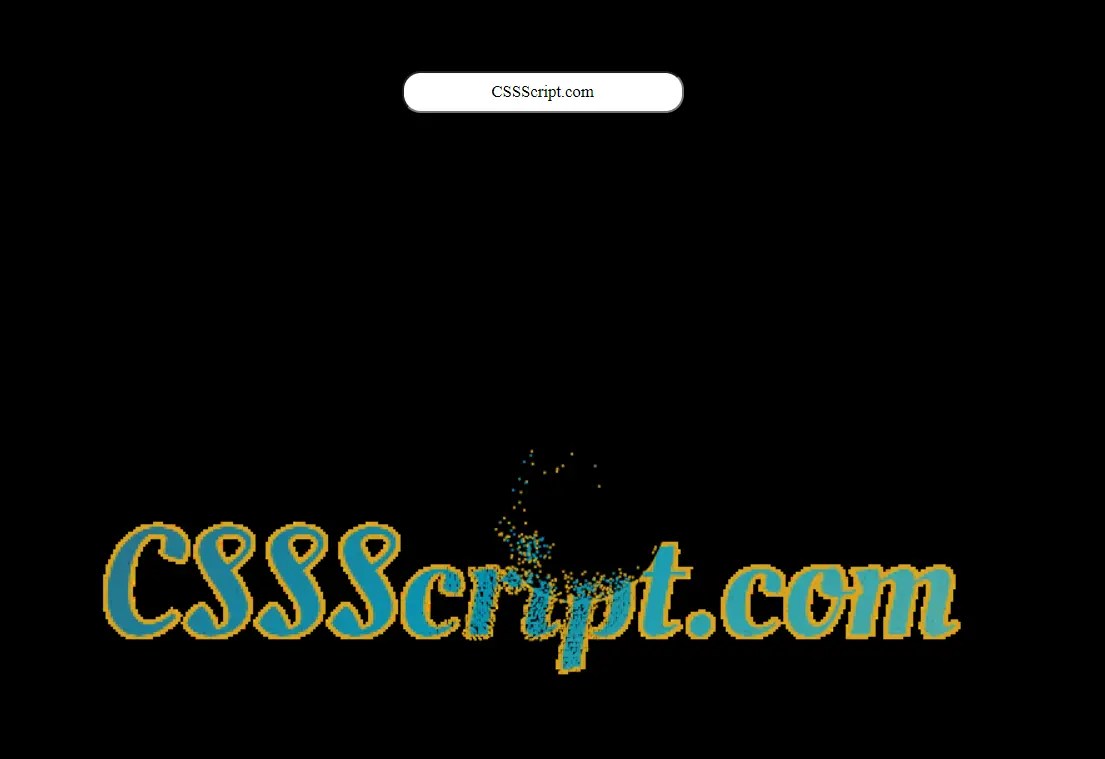
text-practice.js is a tiny JavaScript library that creates text from interactive particles that respond to mouse movement – particles scatter when the cursor approaches and reassemble into the original text shape when the cursor moves away.
How to use it:
1. Add an HTML5 canvas element to your HTML file. This is where the particles will be rendered.
<canvas id="canvas"></canvas>
2. Create an HTML input field to allow users to enter the text that will be converted to particles.
<input type="text" id="textInput" value=" ">
3. Download text-practice.js and include it in your HTML file. That’s it.
<script src="text-practice.js"></script>
How it works:
text-practice.js first grabs the canvas and input elements from your HTML. It sets up a particle system and listens for user input. When you type in the input field, the library takes that text and draws it on the canvas.
It then converts the drawn text into individual particles. Each particle is an object with properties like position, color, and movement. These particles are rendered to the canvas, forming the initial text shape.
When you move your mouse, the library calculates the distance between the mouse cursor and each particle. If a particle is close enough to the mouse, it’s pushed away. The further the mouse, the stronger the repelling force, making it appear as if the mouse is causing the particles to scatter. When the mouse moves away, the particles gently return to their original positions.
See Also:
 Lightweight JS Library For Creating Interactive Particles – tsparticles
 Create Interactive Photo Particle Effects with JavaScript and HTML5 Canvas
 Create Interactive Particle Backgrounds with Pure JavaScript – DotWave.js
 Create Dynamic Particle Effects with Particulab JavaScript Library
 Transform Images into Dynamic Particle Animations – Particular Drift
 Create Dynamic Canvas Particle Animations – ParticleBackground.js
 Interactive Quantum Particle Animation in JavaScript
 Create Interactive Canvas Particles – js-particles-factory.js