


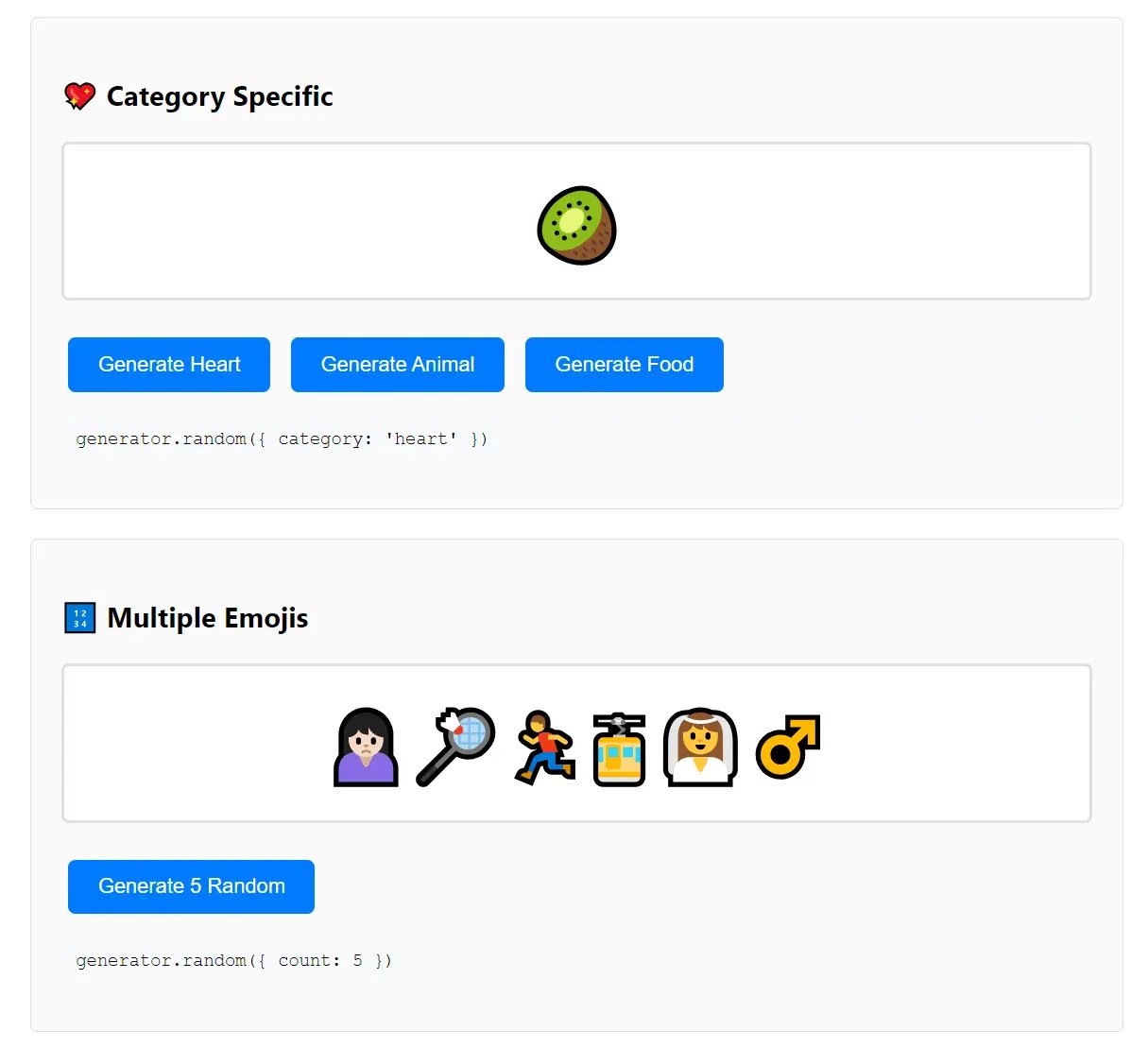
Unicode-Gen is a lightweight TypeScript library that generates random Unicode emojis from an embedded dataset of over 3700+ emojis across 98 categories.
Features:
- TypeScript Support: Built with TypeScript, providing full type definitions and compile-time safety.
- Offline Functionality: No network requests required as all emoji data is embedded in the library bundle.
- Category Filtering: Generate emojis from specific categories like animals, food, activities, or symbols.
- Multiple Output Formats: Return emoji characters, Unicode codes, or complete emoji objects with metadata.
- Cross-Platform Compatibility: Functions in both browser and Node.js environments.
- Performance Optimized: Lightweight implementation with efficient random selection algorithms.
How to use it:
1. Install Unicode-Gen.
# Yarn
$ yarn add unicode-gen
# NPM
$ npm install unicode-gen
2. Import and initialize the library in your TypeScript or JavaScript files:
import generator from 'unicode-gen';
// The generator loads data automatically on import
// Wait for data loading to complete before use
await generator.loadData();
3. Generate a single random emoji from the entire dataset:
const randomEmoji = generator.random();
console.log(randomEmoji); // Output: 🎯 (or any other emoji)
4. If you need more than one, you can call it multiple times. Here’s how you might generate an array of three random emojis.
const fiveEmojis = Array.from({ length: 3 }, () => generateEmoji());
console.log(fiveEmojis); // Outputs an array like ['🎉', '💻', '🤔']
5. Filter emojis by specific categories when you need thematically consistent results:
const animalEmoji = generator.random({
  count: 3,
  category: 'animals-nature'
});
console.log(animalEmoji); // Output: ['🐘', '🦋', '🌳']
6. Control the output format based on your application requirements:
// Return just the emoji character (default)
const emojiOnly = generator.random({ type: 'emoji' });
// Output: '🎪'
// Return the Unicode code point
const unicodeCode = generator.random({ type: 'code' });
// Output: 'U+1F3AA'
// Return complete emoji data object
const emojiData = generator.random({ type: 'both' });
// Output: { emoji: '🎪', code: 'U+1F3AA', category: 'activities' }
7. Available API Methods:
random(options?): Primary method for generating random emojis with configurable options including count, category, and output type.loadData(): Initializes the emoji dataset from embedded data, called automatically on import but can be invoked manually for error handling.getCategories(): Returns an array of all available category names for filtering purposes.getEmojisByCategory(category): Retrieves all emojis from a specific category as an array of emoji data objects.
8. Error Handling Best Practices. Implement proper error handling for production applications:
try {
  await generator.loadData();
  const emoji = generator.random({ count: 1, category: 'food-drink' });
  console.log('Generated emoji:', emoji);
} catch (error) {
  console.error('Emoji generation failed:', error.message);
  // Fallback to default emoji or alternative behavior
}
See Also:
 Convert Text Emoticons to Emoji – smile2emoji
 Replace Emojis with Crisp SVG Images with Nomoji JS Library
 Lightweight Emoji Picker with Search – Faceclick
 Fix Broken Emojis with Emoji-Fallback.js Library
 Auto-add File Type Emojis to Your Document Links – Filemoji
 Customizable JavaScript Emoji Picker – vanillaEmojiPicker.js
 Add Playful Emoji Trails To Your Cursor – Emojify.js
 Visual Time Displays With Emojis – Time-moji