


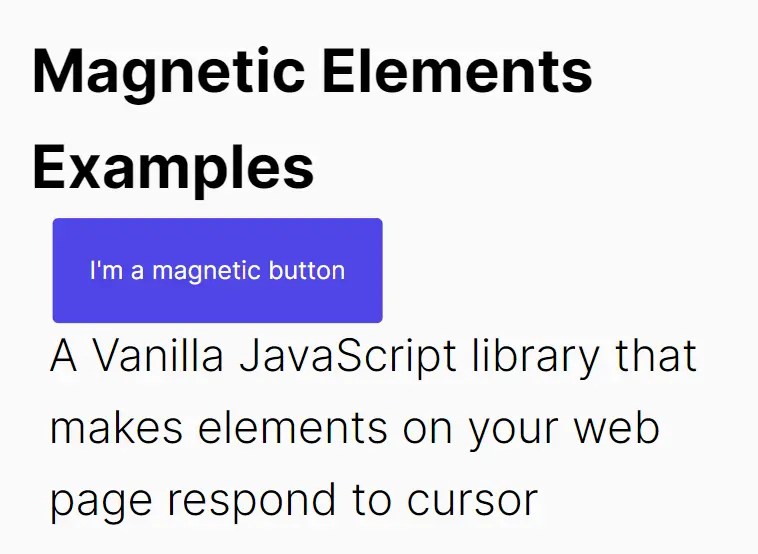
Magnetic Elements is a Vanilla JavaScript library that makes elements on your web page respond to cursor movement in a magnetic-like manner.
This effect can be applied to various HTML elements, including images, buttons, or text, giving your web projects interactivity and dynamism.
How to use it:
1. Install and import the magnetic-elements.
# Yarn
$ yarn add @toon.rombaut/magnetic-elements
# NPM
$ npm i @toon.rombaut/magnetic-elements
import { MagneticElementsController } from "@toon.rombaut/magnetic-elements";// OR <script type="module"> import MagneticElementsController from "./src/MagneticElementsController/magneticElementsController.js"; </script>
2. Attach this cursor-triggered magnetic effect to the specified element.
<h1 magnetic-element>Magnetic Elements Examples</h1>
<button magnetic-element>I'm a magnetic button</button>
<p magnetic-element >I'm a magnetic paragraph.</p>
3. Initialize the Magnetic Elements.
const magneticElementsController = new MagneticElementsController();
4. Config the magnetic effect.
const magneticElementsController = new MagneticElementsController({
      // Set to true if you are using your own external RAF loop.
      standalone: false,
      // The size of the area around the elements to trigger the magnetic effect.
      triggerArea: 300,
      // The interpolation factor used by the lerp function.
      interpolationFactor: 0.5,
      // The strength of the magnetic effect.
      magneticForce: 0.5,
      // Use mouse position relative to the client.
      useAbsoluteMousePosition: false,

});
5. API methods.
// Manually trigger the resize method.
magneticElementsController.onResize();
// Manually trigger an update of the magnetic elements.
magneticElementsController.update();
// Destroy
magneticElementsController.destroy();
Changelog:
v1.1.0 (09/03/2023)
- added option to set mouse position relative to the window;
v1.0.3 (09/02/2023)
- Code cleanup
- Bugfix
See Also:
 90’s Cursor Move Effects In Pure JavaScript
 Custom Mouse Effects for Modern Web Apps – Aura Cursor
 Interactive WebGL Fluid Motion with Smokey Fluid Cursor
 Custom Cursor Library with Animated Particle Effects – Cursorly.js
 Interactive Smoke/Fluid Motion Effects with Canvas and WebGL
 Add Custom Spotlight Effects to Mouse Movements – gradient-cursor
 Create Custom Interactive Mouse Cursors with Cursix and GSAP
 Create Smooth Custom Cursor Effects Using Cursor Magic