


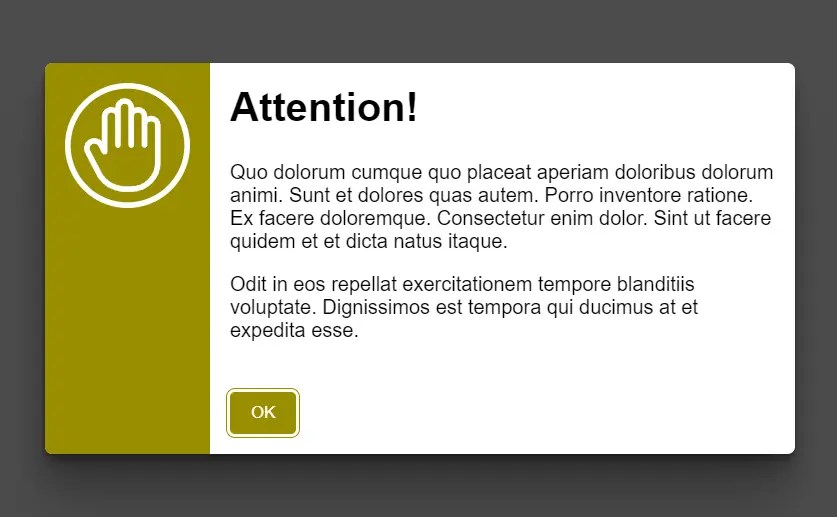
Just another alternative to the native JavaScript popup boxes.
modal-alert.js is a lightweight Vanilla JavaScript library to create alert & confirmation modal windows with customizable content and buttons.
How to use it:
1. Install and download.
# NPM
$ npm i @massimo-cassandro/modal-alert
2. Import the modal-alert.js.
import mAlert from '@massimo-cassandro/modal-alert';
3. Create alert and confirm modal windows using the mAlert method.
mAlert({
  // success, warning, error, info, or confirm
  type: 'success',

  // modal title
  title: 'my title',
  // message
  mes: 'Some message',
  // OK button
  ok_btn_text: 'OK',
  // `confirm` only
  cancel_btn_text: 'Cancel',
  // callback function
  callback : function(result) {},
  // auto dismiss after 4000
  // default `4000` for success, `null` for the others
  timer: 4000,
  // default CSS classes
  heading_class: 'text-success',
  ok_btn_class: 'btn-success',
  cancel_btn_class: 'btn-outline-warning'

});
Changelog:
v2.7.1 (08/15/2025)
- Added custom marks option
v2.7.0 (08/15/2025)
- Added closedBy=any added for info and success alerts
v2.6.1 (07/16/2025)
- bugfix
v2.6.0 (07/12/2025)
- added use_warning_icon option to Confirm
v2.4.1 (10/14/2024)
- bugfix
v2.3.1 (06/14/2024)
- bugfix
v2.2.0 (06/13/2024)
- extra btn
v2.1.1 (07/16/2023)
- Optional params.title
v2.1.0 (07/15/2023)
- modal background color custom prop & showMarks option
v2.0.0 (06/17/2023)
- Removed setDefaults func
See Also:
 Create Dynamic Draggable Alert/Confirm Popups – webcimes-modal
 Minimal Alert & Confirmation Modals in JavaScript – PopupJs.js
 Create Custom Stylish Dialogs with SnapDialog JavaScript Library
 Create iOS-Style Popups & Notifications With Popup JS Library
 Elegant Notification Popup JavaScript Library – Notiflix
 Simple & Stylish JavaScript Alert Notifications – SnapAlert.js
 Async, Promise-based Alert/Confirm/Prompt Dialogs – Prompts.js
 Custom Alert/Confirm/Prompt Dialogs to Replace Native Popups – SWN.js