


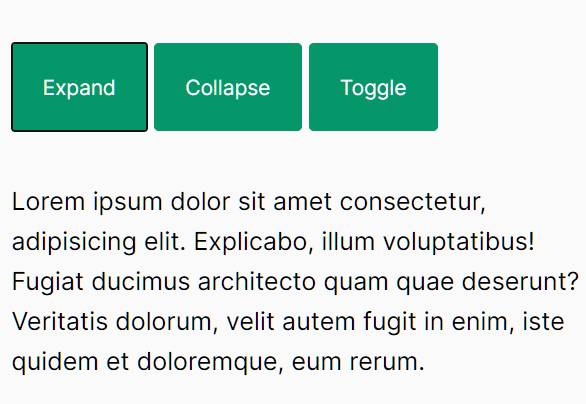
A minimal and accessible collapse JavaScript library that can be used to toggle the visibility of web content with custom triggers.
How to use it:
1. Install and import the MinimalCollapse.js.
# Yarn
$ yarn add @ohnaka0410/minimal-collapse
# NPM
$ npm i @ohnaka0410/minimal-collapse
import { MinimalCollapse } from '@ohnaka0410/minimal-collapse';2. Or load the MinimalCollapse.js JavaScript library from a CDN.
<script src="https://cdn.jsdelivr.net/npm/@ohnaka0410/minimal-collapse/dist/minimal-collapse.min.js"></script>
3. Create content to be collapsed and expanded.
<div class="collapse" id="collapse-example" area-hidden="true">
  <div class="collapse__inner">
    <p>
      Content Here
    </p>
  </div>
</div>
4. Create trigger elements to toggle the content.
<button class="btn" aria-controls="collapse-example" data-open-collapse>
  Expand
</button>
<button class="btn" aria-controls="collapse-example" data-close-collapse>
  Collapse
</button>
<button class="btn" aria-controls="collapse-example" data-toggle-collapse>
  Toggle
</button>
5. Activate the MinimalCollapse.js library.
MinimalCollapse.activate();
6. Hide the content on page load and apply a custom CSS transition effect when toggling the content.
.collapse {
  height: 0;
  overflow-y: hidden;
  transition: height .3s;
}
.collapse[area-hidden="false"] {
  height: auto;
  overflow-y: visible;
}
7. Or toggle the content programmatically.
const collapse = document.querySelector('#collapse-example');
// expand
MinimalCollapse.show(collapse);
// collapse
MinimalCollapse.close(collapse);
// toggle
MinimalCollapse.toggle(collapse);
See Also:
 Conditional Form Fields Web Component – form-show-if
 Toggle HTML Elements Smoohly With slideToggle JavaScript Library
 Show/Hide Matched Elements With Smooth Slide Motion – slideToggle
 Toggle Element With Smooth CSS3 Transitions – slide-element
 Slide Toggle In Vanilla JavaScript – slideToggle.js
 Toggle An Element Between Visibility States – toggleTransition.js
 jQuery slideToggle slideUp slideDown Replacement – SimpleSlideToggle.js
 Animated slideUp & slideDown Of Elements In Pure JavaScript – dom-slider