Site Doctor
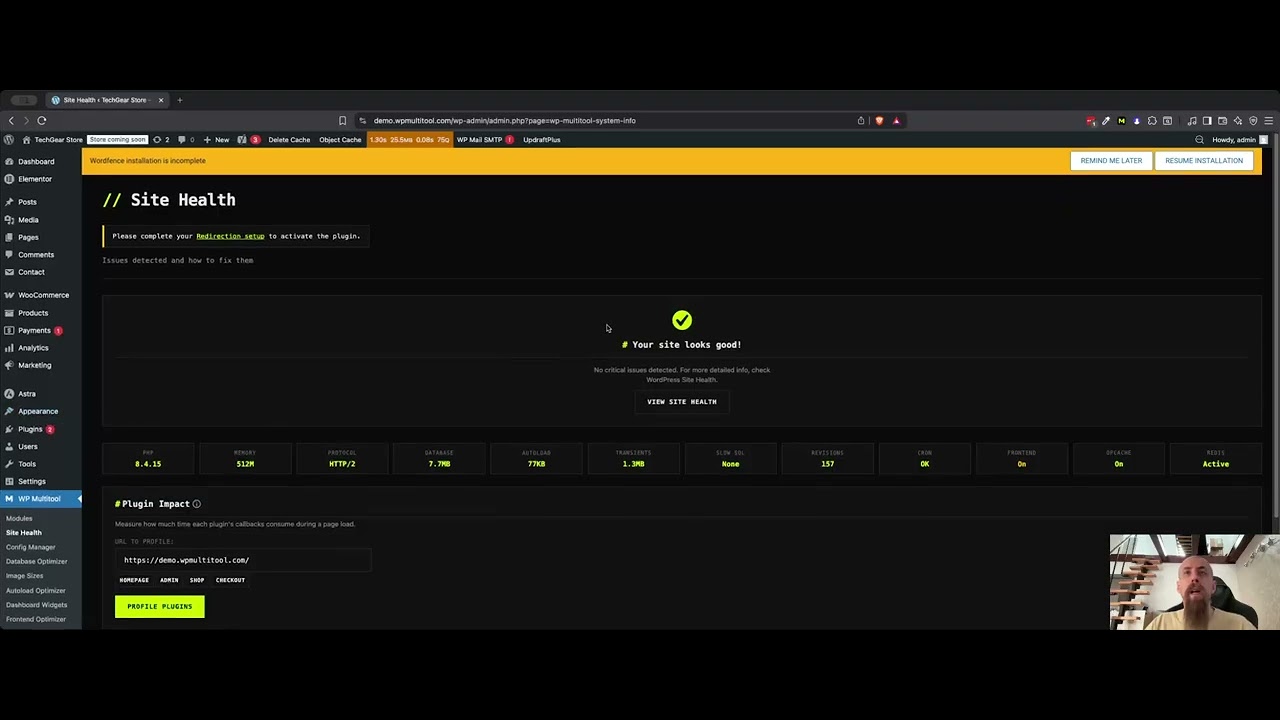
One scan that finds what's slowing the site down
Find what’s slowing your site and fix it. For developers and site owners.
Fix my slow site - from $79/year14-day money-back guarantee. Refund policy
Enable only what you need. Each module works independently.
One scan that finds what's slowing the site down
Tame WooCommerce's bloated job queue
Find and safely disable autoloaded options bloating every request
Reclaim 500MB+ of wasted database space
One-click speed optimizations
Stops WordPress phoning home more often than it needs to - reliable update-check gate, trimmed license/telemetry pings, security updates untouched.
See which plugins slow your site - powered by makewpfast.com benchmarks
Discover the slowest callbacks in your WordPress site by testing any URL.
Find slow queries without learning SQL
Edit wp-config.php without the terror
A quick way to find and test shortcodes.
Check your server configuration and infrastructure
Pulls plugin updates from wpmultitool.com using your Polar license key.
Control and customize WordPress dashboard widgets.
Stop debug.log eating your disk - stream, compact, and size-guard the log
Control and customize WordPress image sizes with ease.
Allows users to download plugins and themes as zip archives directly from the site.
Enables drag-and-drop plugin updates directly from ZIP files on the Plugins list.
Adds a quick reactivation option to plugins list for easy troubleshooting.
WP Multitool focuses on the performance issues that frontend caching plugins don't touch.
Start with the diagnosis, not the plugin. These guides walk the exact bottleneck end to end.
Install the plugin, run Site Doctor, and apply the fixes it lists. The scan runs on your own server.
No plugin installed yet? Start with the free outside check - TTFB, compression, page size, and WordPress detect from outside.
Watch the plugin scan a real site, name what's slowing it, and fix it.
From $79/year to $499 one-time - one site or unlimited; yearly or lifetime. Check the pricing page and find what fits.

I built WP Multitool because I got tired of installing 5-6 different plugins and spending hours on looking and configs just to optimize basic things. Now I just install WP Multitool and optimize the backend within minutes.
Common questions, straight answers.
EXPLAIN and rule-based pattern matching to analyze queries, not an external LLM. Your wp-config.php, credentials, and all other data stay on your server. The only outbound calls are the license and update check on paid plans, which carries two anonymous counters you can switch off.