

The Marker Offset setting in WP Maps lets you fine-tune the position of store markers on the map relative to UI elements like the store list or info box.
This customization is useful for aligning markers precisely and avoiding visual overlap.
What It Does #
Marker Offset allows you to shift the marker’s anchor point horizontally (X-axis) and vertically (Y-axis) from its default position. This is especially important when your marker design (e.g., custom SVGs or large icons) may not align perfectly with the physical store location or pop-up information.
There are two input fields:
- X-Axis Offset: Shifts the marker left or right.
- Y-Axis Offset: Shifts the marker up or down.

Uses and Benefits #
- Enhanced Visual Alignment: Prevents markers from overlapping with infoboxes or other elements on the map.
- Better UI on Mobile: Adjust offsets to improve map readability on smaller screens.
- Support for Custom Icons: Useful when you’re using custom-designed markers that require different centering.
By adjusting these values, you can ensure that the marker position complements your store locator design, especially when paired with tooltips, infoboxes, or a sticky store list.
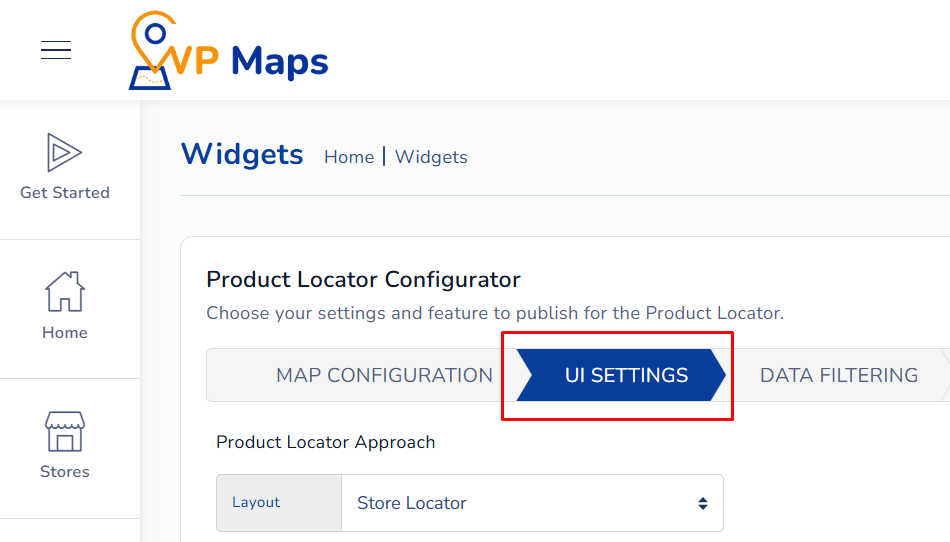
- Log in to your WP Maps account and click on the “Widgets” tab.
- Click on “Install Widget”.

- Under the “UI Setting” section, locate the “Marker Offset” field

- Enter the x-axis and y-axis values.
- Save the settings and refresh the widget interface.
For any questions or configuration help, feel free to contact us at [email protected].


