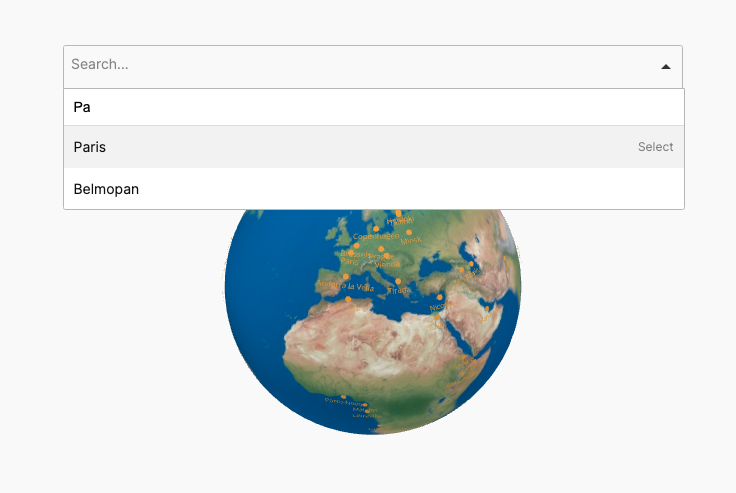
Tooltips can include HTML and can be styled using several options available like background colour, border-radius and others.
This feature enables you to create rich, customizable tooltips using HTML, allowing you to add styled text, images, links, and other elements directly within the tooltip.
You can fully personalize each tooltip’s appearance with styling options such as background color, border-radius, font size, and more, aligning them with your brand or design needs.
This flexibility allows tooltips to be both visually appealing and highly informative, enhancing the user experience by providing detailed, well-formatted information right on the globe. It’s an ideal way to add context, visuals, or links, making the globe more interactive and engaging.
Here’s another example of tooltips with rich content: