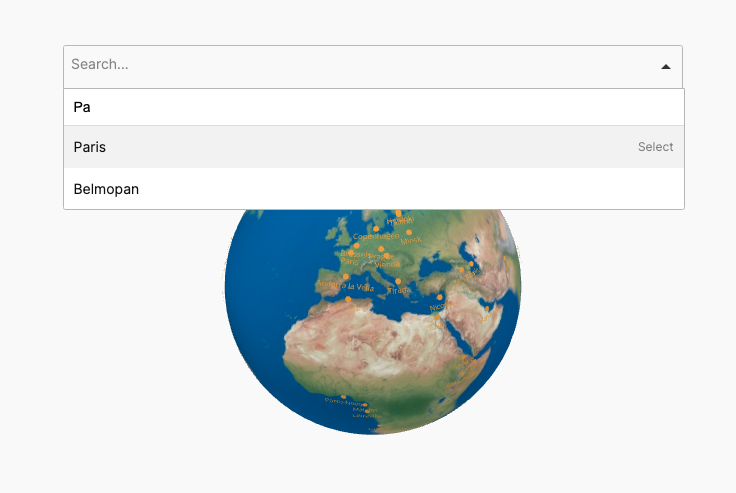
Set the globe elements to trigger click actions, like display content outside the map or in a lightbox or open a custom URL.
This feature allows you to assign click actions to different elements of the globe, enabling dynamic interactions.
You can set regions or markers of the globe to trigger actions such as displaying external content, opening information in a lightbox, or redirecting users to a custom URL. This gives you full control over how users interact with your globe, creating a more immersive and interactive experience. Whether it’s for showcasing additional details, linking to external resources, or displaying multimedia content, this feature adds powerful interactivity to your globe.
Related Documention