


Display your images in a stylish, interactive accordion layout that expands smoothly on hover or click. The Image Accordion widget is perfect for showcasing portfolios, galleries, team sections, or featured highlights with a dynamic visual effect. Customize titles, animations, and overlays to create an engaging experience that draws users in and makes your content stand out.
How to Use Image Accordion Widget of Easy Elements Pro
Step 1:
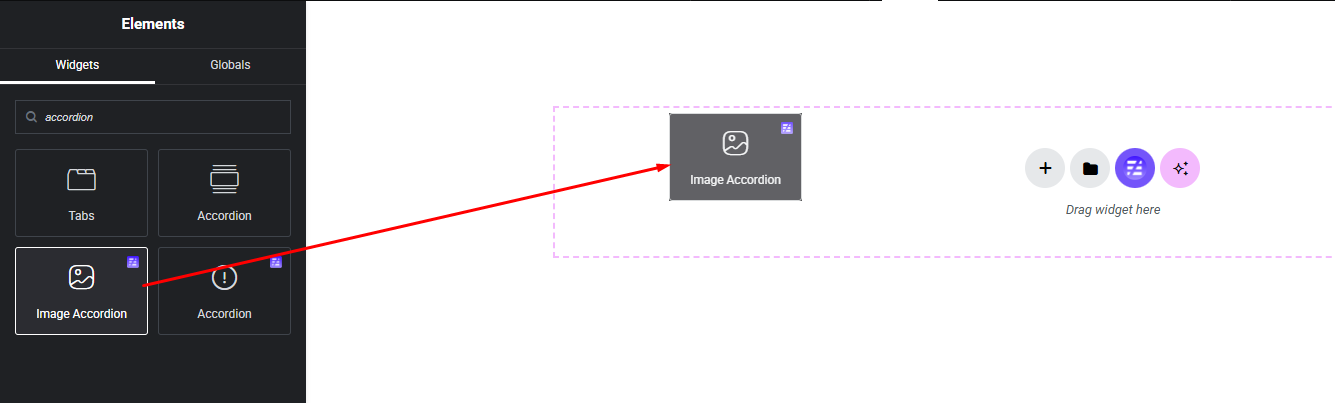
Add Image Accordion Widget:
Select the Image Accordion widget from the left panel, then drag and drop it into your desired area on the canvas.
Step 2:
Image Accordion Settings:
- Accordion Items
- Accordion Style (Orientation)
Horizontal Orientation:

Vertical Orientation:

Step 3:
Customize Image Accordion Style:
Easily customize your widget’s appearance including Image Accordion item, content part, title and description style — all from the Style panel.


