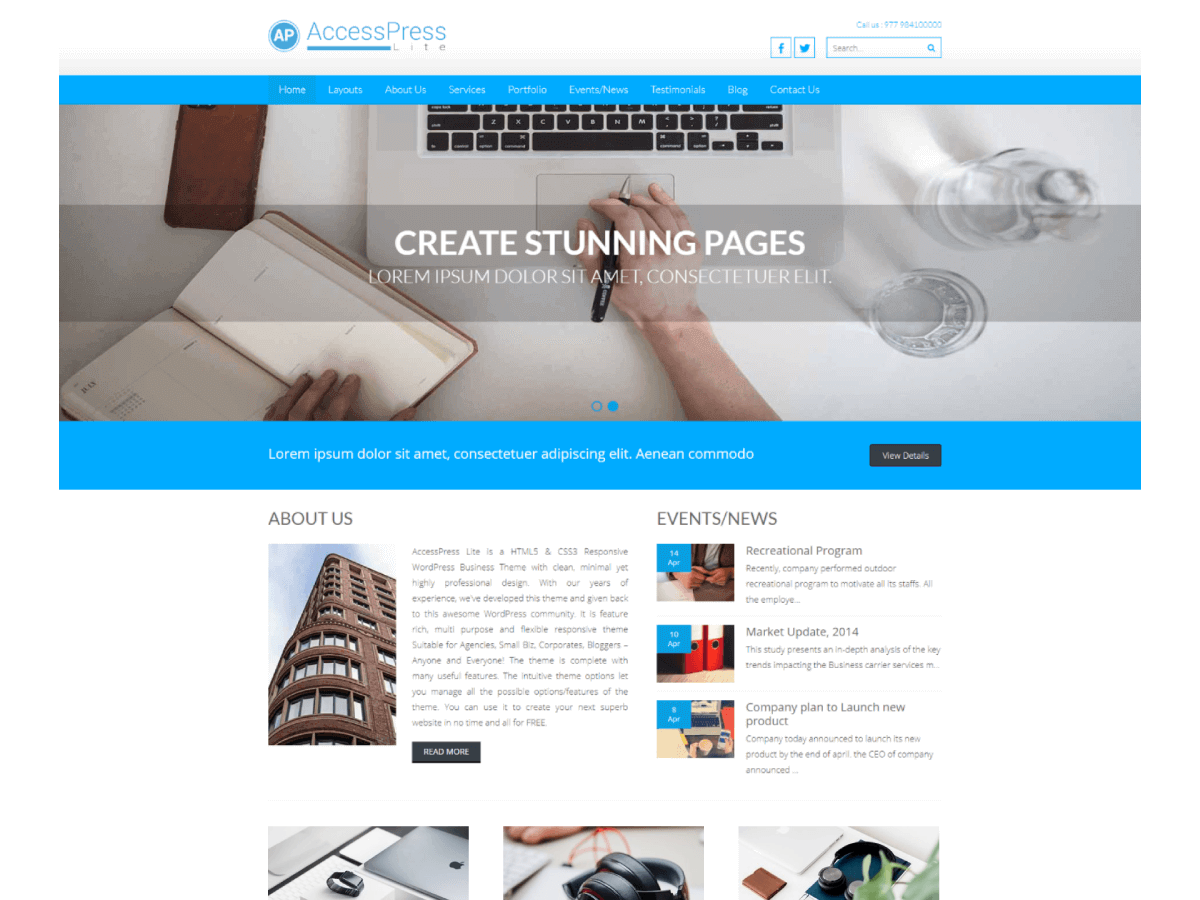
Hi kpingple, To change the slider image you must setup a big featured image.
Hope I helped you
~xExplosion Blaze
[sig moderated as per the Forum Rules]
First, make a new post with heading, description and featured image.
Click on Slider tab option in the Theme Option Menu.
Select the post that you want to show for each slider.
The heading of the post works as Caption title.
The description of the post works as a Caption Description.
The featured image of the post works as an image.
The best size of the image is 1900 X 550. You can also upload images of any size but, all the images must be of same size.
We have complete documentation here. Please make sure you check it
I got it. Thank you for your help