Hello @proitserve,
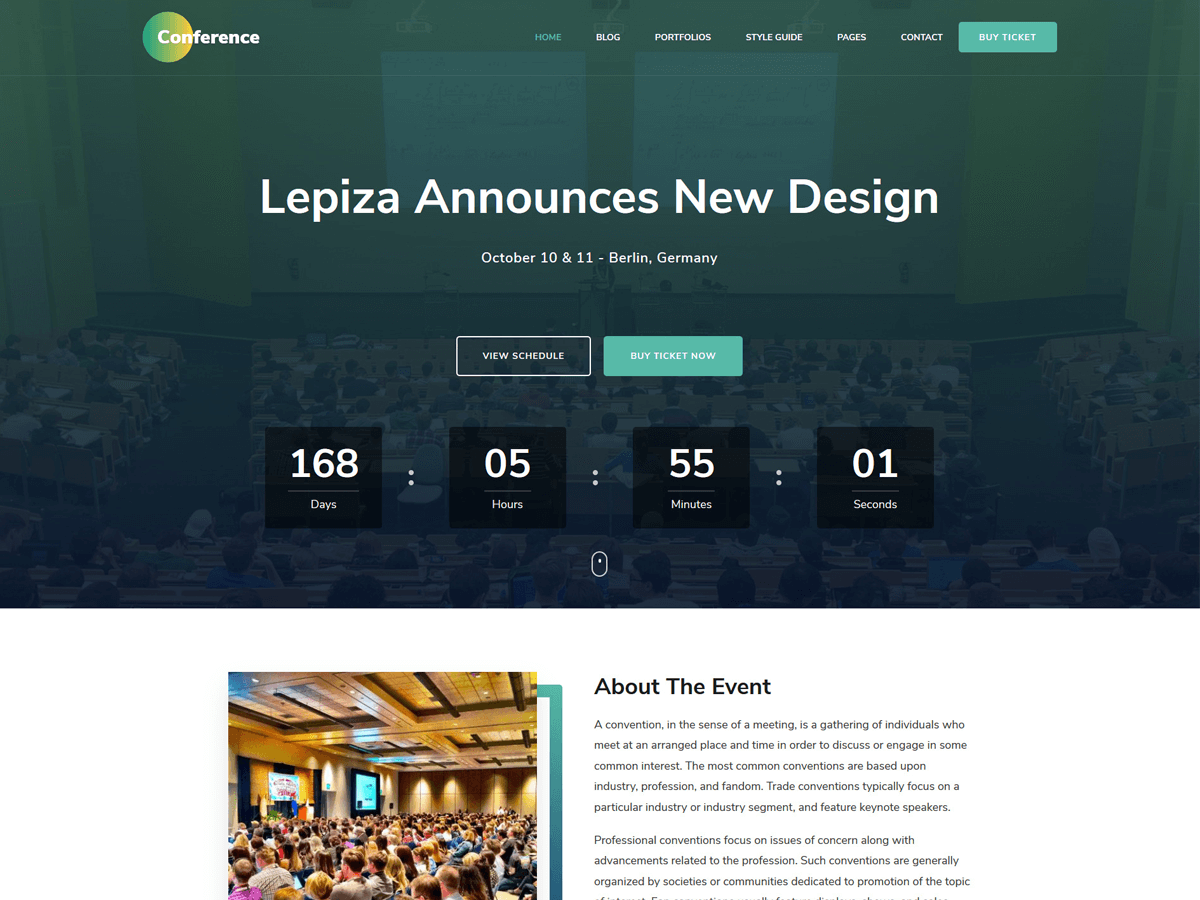
I am sorry but I am not able to understand which exact green color on the site is your referring to?
Can you please send me the screenshot of the issue. So, I can understand the issue better and provide you with some solution.
Also, if possible please post your site URL.
Thank you.
@proitserve Hello – did you ever find the solution to changing the default green color that comes with the theme?
Hello @denisewainer,
Thank you for joining the conversation.
Can you please explain which green color are you referring to?
The overall color of the theme is green.
Anyway, if you are referring to the top header bar color, then can you please try adding below custom CSS via Dashboard > Appearance > Customize > Additional CSS.
.site-header .header-t {
    background: #3f3996;
}
You can change the HEX value of the background as the color of your choice.
Thank you.
Thread Starter
 PITS
PITS
(@proitserve)
Hi,
Yes I was referring to the theme’s green hue. It’s quite elegant, but with certain background images it doesn’t suit as nicely so I wanted a way to adjust this and either change the colour or remove it entirely.
Thank you for the CSS, I’ll give this a try.