

Description
Easy I18n is a lightweight inline translation plugin that lets you add multilingual content directly in your HTML, templates, or Elementor blocks — without duplicating pages or dealing with complex UI.
It focuses on a simple and modern workflow:
– Use HTML normally
– Mark text with data-i18n
– Add translations in a clean admin interface
– Show a minimal frontend language switcher
– Done.
This makes it ideal for:
– Landing pages
– SaaS sites
– Marketing funnels
– Elementor layouts
– Static content
– Headless-style frontends
– Low-maintenance multilingual sites
No page duplication.
No heavy UI.
No lock-in.
Just fast, simple multilingual content.
Features
- Inline translations with
data-i18n - No page duplication
- Works with Elementor and static HTML
- Lightweight language switcher (via shortcode)
- Designer-friendly admin UI
- Supports HTML inside translations
- Automatic language fallback
- Multi-language support in admin UI
Admin available in:
– Arabic
– Chinese (Simplified)
– Dutch
– English
– French
– German
– Italian
– Japanese
– Korean
– Polish
– Portuguese (Brazil)
– Spanish
Usage
-
Add language switcher using the shortcode:
[easyi18n_switcher] -
Mark text:
Fallback text
-
Add translations in the admin UI
-
Save and refresh page
The plugin loads translations automatically based on current language.
Support
This is a community project, but development is supported by donations.
If this plugin helps your work, please consider supporting its maintenance and development on Ko-fi: https://ko-fi.com/micheldosanjos
Support may be limited or delayed.
Contributing
Pull requests and translations are welcome.
License
GPLv2 or later
https://www.gnu.org/licenses/gpl-2.0.html
Screenshots
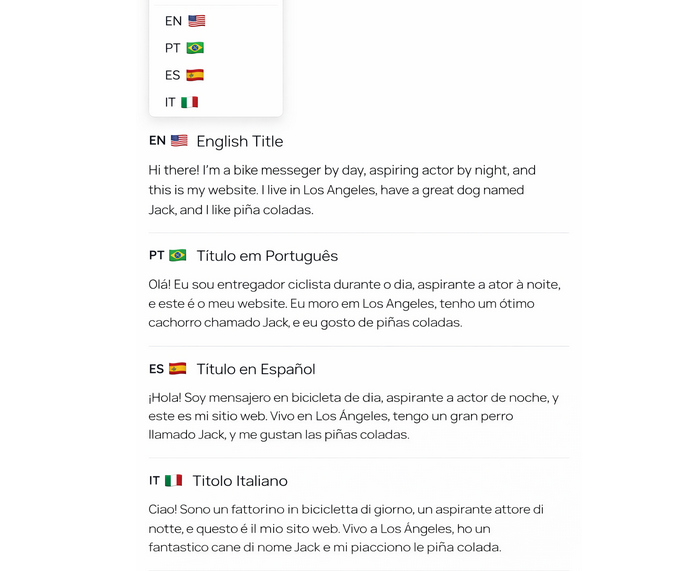
Language switcher 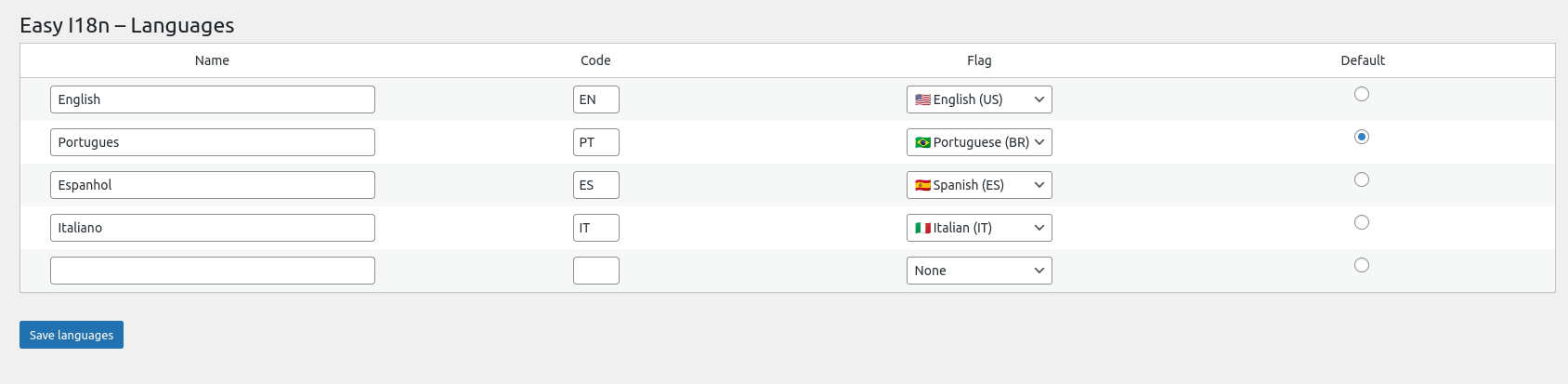
Admin: Languages 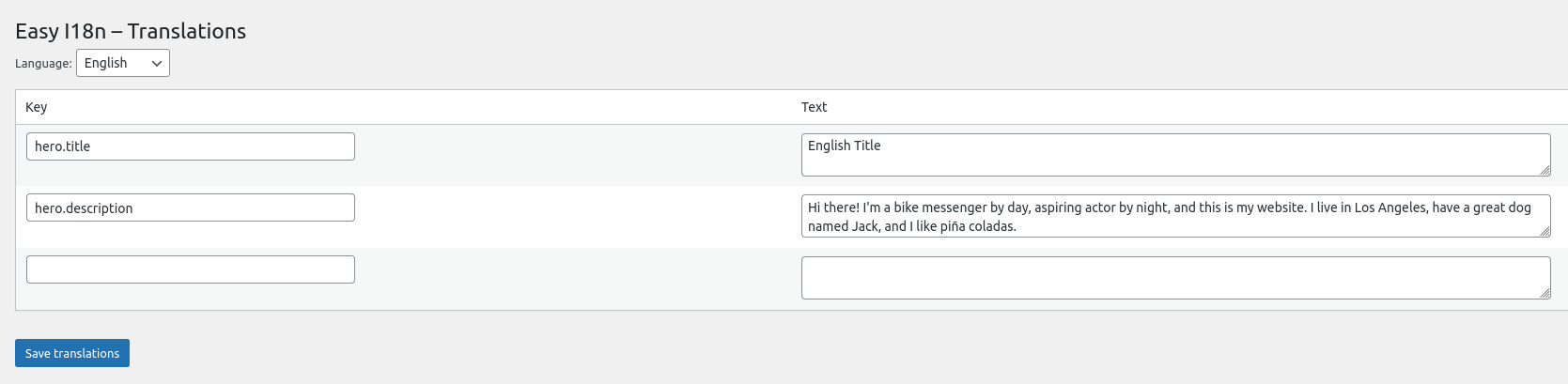
Admin: Translations 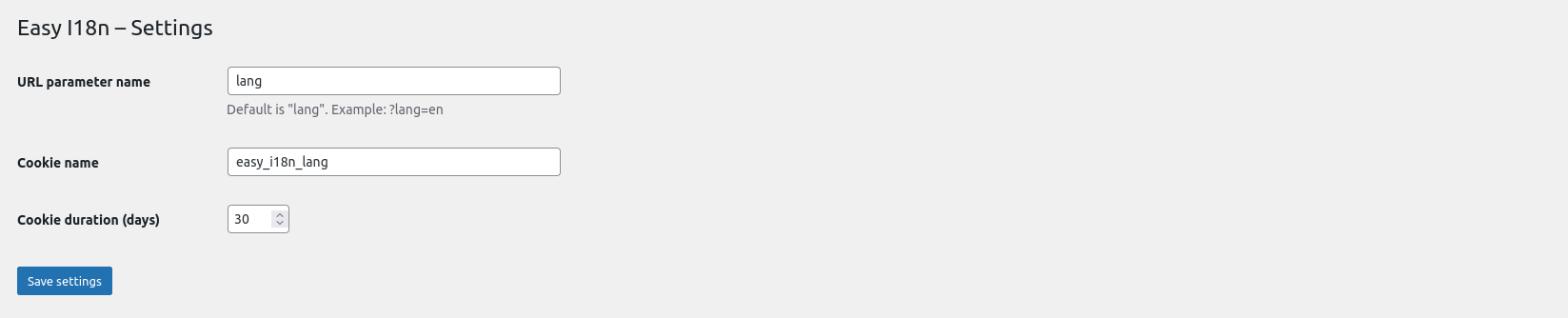
Admin: Settings
Installation
- Upload the plugin files to
/wp-content/plugins/easy-i18n - Activate the plugin through the “Plugins” screen in WordPress
- Add the language switcher:
[easyi18n_switcher] - Add translation keys in admin
- Use
data-i18ntags in your HTML or Elementor
FAQ
-
Does this duplicate pages?
-
No. Easy I18n is inline. Everything happens in the same page.
-
Does this work with Elementor?
-
Yes. Just use HTML blocks or custom templates.
-
Can I use HTML inside translations?
-
Yes, including tags and links.
-
Does it support right-to-left languages?
-
Yes.
-
Will this slow down my site?
-
No. The plugin loads a small JSON file per language.
Reviews
There are no reviews for this plugin.
Contributors & Developers
“Easy I18n” is open source software. The following people have contributed to this plugin.
Contributors
“Easy I18n” has been translated into 2 locales. Thank you to the translators for their contributions.
Translate “Easy I18n” into your language.
Interested in development?
Browse the code, check out the SVN repository, or subscribe to the development log by RSS.
Changelog
1.0.0
- First public release
- Added admin interface translations
- Added multiple language support in admin UI
- Improved UX and accessibility