

Description
Askova lets you add a floating FAQ chatbot to your WordPress site. Manage questions, answers, sub-sections, forms, and design settings from the dashboard — no coding required. Supports Arabic (RTL) and English (LTR).
Key Features:
- Dynamic FAQ Sections with unlimited questions and answers
- Sub-Sections Support — nest sub-sections inside parent sections
- “Help Me” Wizard — guide visitors who don’t know which service to choose
- Built-in Form Builder — add fields from ready templates (name, email, phone, company, etc.)
- Form Submission Logs — view and manage all submissions from a dedicated admin page
- Email Notifications — get notified when a new form is submitted
- Drag & Drop Reordering — for sections, sub-sections, questions, and form fields
- Bilingual Admin Panel — switch between Arabic (RTL) and English (LTR) in one click
- Full Color Customization — 8 color pickers for complete control
- Google Fonts Support — use any Google Font (Cairo, Almarai, Tajawal, etc.)
- Icon Upload — upload SVG or image icons from WordPress Media Library
- RTL and LTR Support — Arabic, Hebrew, English, and more
- Responsive Design — works on mobile and desktop
- Lightweight — pure vanilla JavaScript, no jQuery dependency on front end
- No external tracking, no remote calls, no ads
Screenshots

Admin dashboard — FAQ Sections with sub-sections and drag-and-drop. 
Admin dashboard — Form Builder with quick add field templates. 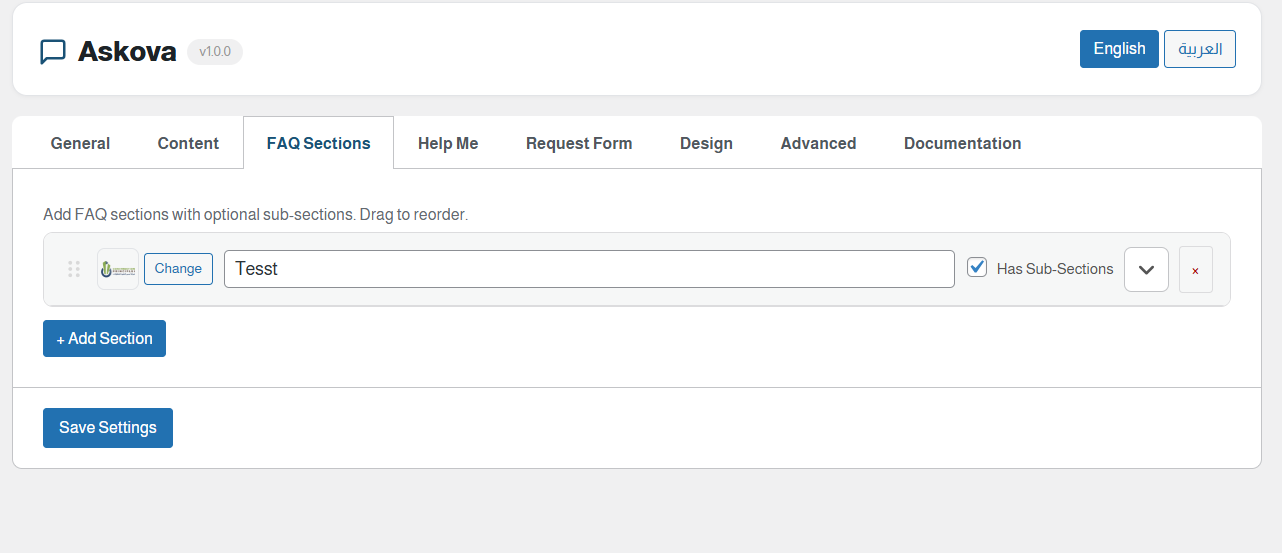
Admin dashboard — Form Logs showing submissions in organized cards. 
Frontend — Chatbot widget showing FAQ sections menu. 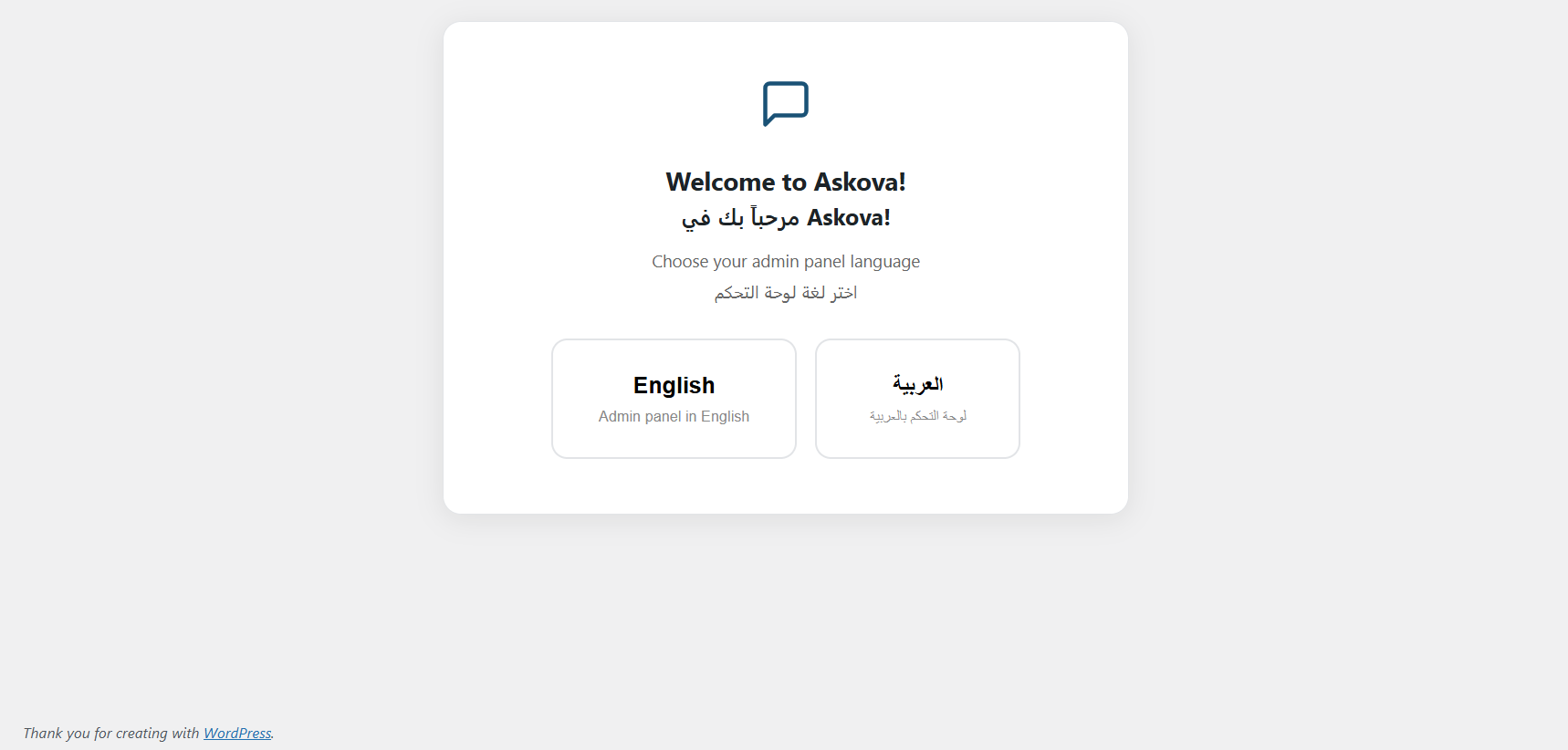
Frontend — Chatbot showing the built-in service request form.
Installation
- Upload the
askovafolder to/wp-content/plugins/. - Activate the plugin through the “Plugins” menu in WordPress.
- Go to Askova FAQ Chat in the admin sidebar.
- Add FAQ sections and questions under the “FAQ Sections” tab.
- Configure the form under “Form Builder” tab.
- Customize colors and fonts under “Design” tab.
- Save settings and the chatbot appears on your site.
FAQ
-
Does this plugin use any external services?
-
No. Everything runs locally on your WordPress site. Google Fonts are loaded from Google’s CDN only if you specify a font name.
-
Can I use this with RTL languages like Arabic?
-
Yes. Set direction to RTL in General settings. The admin panel also supports full Arabic interface.
-
Can I add sub-sections inside a FAQ section?
-
Yes. Check “Has Sub-Sections” on any section to add nested sub-sections with their own questions.
-
How does the form builder work?
-
Go to “Form Builder” tab, use Quick Add buttons to insert pre-built fields, or add custom fields manually. Submissions are saved and viewable in “Form Logs”.
Reviews
There are no reviews for this plugin.
Contributors & Developers
“Askova – Smart FAQ Chat” is open source software. The following people have contributed to this plugin.
Contributors
Translate “Askova – Smart FAQ Chat” into your language.
Interested in development?
Browse the code, check out the SVN repository, or subscribe to the development log by RSS.
Changelog
1.0.0
- Initial release.
- OOP architecture with 8 classes.
- FAQ sections with sub-sections support.
- “Help Me” service wizard linking to sections.
- Form Builder with pre-built field templates.
- Form Submission Logs with card-based admin page.
- Bilingual admin panel (Arabic RTL / English LTR).
- Icon upload from WordPress Media Library (SVG/image).
- Google Fonts support.
- Email notifications for form submissions.
- Drag & drop reordering.
- Full color customization.
- No jQuery dependency on frontend.