

Mô tả
** Notify user with their account access location **
- Just install this plugin and track your account access location to your mailbox.
- If you want to set/changes your IP address go to this plugin setting and enter your current IP address.
Ảnh màn hình
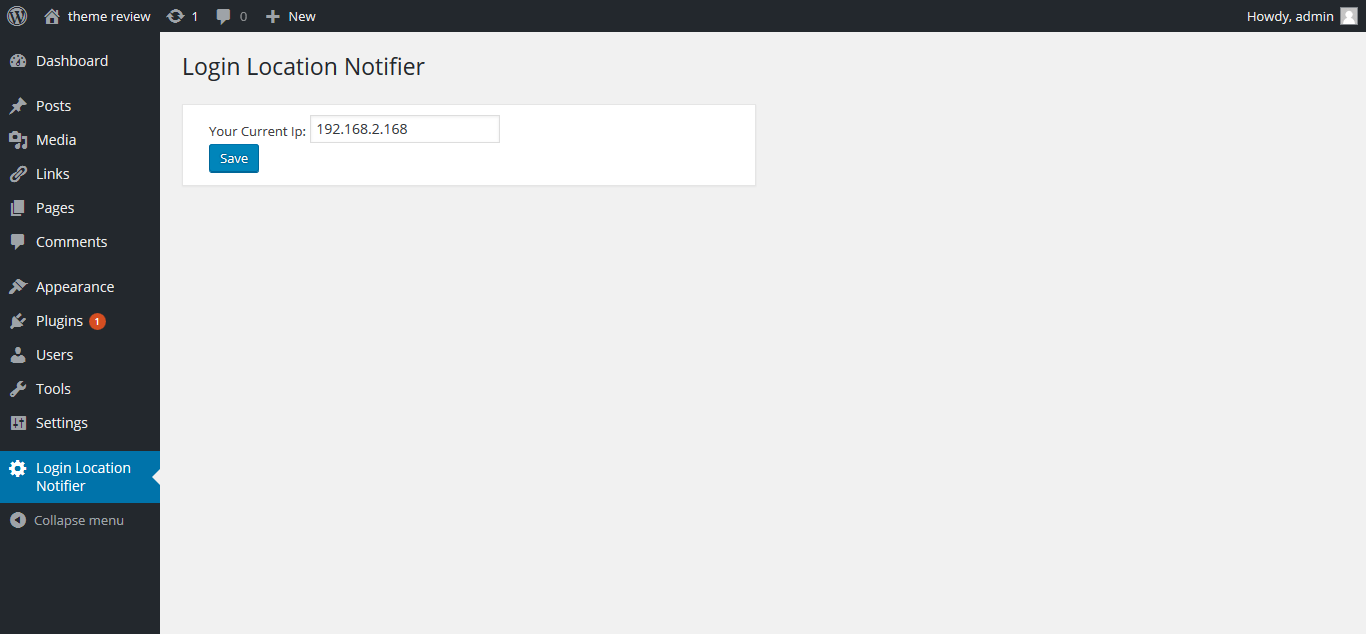
Set your current IP address here.
Cài đặt
This section describes how to install the plugin and get it working.
In WordPress:
- Go to Plugins > Add New > search for :: Login Location Notifier ::
- Press Install Now for the Login Location Notifier plugin
- Press Activate Plugin
To install manually instead:
- Upload the login-location-notifier directory to the /wp-content/plugins/ directory
- Activate the plugin through the Plugins menu in WordPress
Đánh giá
Không có đánh giá nào cho plugin này.
Người đóng góp & Lập trình viên
“Login Location Notifier” là mã nguồn mở. Những người sau đã đóng góp vào plugin này.
Những người đóng góp

Dịch “Login Location Notifier” sang ngôn ngữ của bạn.
Muốn tham gia phát triển?
Duyệt code, check out SVN repository, hoặc theo dõi nhật ký phát triển qua RSS.
Nhật ký thay đổi
1.0
- Just install this plugin and track your account access location to your mailbox.
- If you want to set/changes your IP address go to this plugin setting and enter your current IP address.