
تفصیل
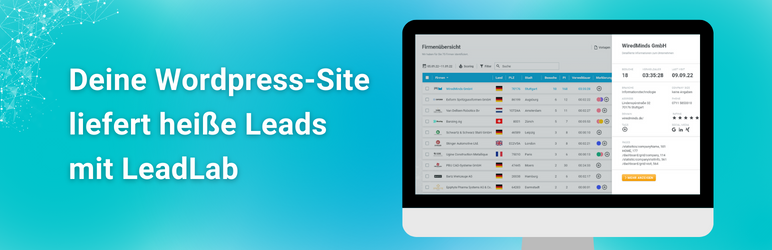
This Plugin will provide a Tracking-Code for LeadLab (powered by WiredMinds). The code will be placed in front of the closed body tag to each page rendered by WordPress.
The User has only to use his customer number in the plugin configuration.
اسکرین شاٹس

settings
انسٹالیشن
- Upload \”leadlab.php\” to the \”/wp-content/plugins/\” directory.
- Activate the plugin through the \”Plugins\” menu in WordPress.
- Go to Settings.
- Go to Wiredminds LeadLab.
- Enter your Wiredminds LeadLab custom number.
- Save your entry.
عمومی سوالات
Where can i find my customernumber?
You can find your "Customernumber” in LeadLab under configuraion and trackingcode.

شراکت دار اور ڈیویلپرز
“LeadLab by wiredminds” اوپن سورس سافٹ ویئر ہے۔ مندرجہ ذیل لوگوں نے اس پلگ ان میں حصہ لیا:
شراکت دار
“LeadLab by wiredminds” کا 1 زبان میں ترجمہ کیا گیا ہے۔ تعاون کے لیے مترجمین کا شکریہ۔
“LeadLab by wiredminds” کا اپنی زبان میں ترجمہ کریں۔
ڈویلپمینٹ میں دلچسپی ہے؟
کوڈ براؤز کریں، ایس این وی ریپوزیٹری کو چیک کریں یا ڈویلپمینٹ لاگ کو سبسکرائب کریں بذریعہ آر ایس ایس۔
چینج لاگ
Initial Public Release
Added Cookie-Tracking Option Checkbox