

تفصیل
"Simplify Dashboard” adds a toggle in the admin bar to hide menu items you don’t use much.
It gives you a simple interface for your users, and can be quickly turned on or off.
Choose which items are hidden in the Settings>Simplify Dashboard page by writing their menu name, or specify the actual HTML id.
اسکرین شاٹس
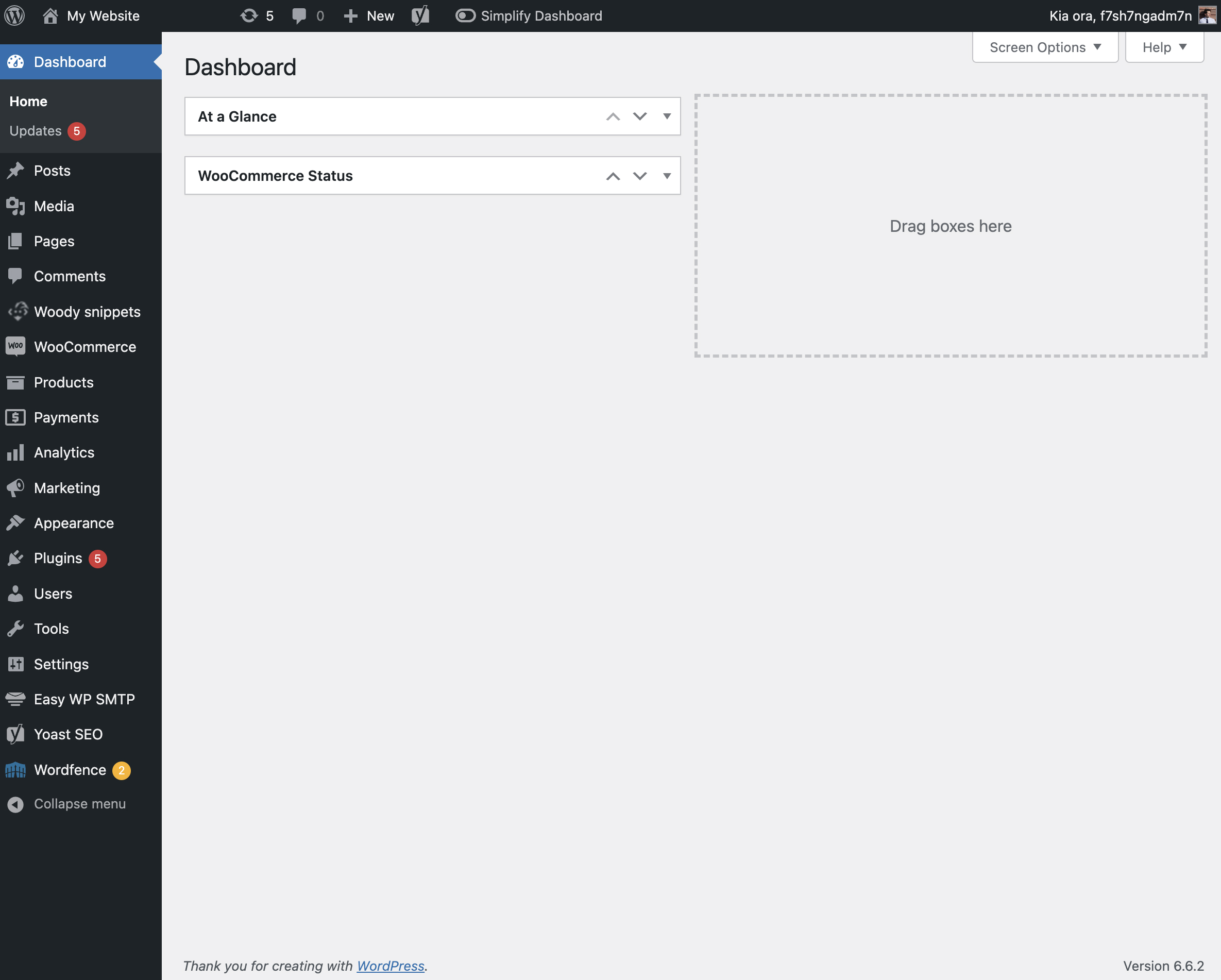
The admin screen with nothing hidden. 
View of the admin screen with the toggle activated. 
The settings page for Simplify Dashboard.
انسٹالیشن
- Upload the
simplify-dashboardfolder to the/wp-content/plugins/directory. - Activate the plugin through the ‘Plugins’ menu in WordPress.
- Once activated, navigate to the Settings page and click on the new submenu "Simplify Dashboard”.
- Enter the names of the menu items you want to hide. Additionally, choose items to hide in the admin by their element id.
- Turn the Simplify Dashboard toggle to on.
جائزے
There are no reviews for this plugin.
شراکت دار اور ڈیویلپرز
“Simplify Dashboard” اوپن سورس سافٹ ویئر ہے۔ مندرجہ ذیل لوگوں نے اس پلگ ان میں حصہ لیا:
شراکت دار
“Simplify Dashboard” کا اپنی زبان میں ترجمہ کریں۔
ڈویلپمینٹ میں دلچسپی ہے؟
کوڈ براؤز کریں، ایس این وی ریپوزیٹری کو چیک کریں یا ڈویلپمینٹ لاگ کو سبسکرائب کریں بذریعہ آر ایس ایس۔
چینج لاگ
1.1
- Improving code quality.
1.0
- Initial release.