
تفصیل
If your site visitors type in it’s national language and there is even a small chance that your visitors do not have the
required keyboard layout – use this plugin to integrate virtual keyboard from Loderi.com. When using our keyboards your
visitors can type everything they need for your website or blog.
230 layouts in all languages of the world: Akan, Albanian, Arabic, Armenian, Azeri (Azərbaycan), Bambara, Bemba, Bengali, Blackfoot, Bosnian, Bulgarian, Chechen, Cherokee, Chichewa, Chinese, Croatian, Czech, Danish, Dari, Devanagari, Dinka, Divehi, Duala, Dutch (Nederlands), Dzongkha, English, Estonian, Ethiopic, Ewondo, Faeroese, Farsi-Persian, Finnish (suomi), French, Fulfulde, Ga, Gaelic, Gbe (British), Georgian, German, Greek, Gujarati, Hausa, Hebrew, Hindi, Hungarian, Icelandic, Igbo (Ndị Igbọ), Irish (Gaeilge), Italian, Japanese, Kannada, Kazakh, Khmer, Kikuyu, Kirundi, Korean, Krio, Kru, Kurdish, Kyrgyz, Lakhota, Lao, Latvian, Lingala, Lithuanian, Luganda, Luo, Luxembourgish, Macedonian, Malayalam, Maltese, Mande, Maori, Marathi, Mongolian, Multilingual, Nepali, Norwegian, Oromo, Pashto, Polish, Portuguese, Romanian, Russian, Sanskrit, Serbian, seSotho, Shona, Slovak, Slovenian, Somali, Spanish, Swahili, Swedish, Syriac, Tagalog, Tajik, Tamil, Tatar, Telugu, Thai, Tswana, Turkish, Turkmen, Uighur, Ukrainian, Urdu, Uzbek, Vietnamese, Wolof, Xhosa, Yoruba, Zulu.
اسکرین شاٹس

Automatically appends to the comments form 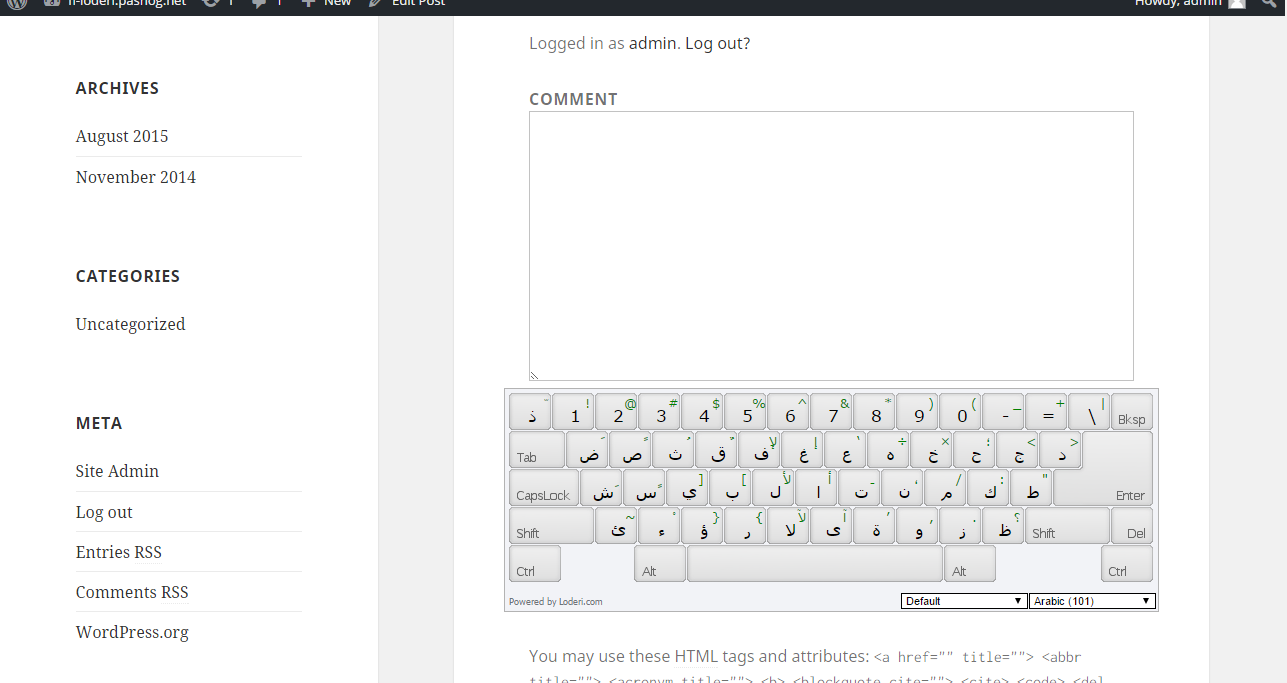
Multiple skins available 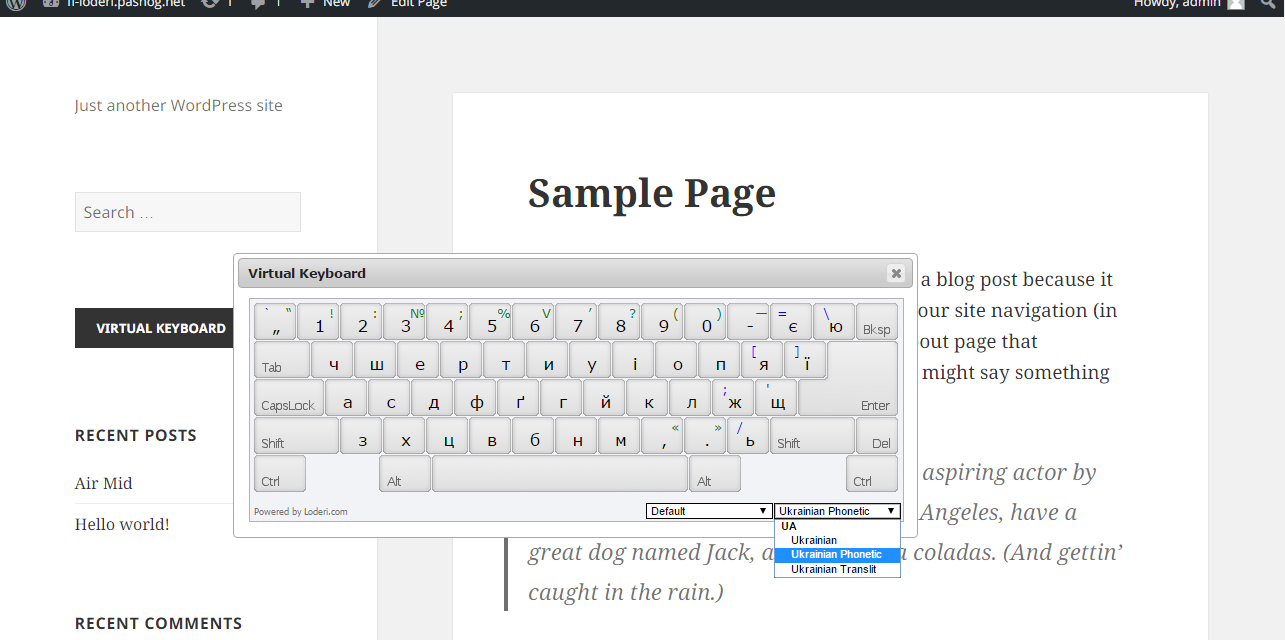
Also available as popup from widget-button
انسٹالیشن
Manually installing from ZIP file
- Download the ZIP file from this screen
- Select option
Add pluginfrom the admin panel - Select top option
uploadand select the file you downloaded - Confirm installation and activation plugin from the admin panel
Manually installing from FTP
- Download the ZIP file from this screen and unzip
- Sign in to your FTP folder on the web server
- Upload folder
loderi-virtual-keyboardto the/wp-content/plugins/directory - Activate the plugin through the ‘Plugins’ menu in WordPress
جائزے
There are no reviews for this plugin.
شراکت دار اور ڈیویلپرز
“Loderi Virtual Keyboard” اوپن سورس سافٹ ویئر ہے۔ مندرجہ ذیل لوگوں نے اس پلگ ان میں حصہ لیا:
شراکت دار

“Loderi Virtual Keyboard” کا اپنی زبان میں ترجمہ کریں۔
ڈویلپمینٹ میں دلچسپی ہے؟
کوڈ براؤز کریں، ایس این وی ریپوزیٹری کو چیک کریں یا ڈویلپمینٹ لاگ کو سبسکرائب کریں بذریعہ آر ایس ایس۔