
تفصیل
This plug-in generates a report file from the post .
The report file is made from Excel file that is uploaded by you.
You can set customfield’s value to Excel worksheet cell.
Supported formats are XLS, XLSx.
FOSS Disclaimer
One opensource libraries are included with this plugin (without changes)
PHPExcel version 1.8.0, 2014-03-02 – http://phpexcel.codeplex.com
اسکرین شاٹس

Open Setting -> Excel Reports 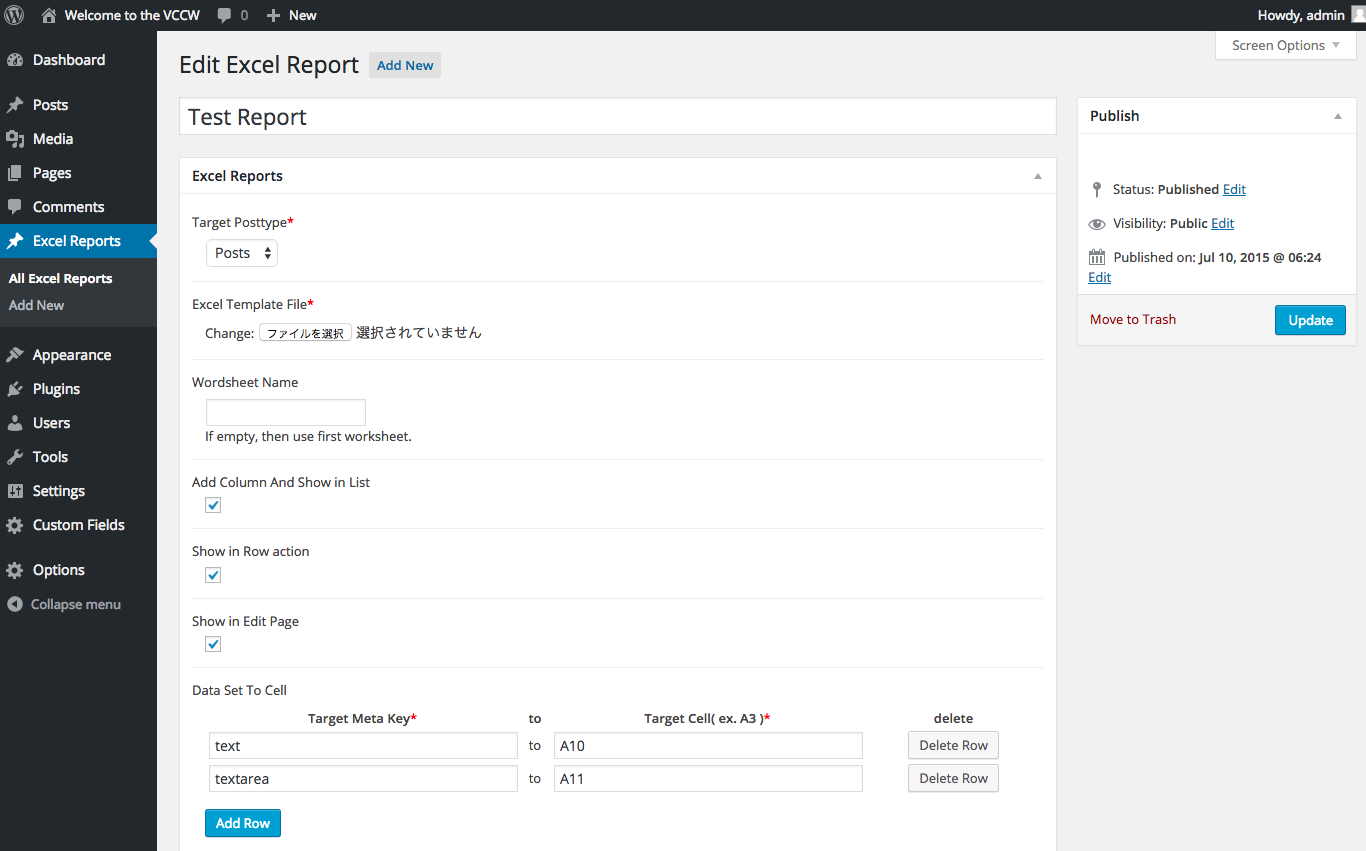
Entry new Excel report. 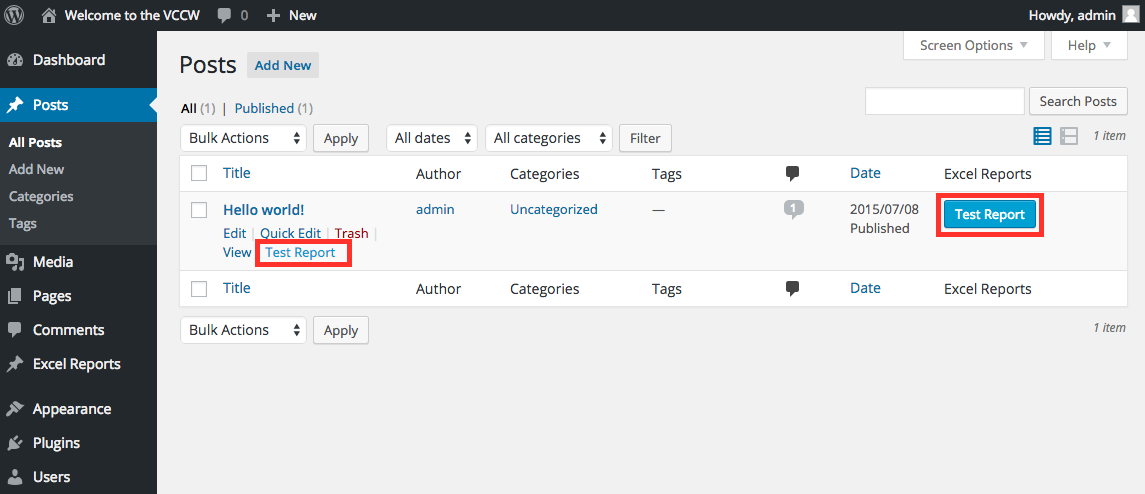
Report button and row action 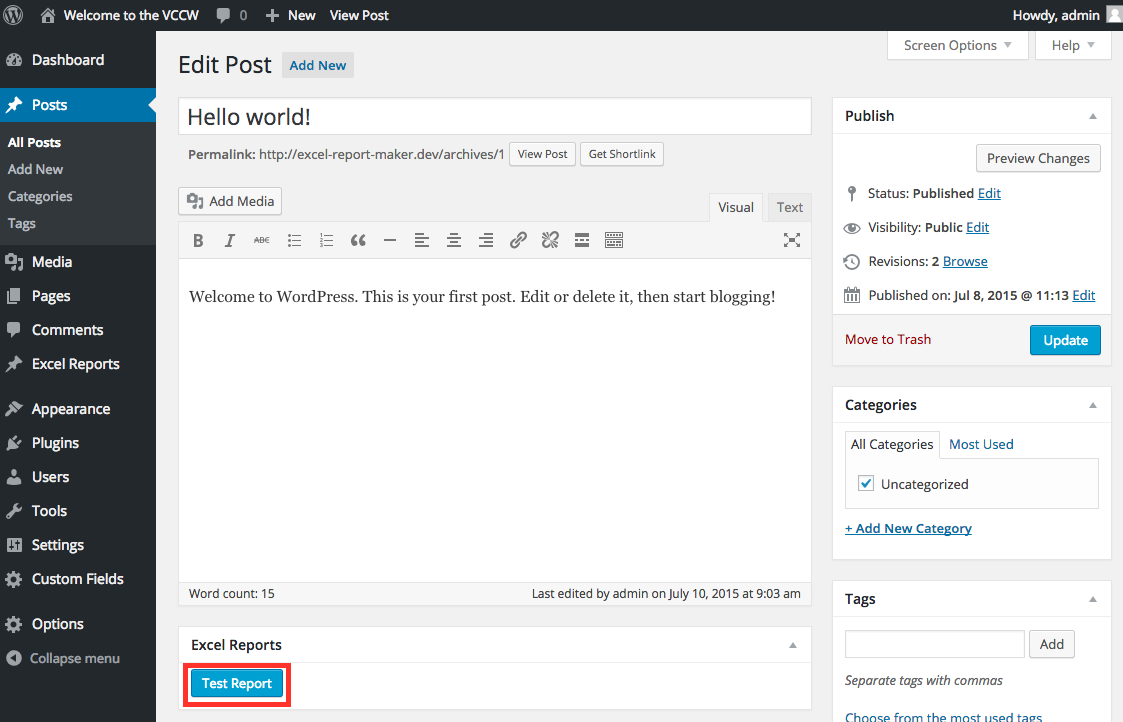
Report button in Edit page 
Click Report button or row action, then down load report.
انسٹالیشن
- Upload the contents of the plugin to the
/wp-content/plugins/directory - Activate the plugin through the ‘Plugins’ menu in WordPress
- Open Setting -> Excel Reports
- Check posttype you want generate report from, and save.
- You can find new custom posttype ‘Excel Reports’.
Entry new Excel report.
For basic usage, you can also have a look at the plugin homepage.
جائزے
There are no reviews for this plugin.
شراکت دار اور ڈیویلپرز
“Excel Report Maker” اوپن سورس سافٹ ویئر ہے۔ مندرجہ ذیل لوگوں نے اس پلگ ان میں حصہ لیا:
شراکت دار
“Excel Report Maker” کا اپنی زبان میں ترجمہ کریں۔
ڈویلپمینٹ میں دلچسپی ہے؟
کوڈ براؤز کریں، ایس این وی ریپوزیٹری کو چیک کریں یا ڈویلپمینٹ لاگ کو سبسکرائب کریں بذریعہ آر ایس ایس۔
چینج لاگ
0.1
beta release