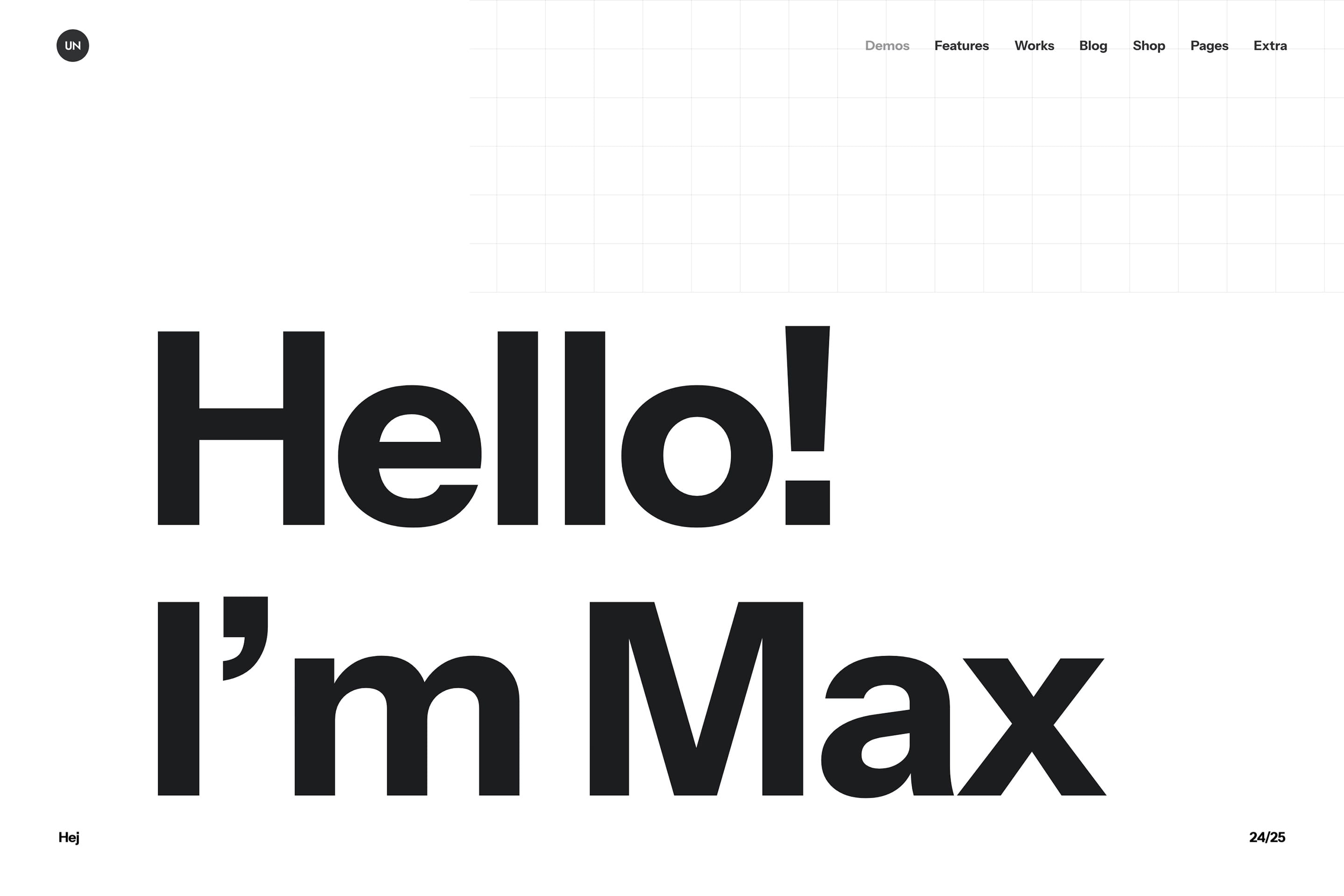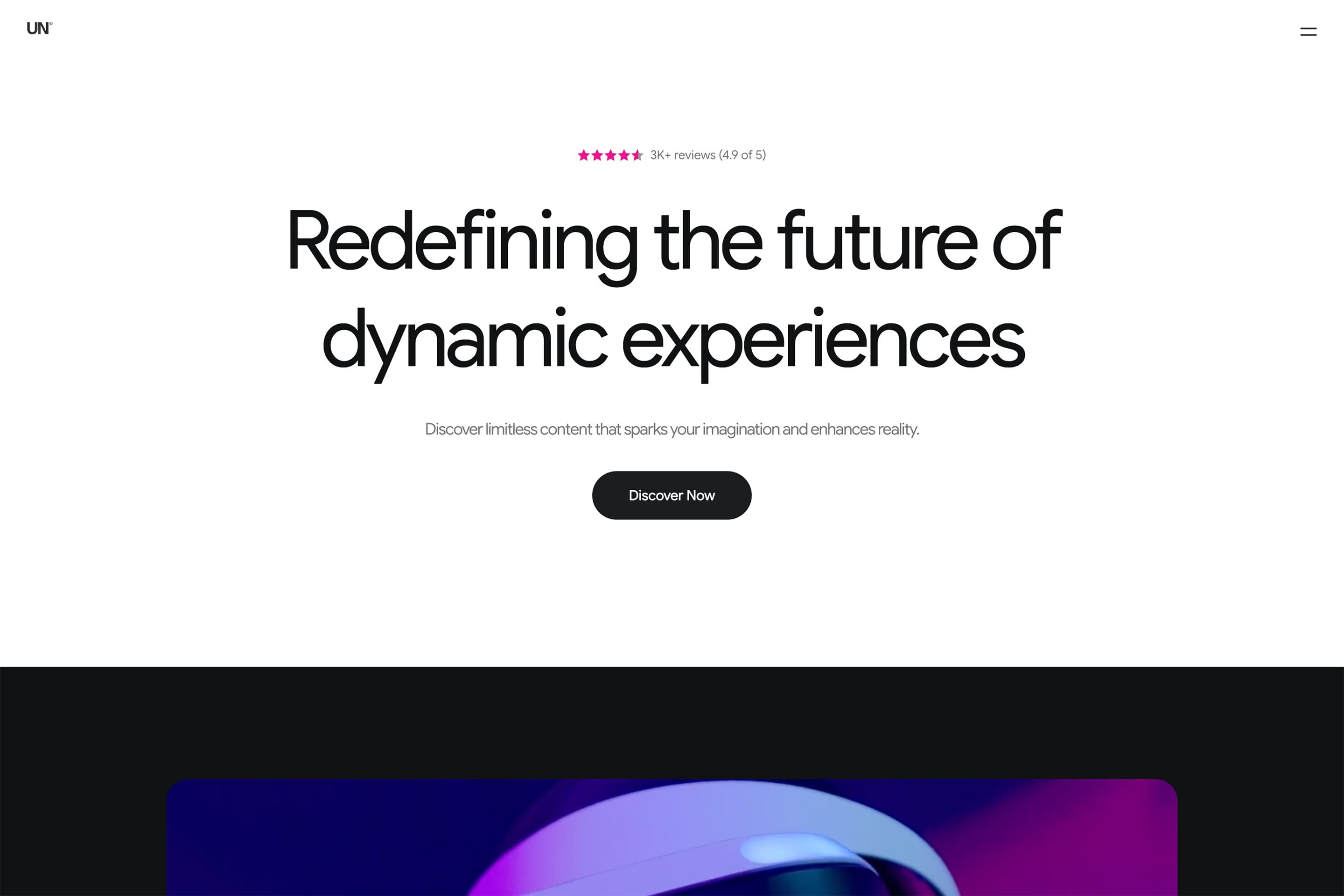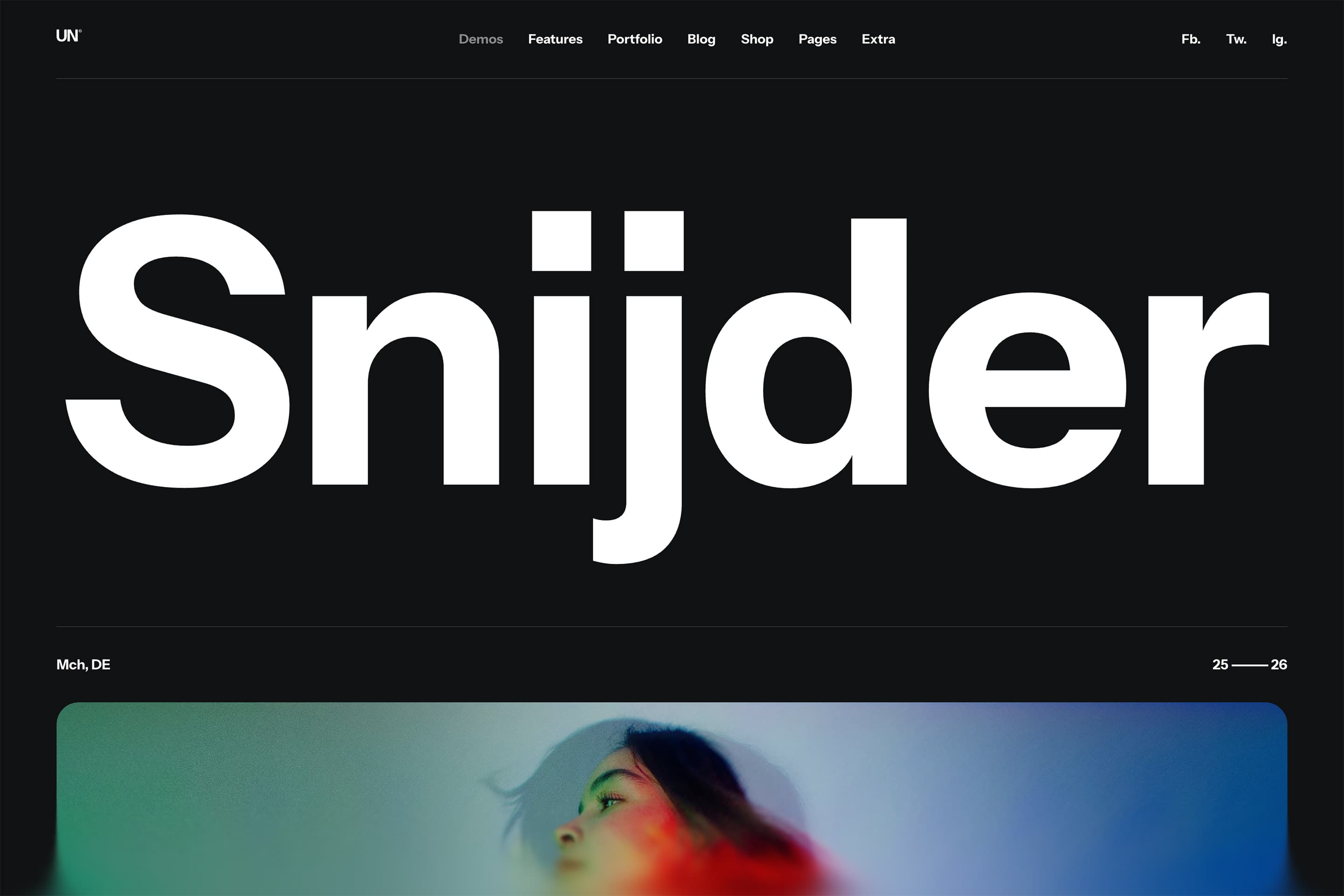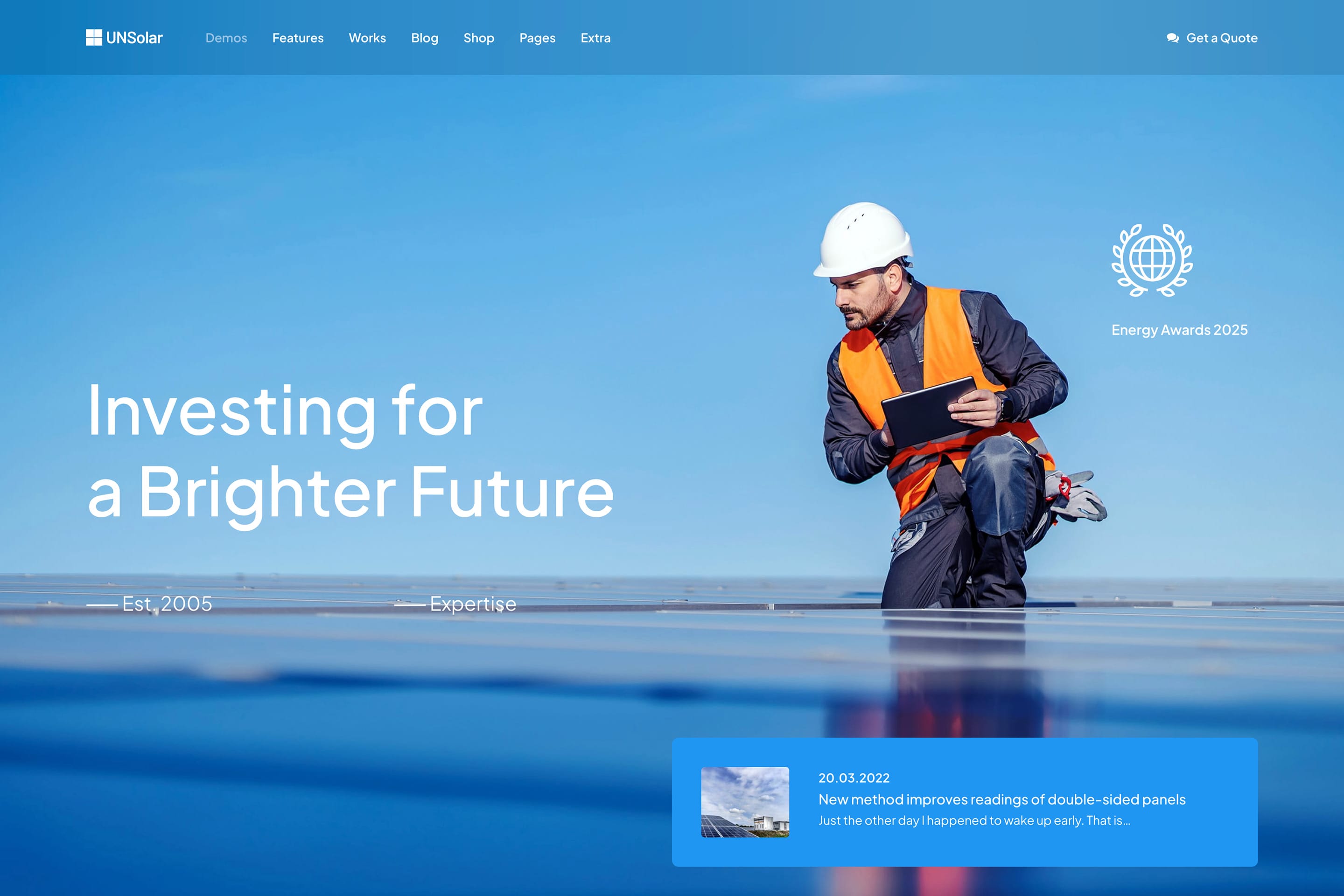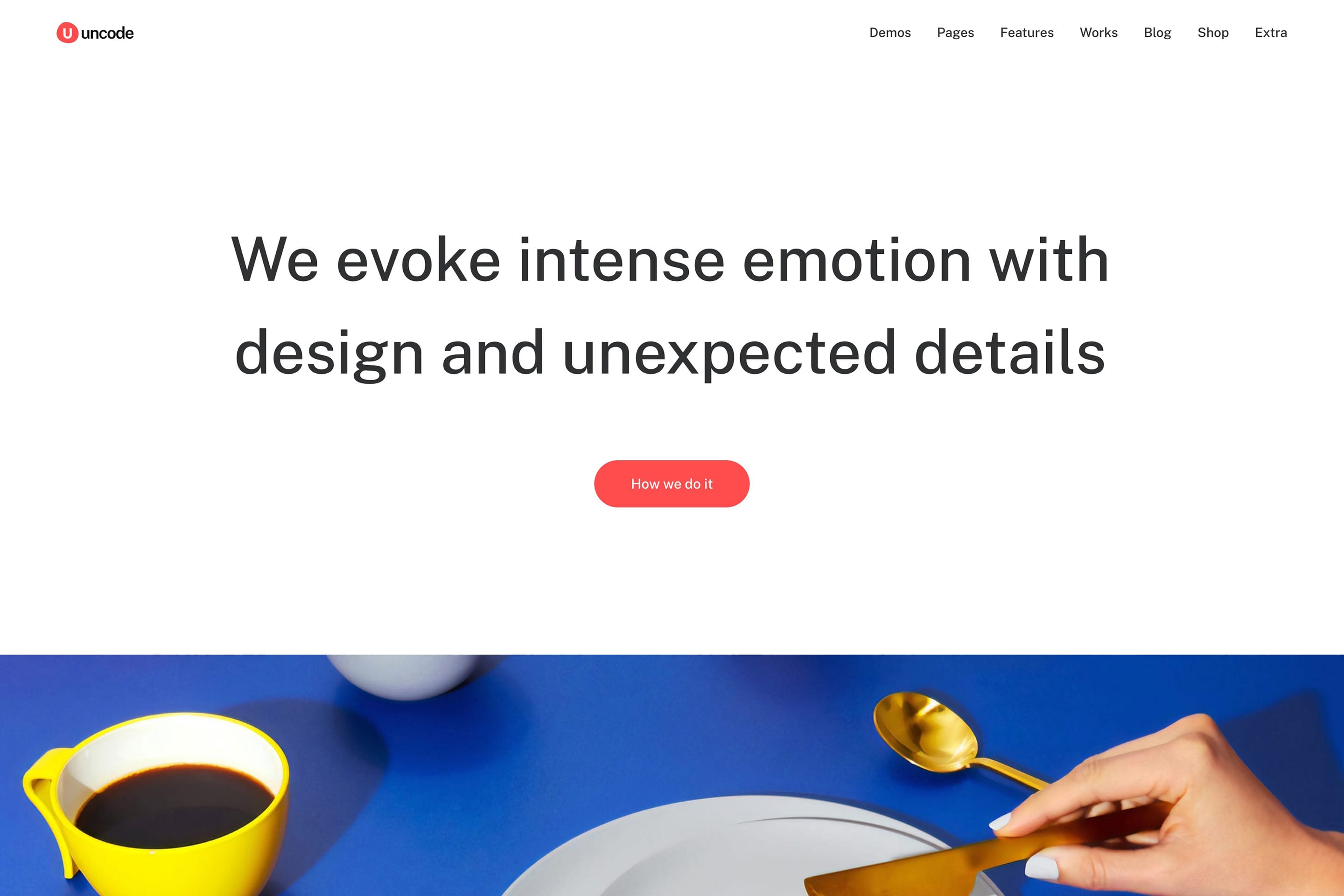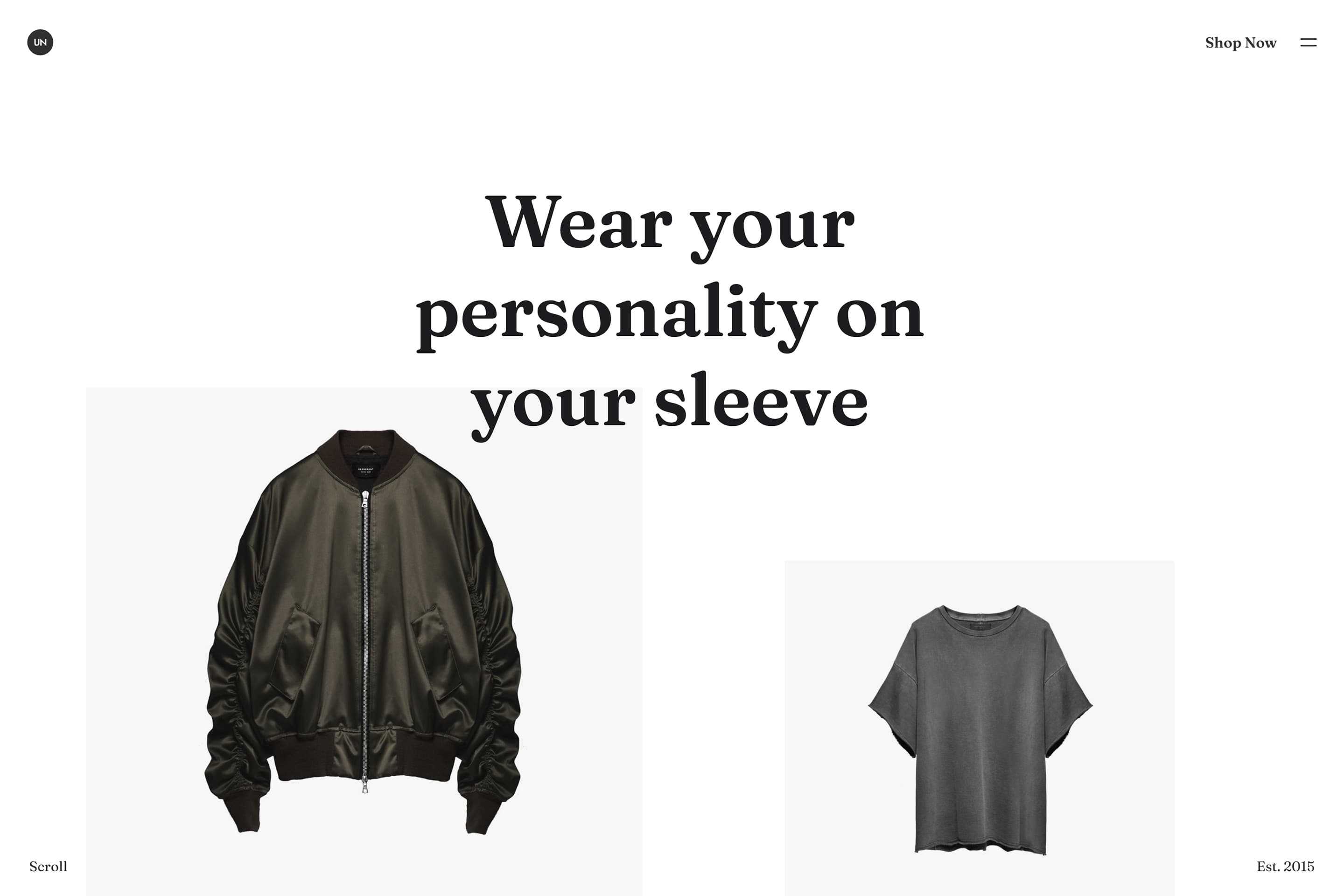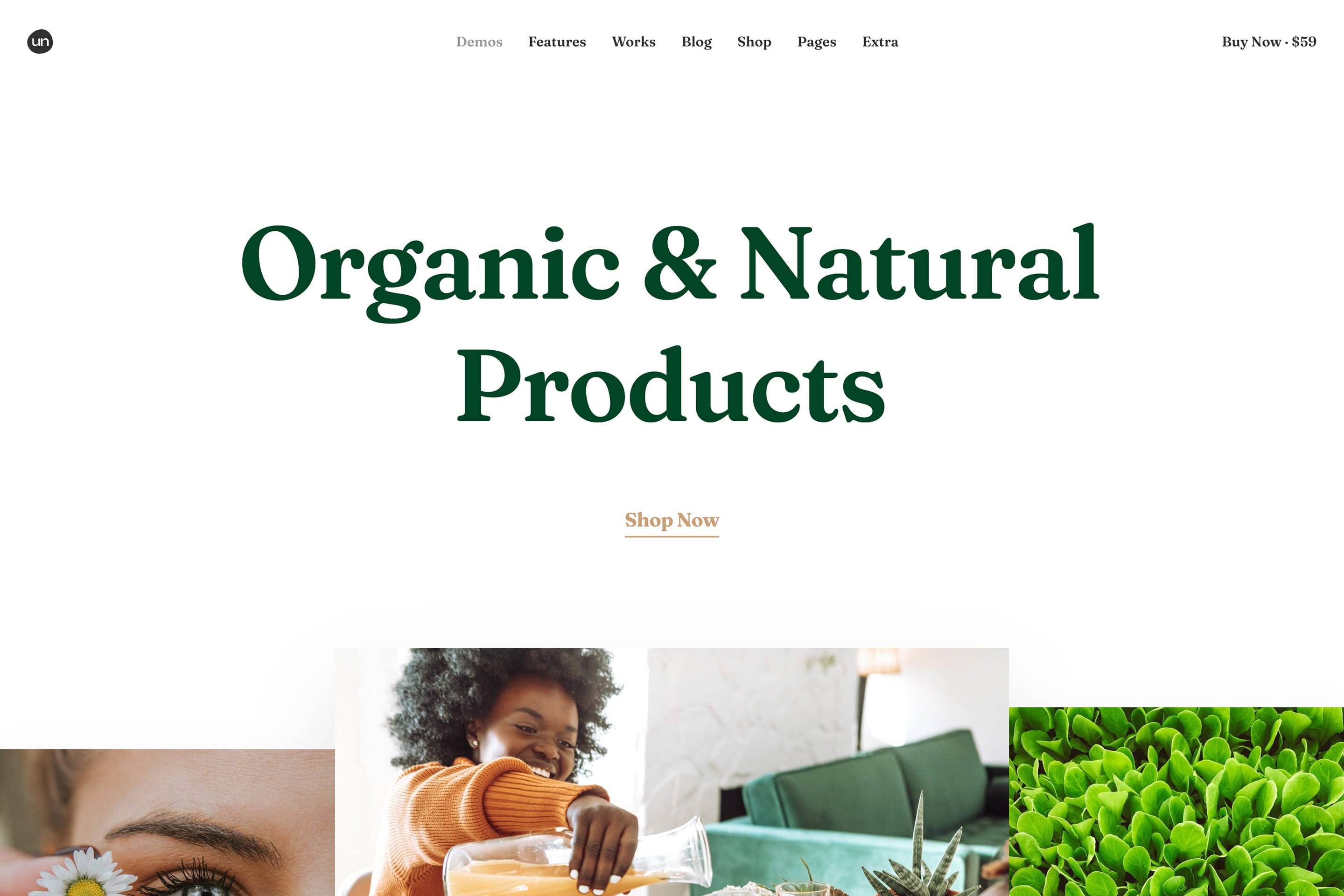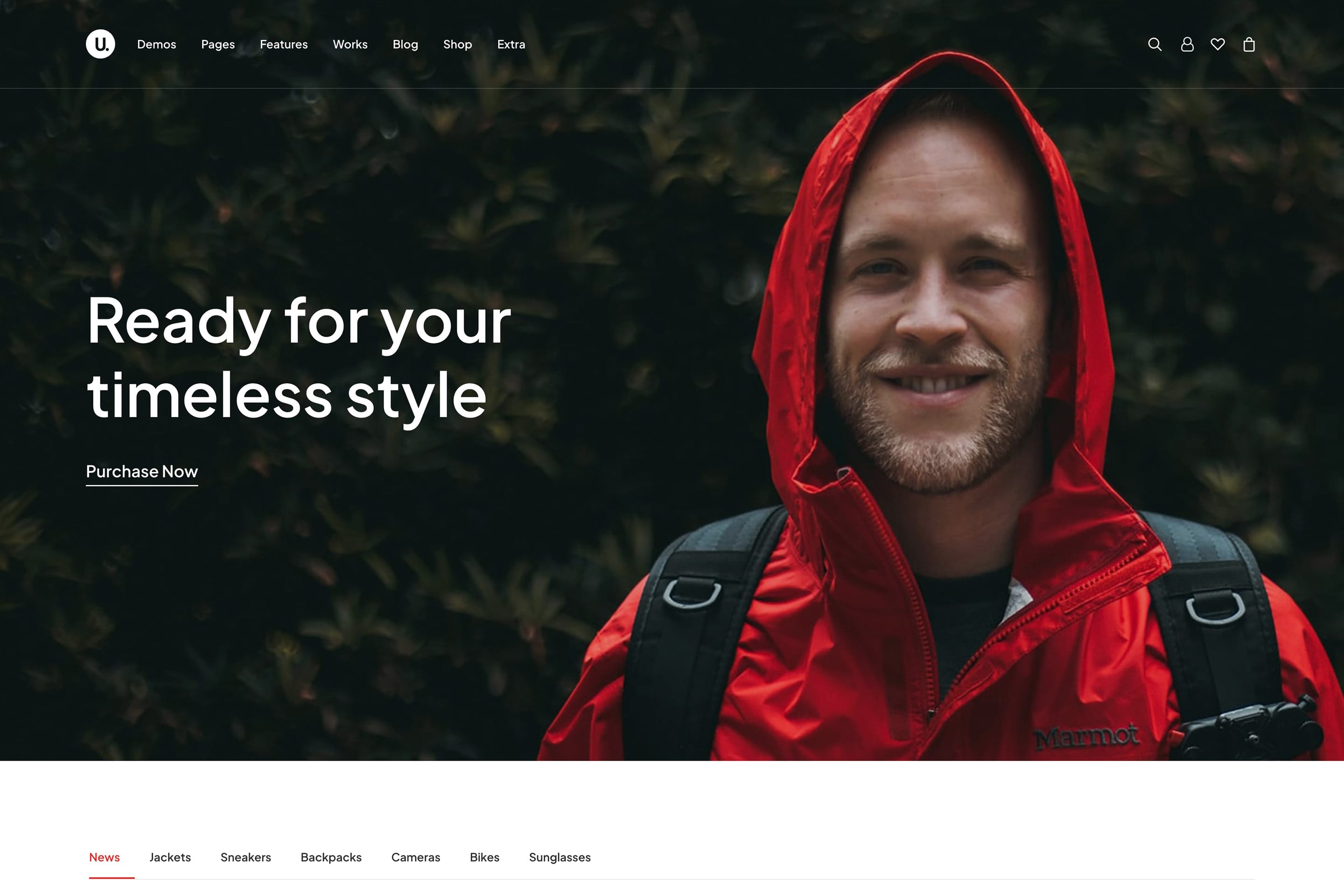














Unlimited Flexibility
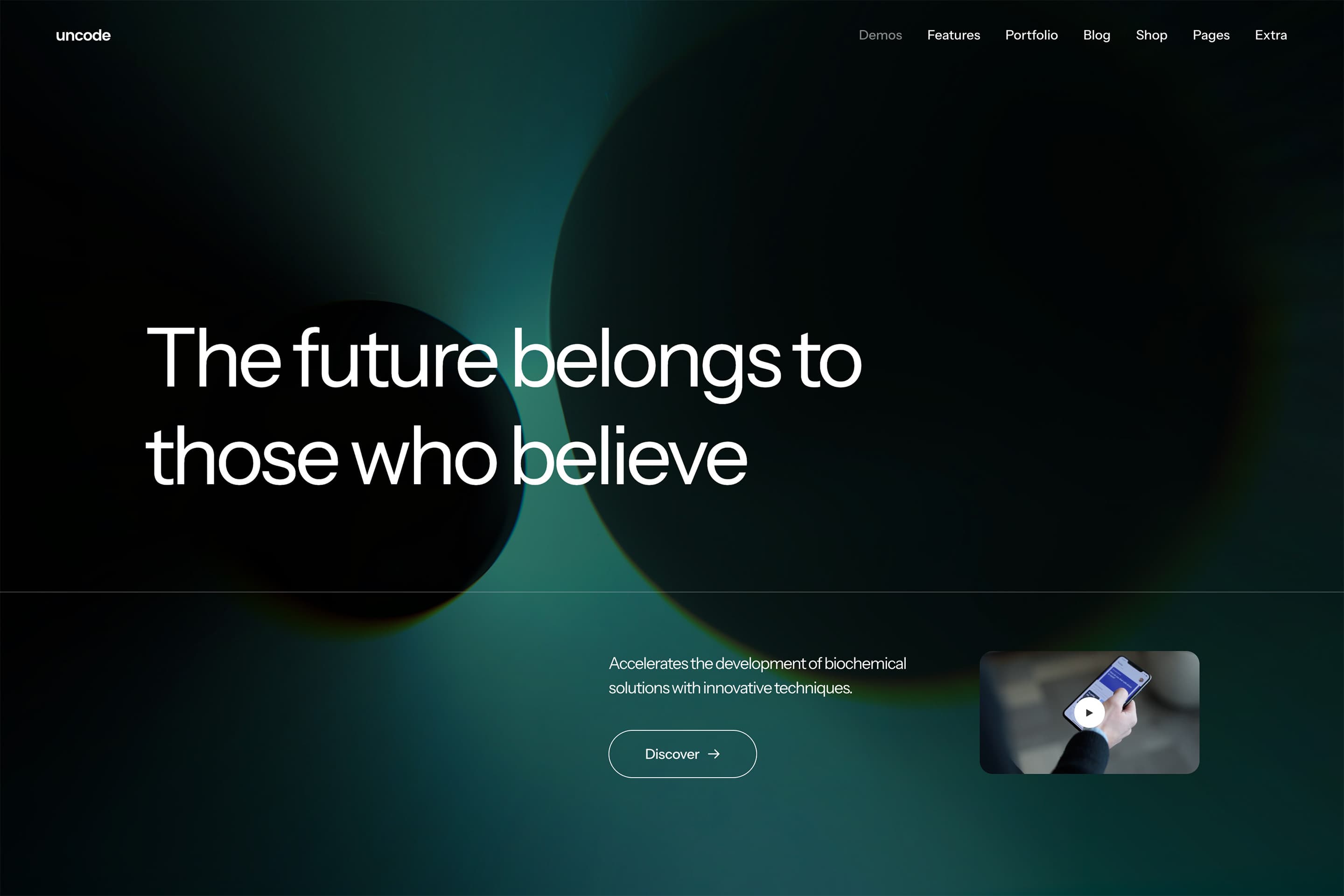
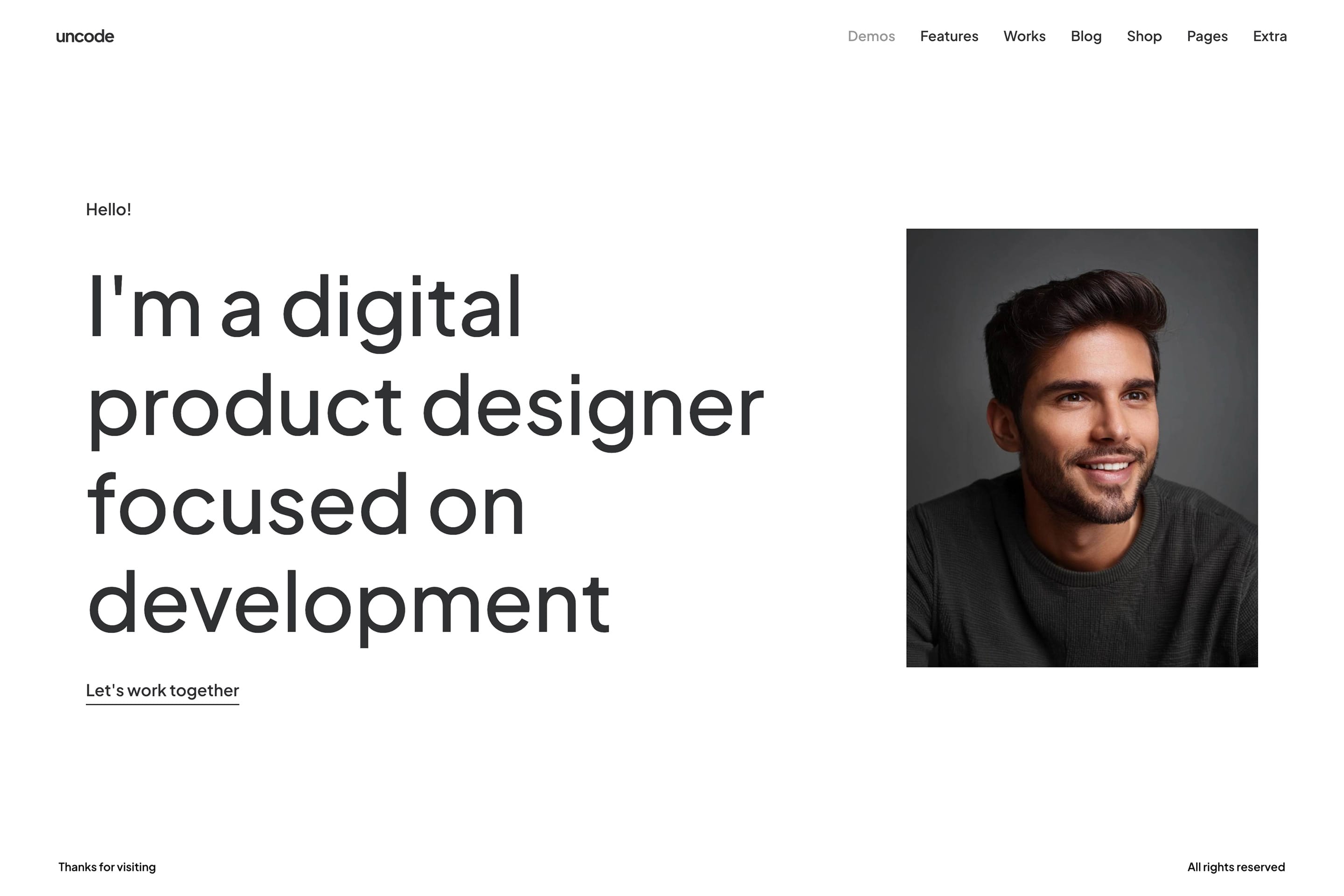
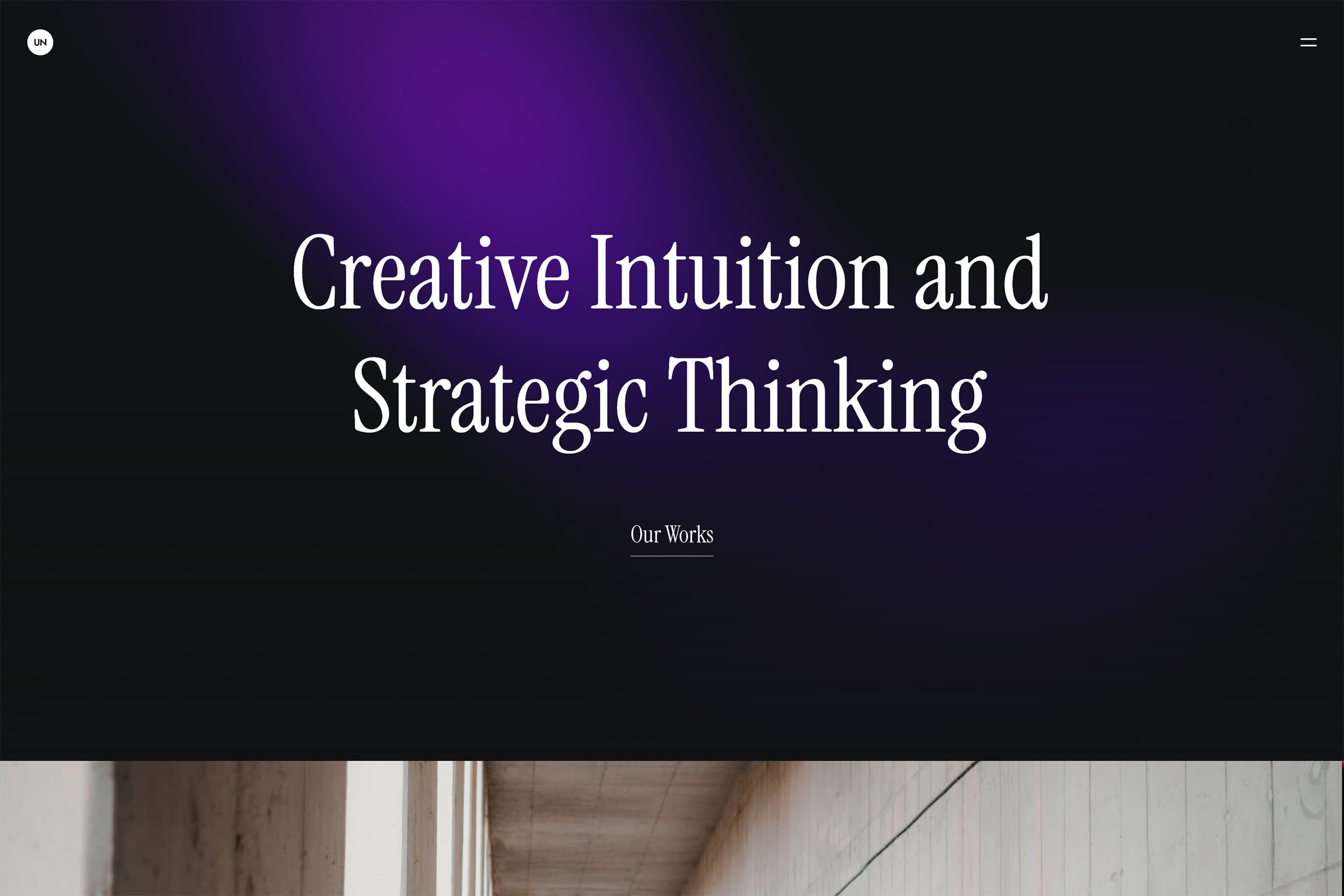
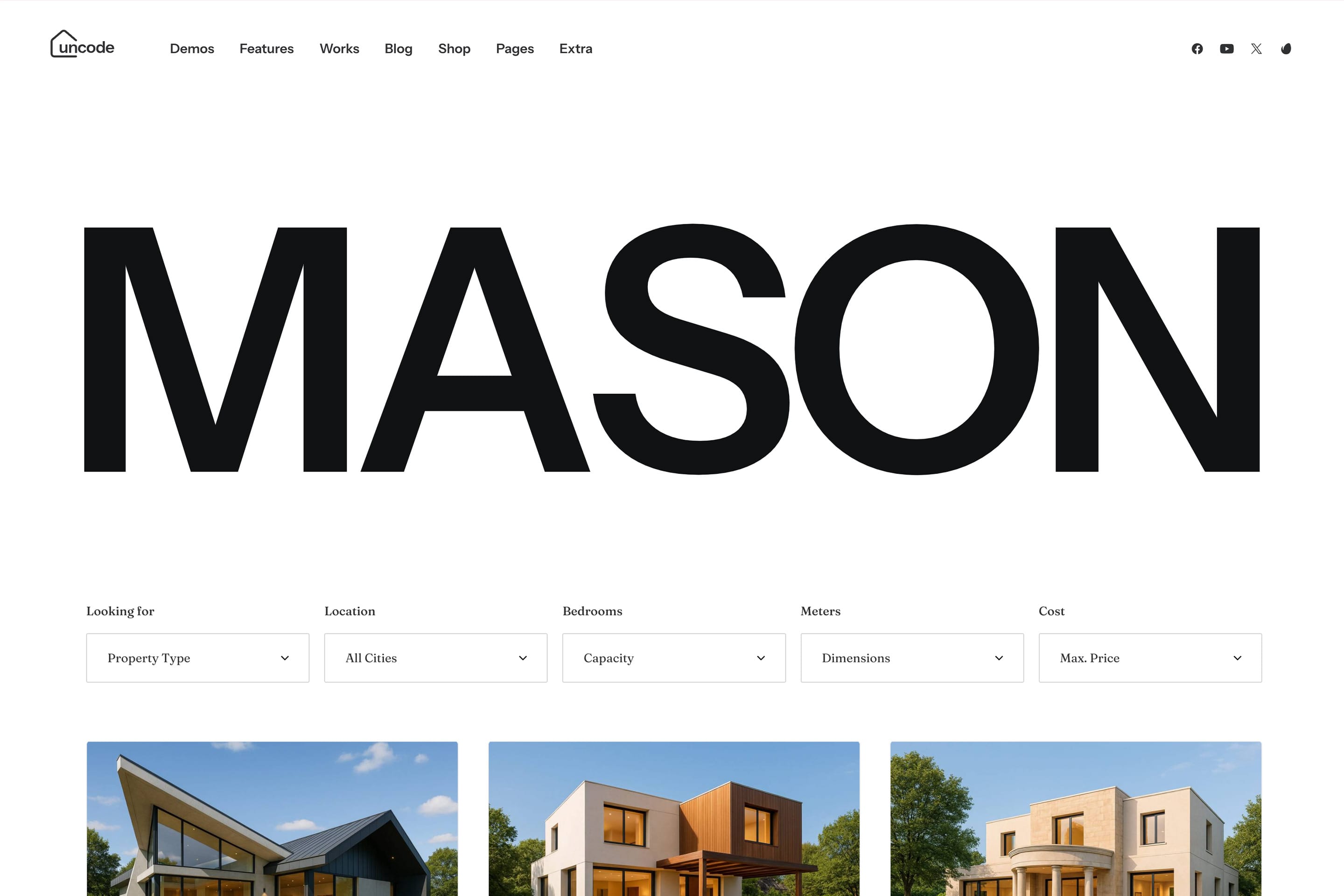
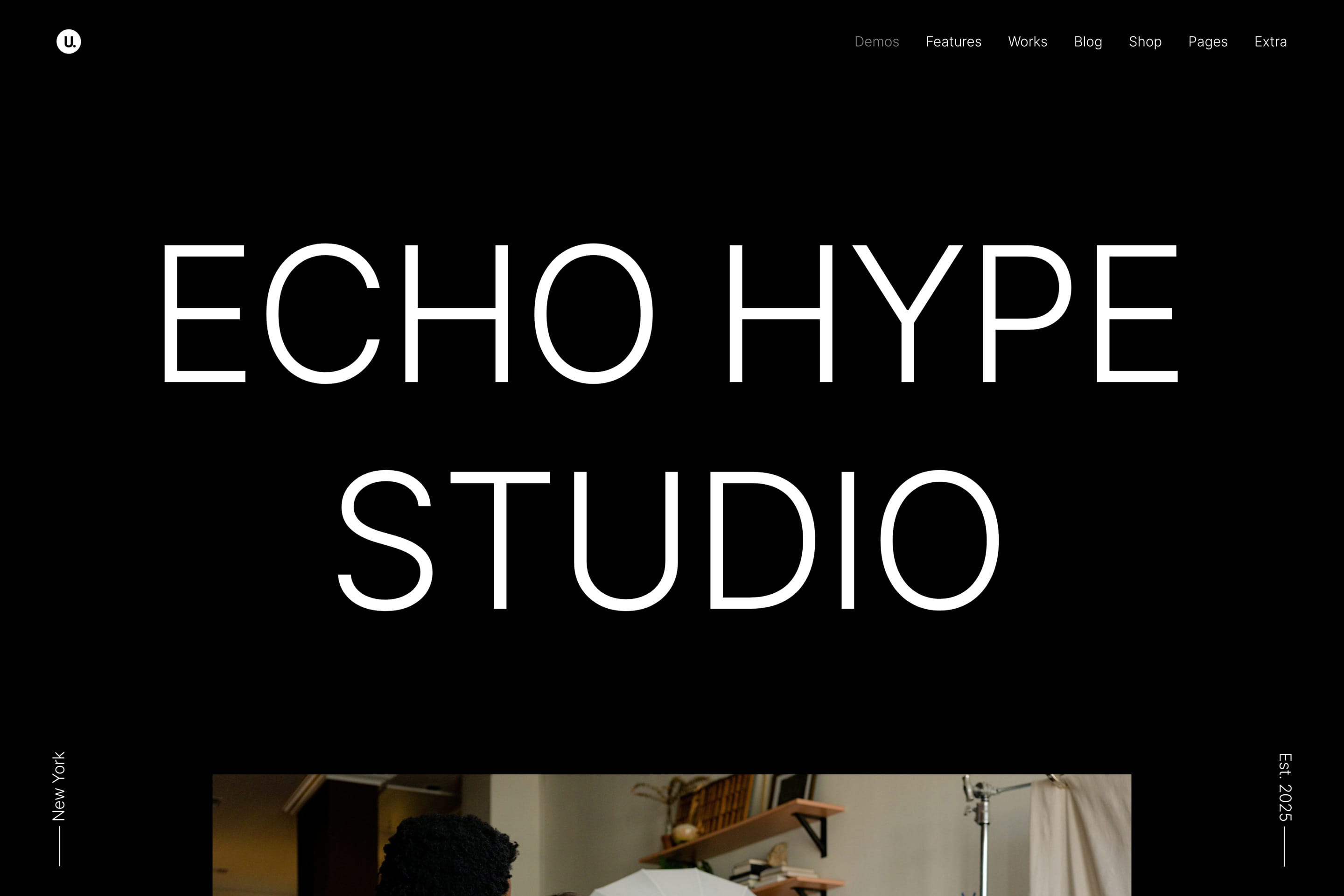
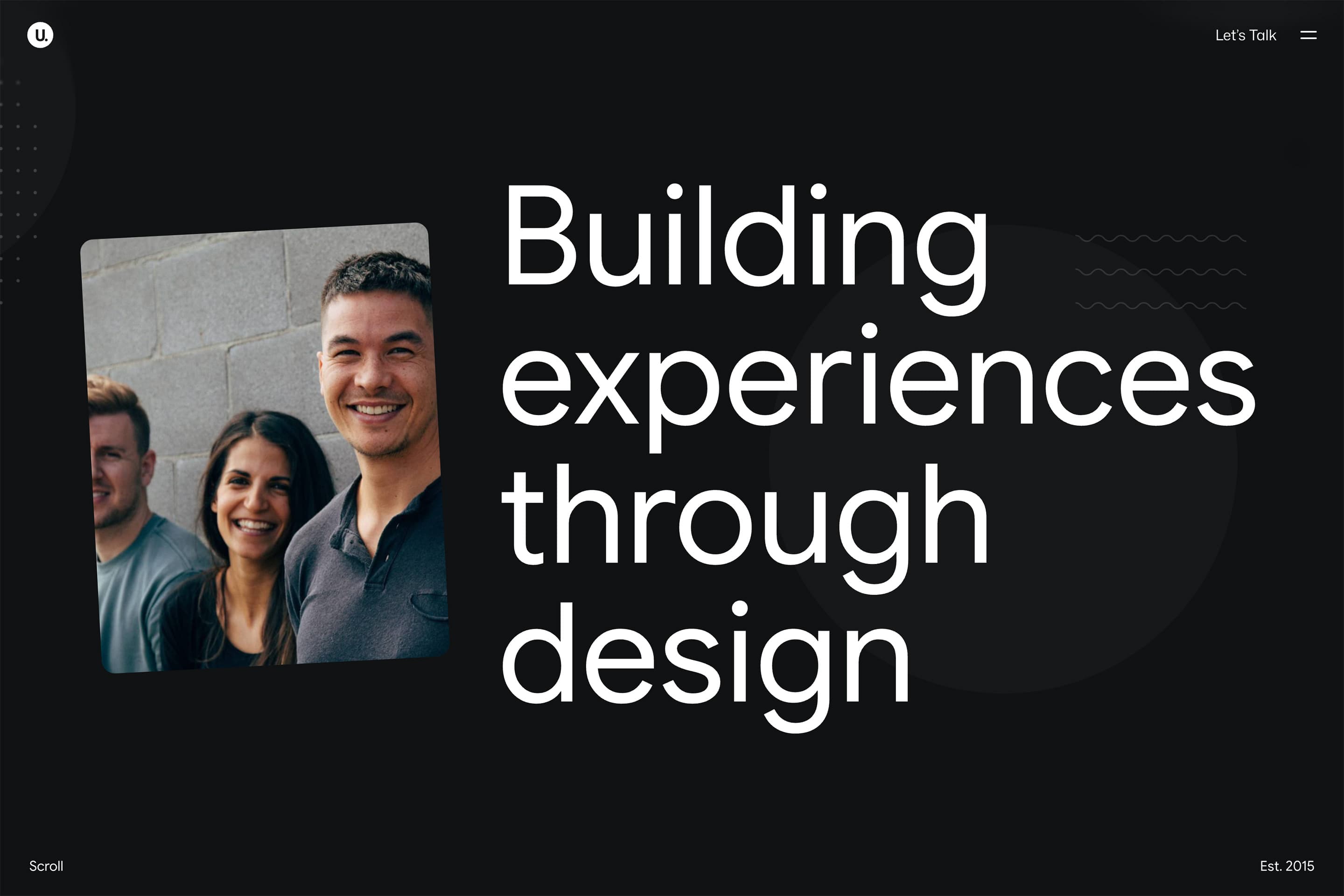
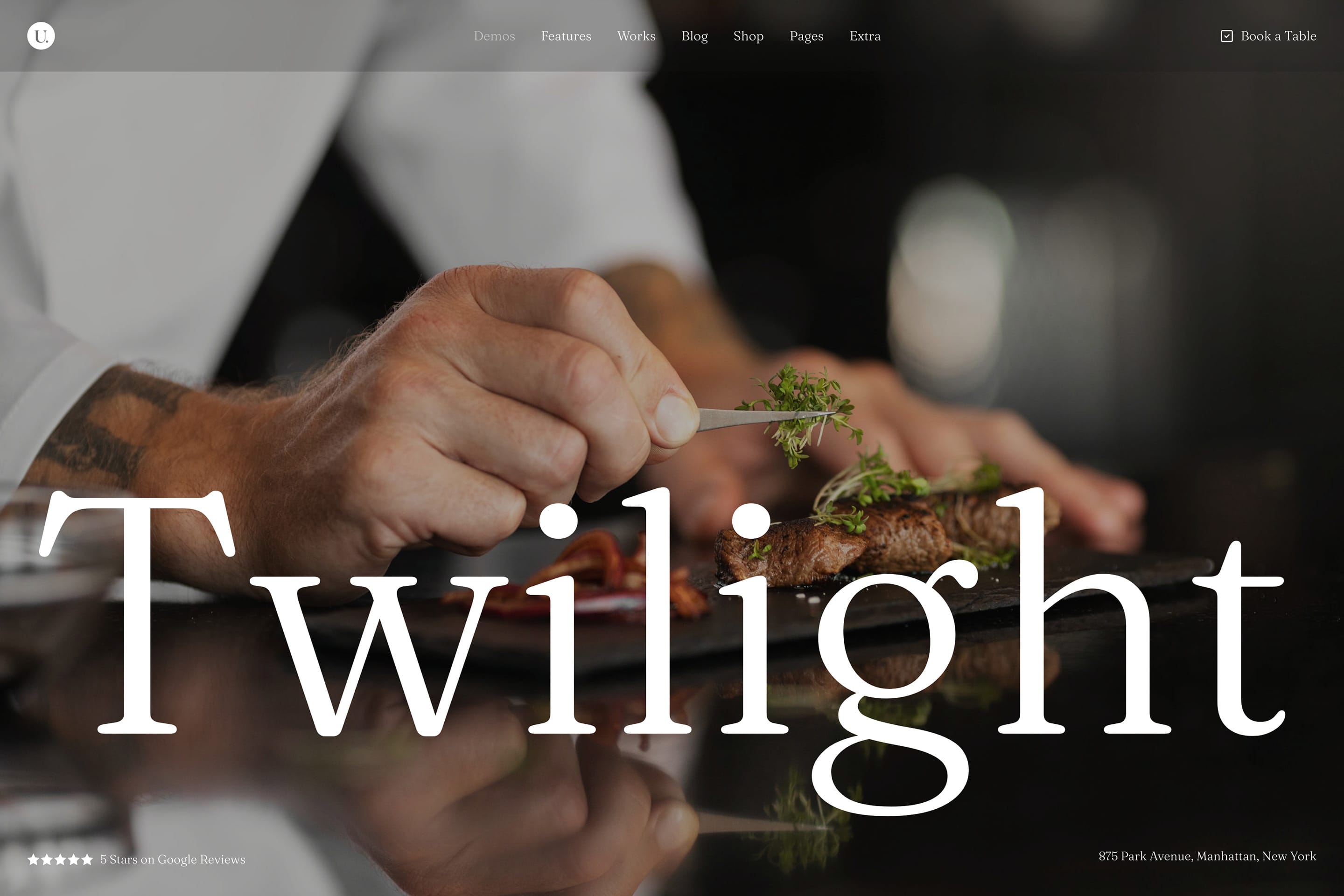
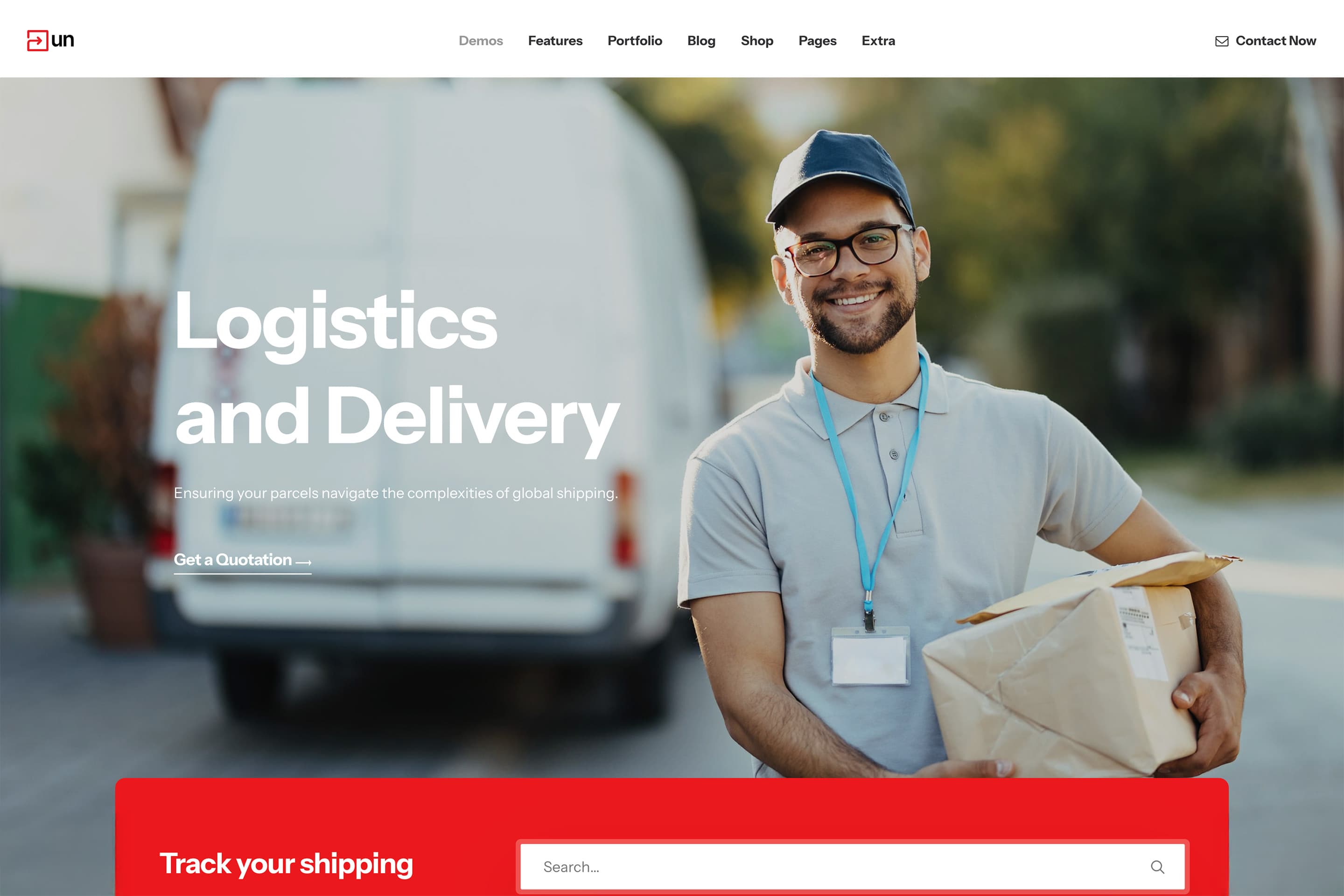
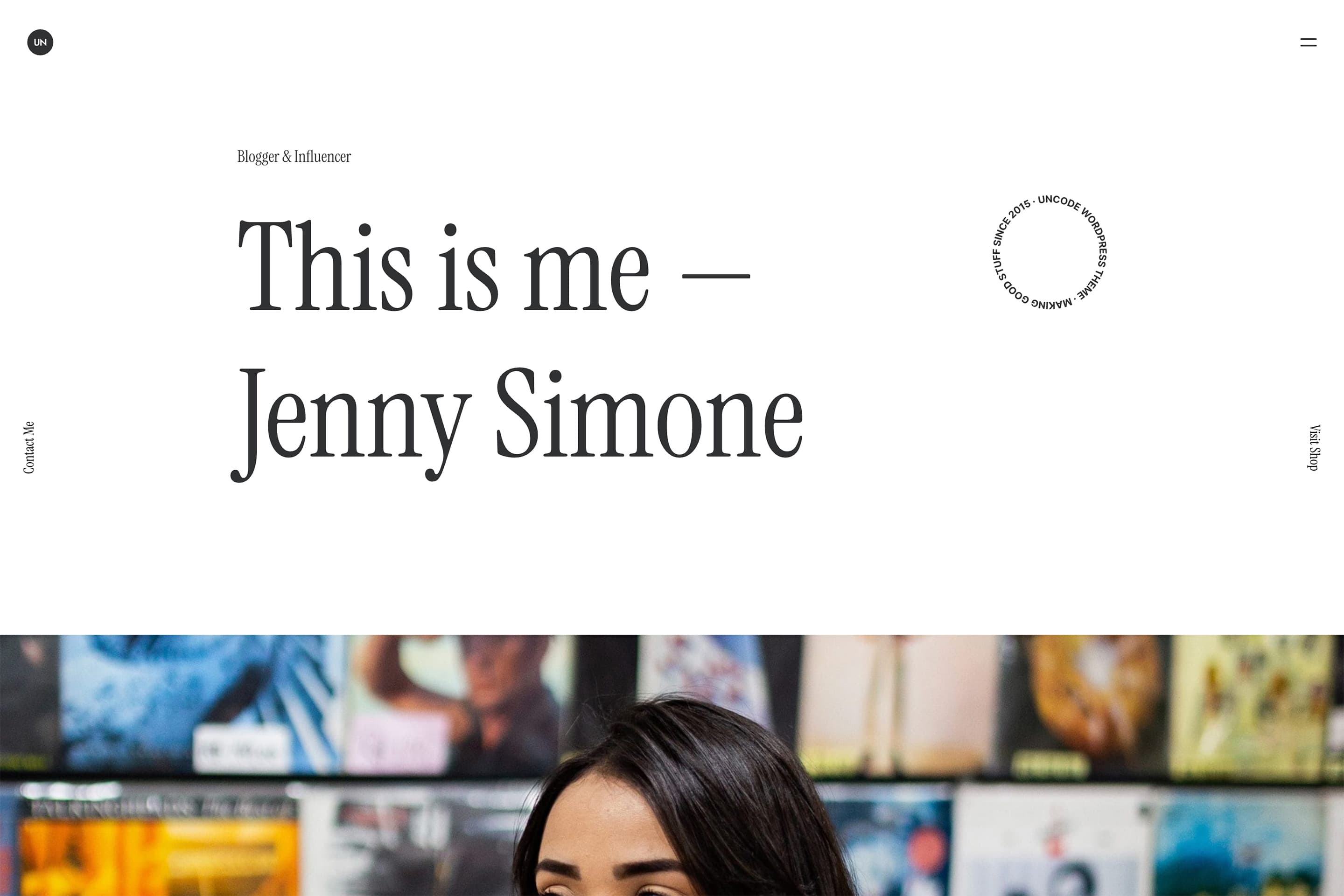
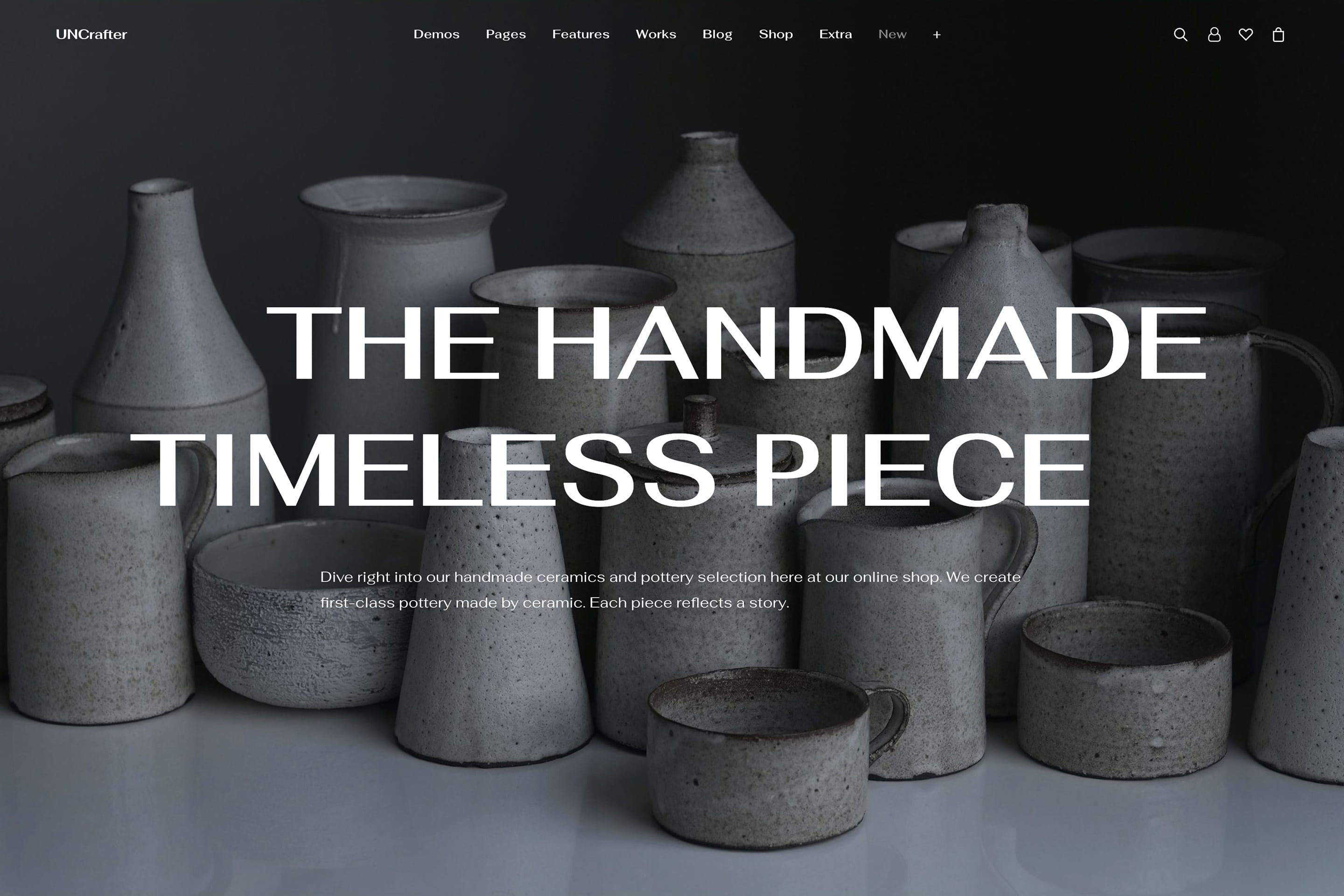
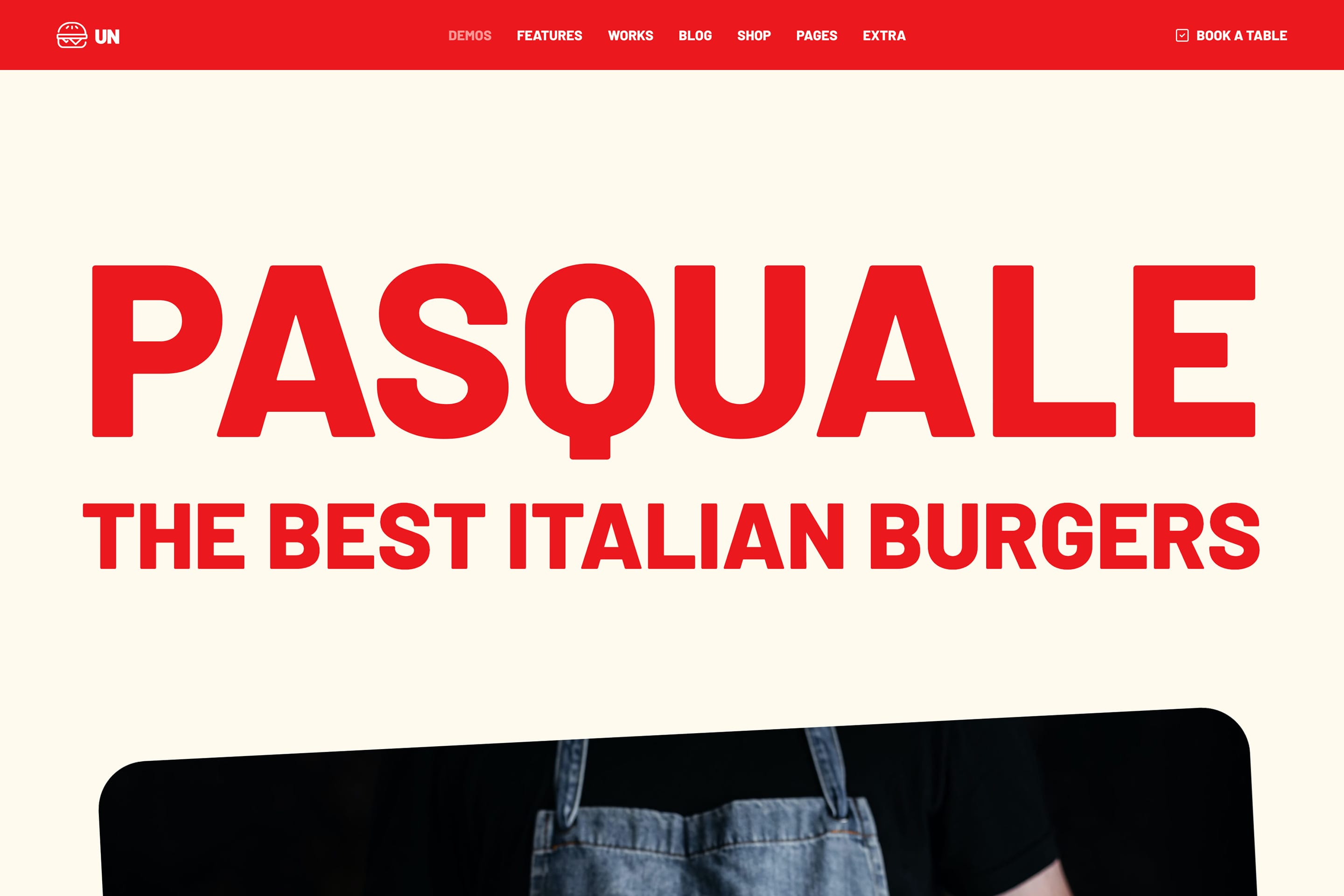
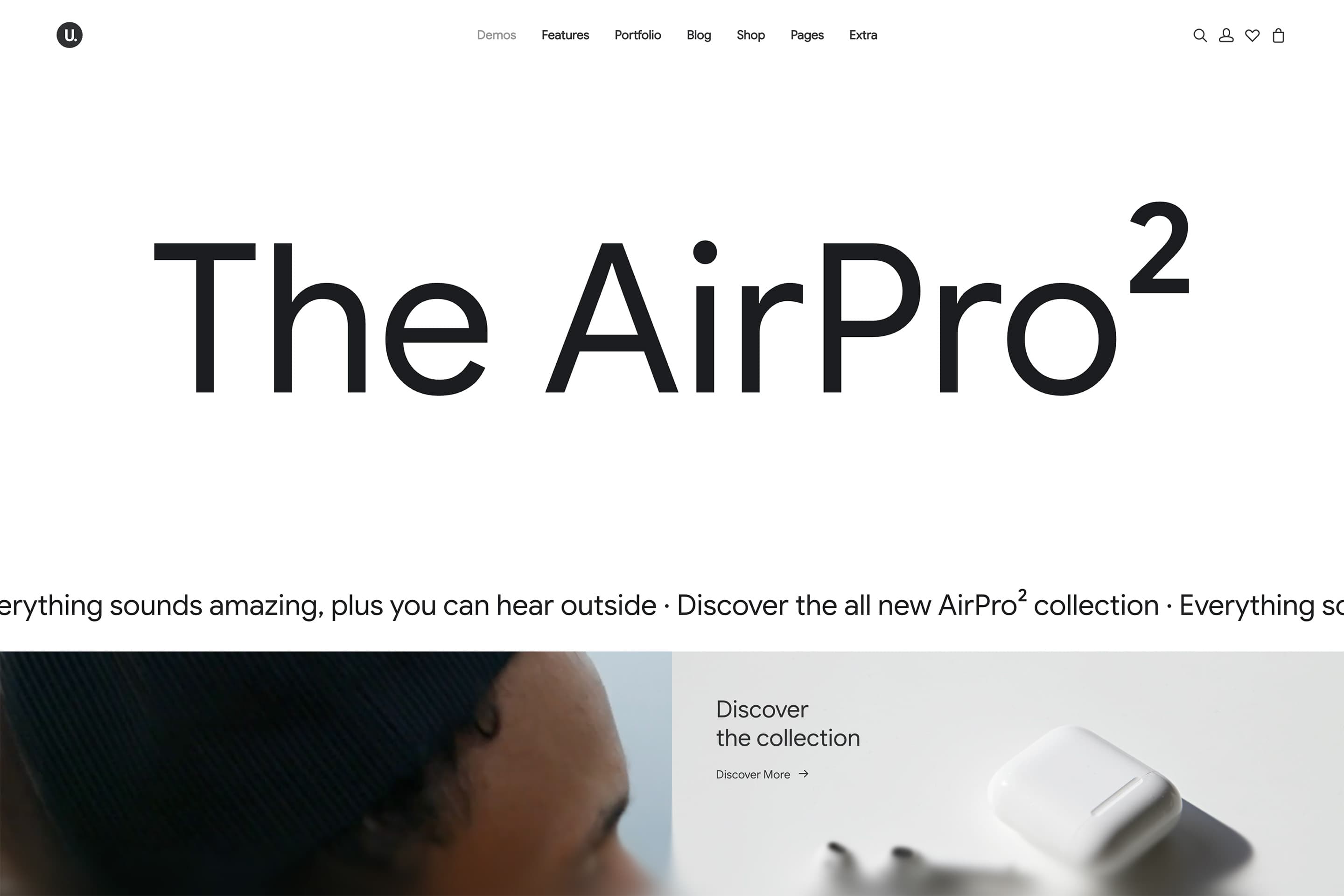
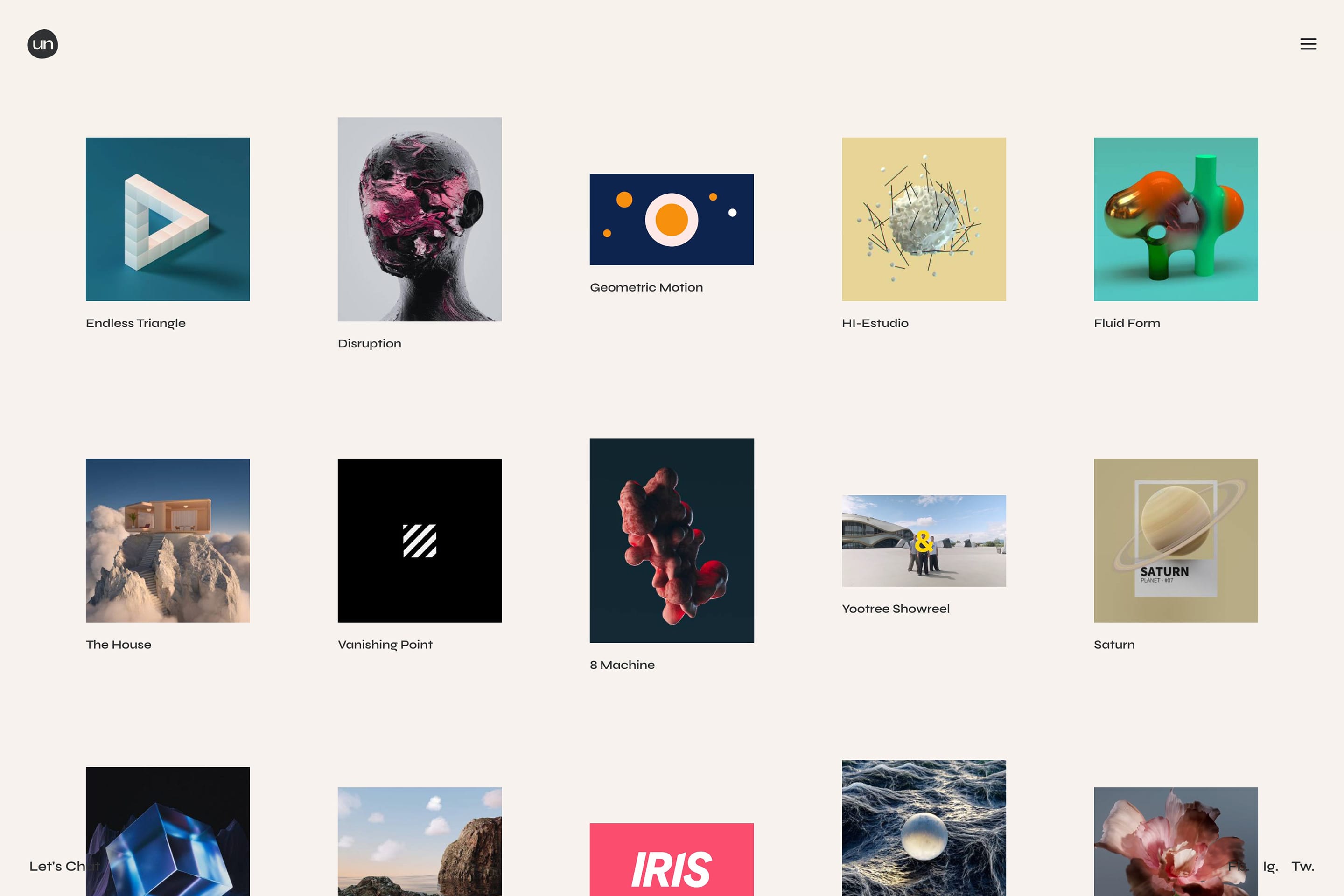
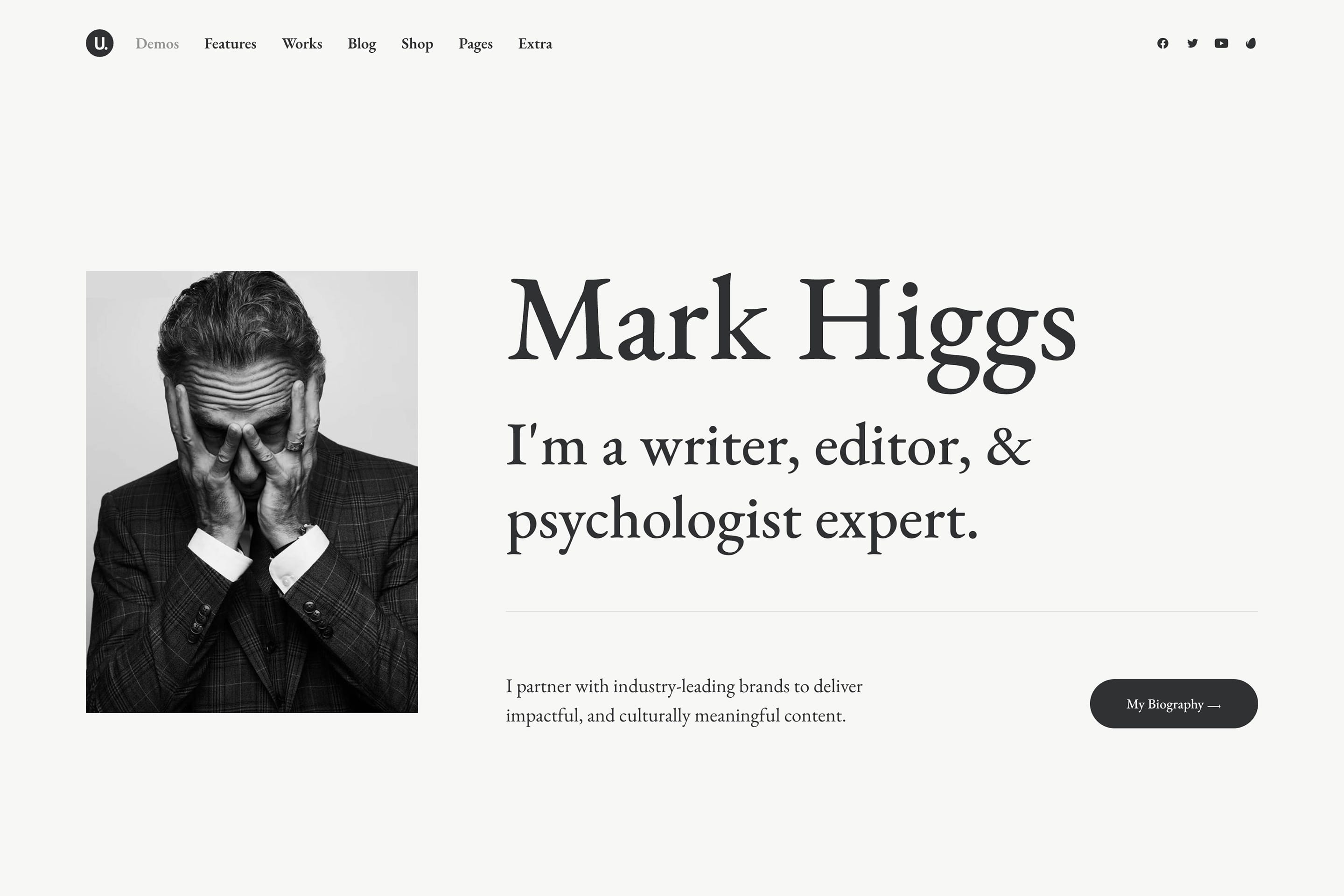
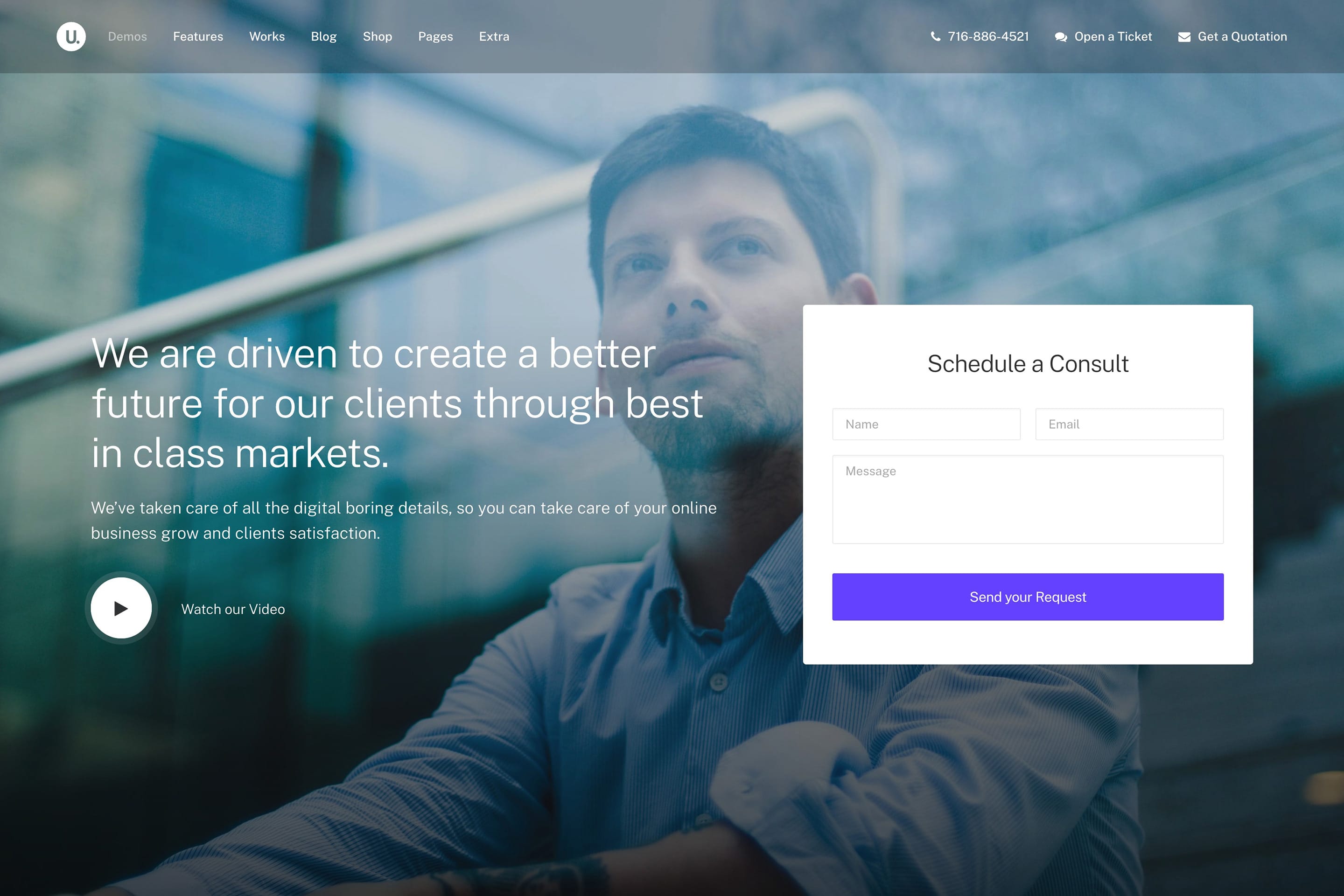
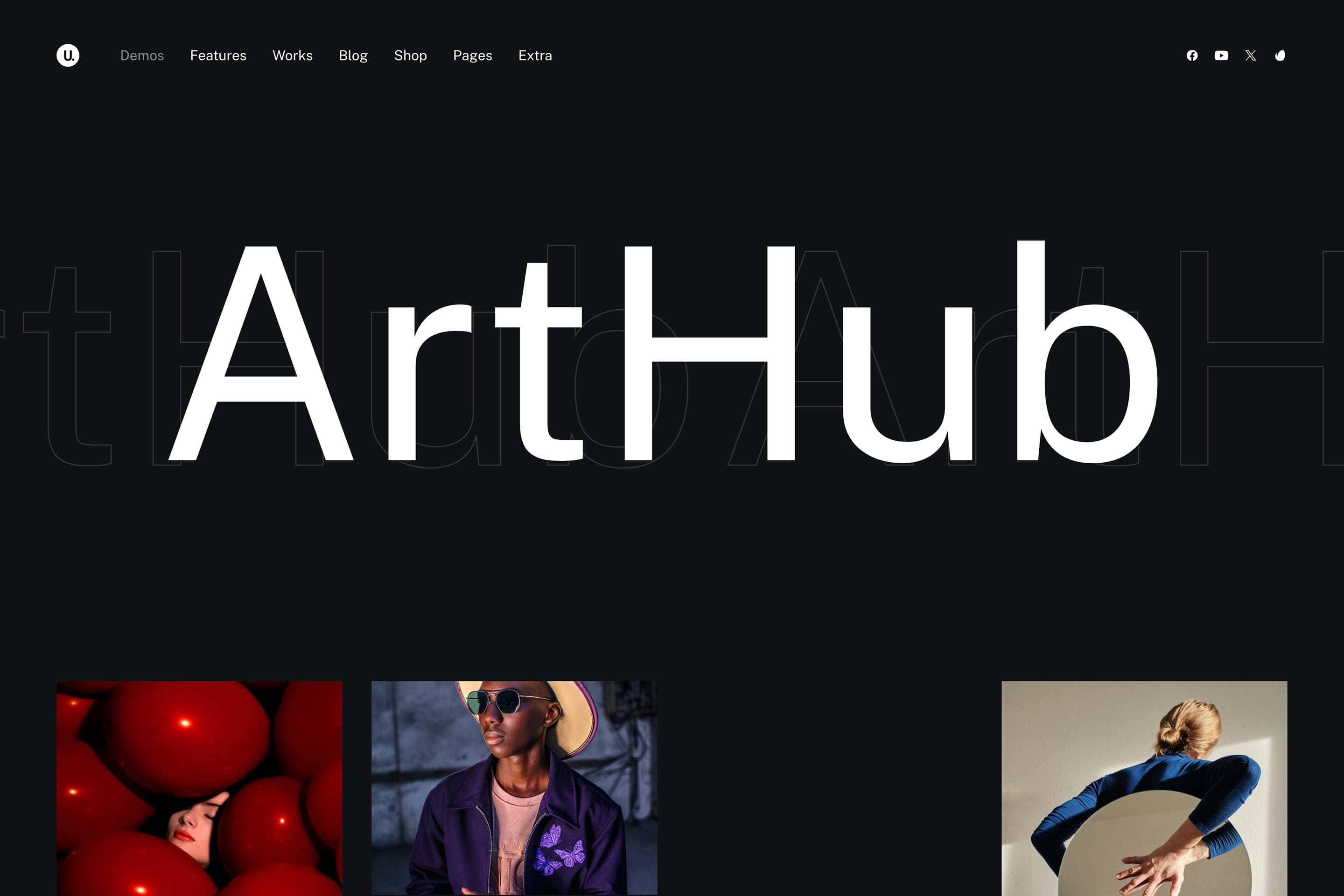
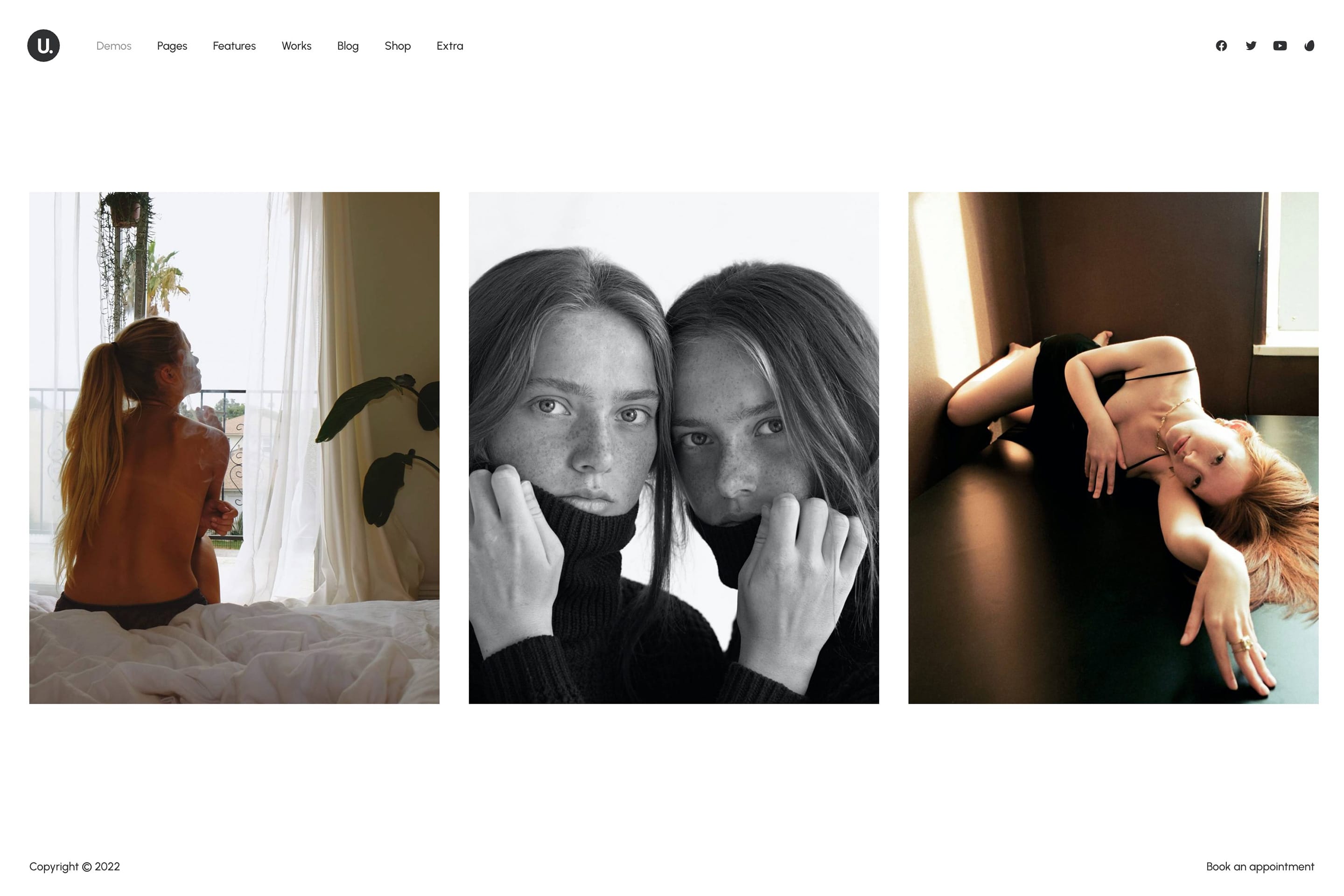
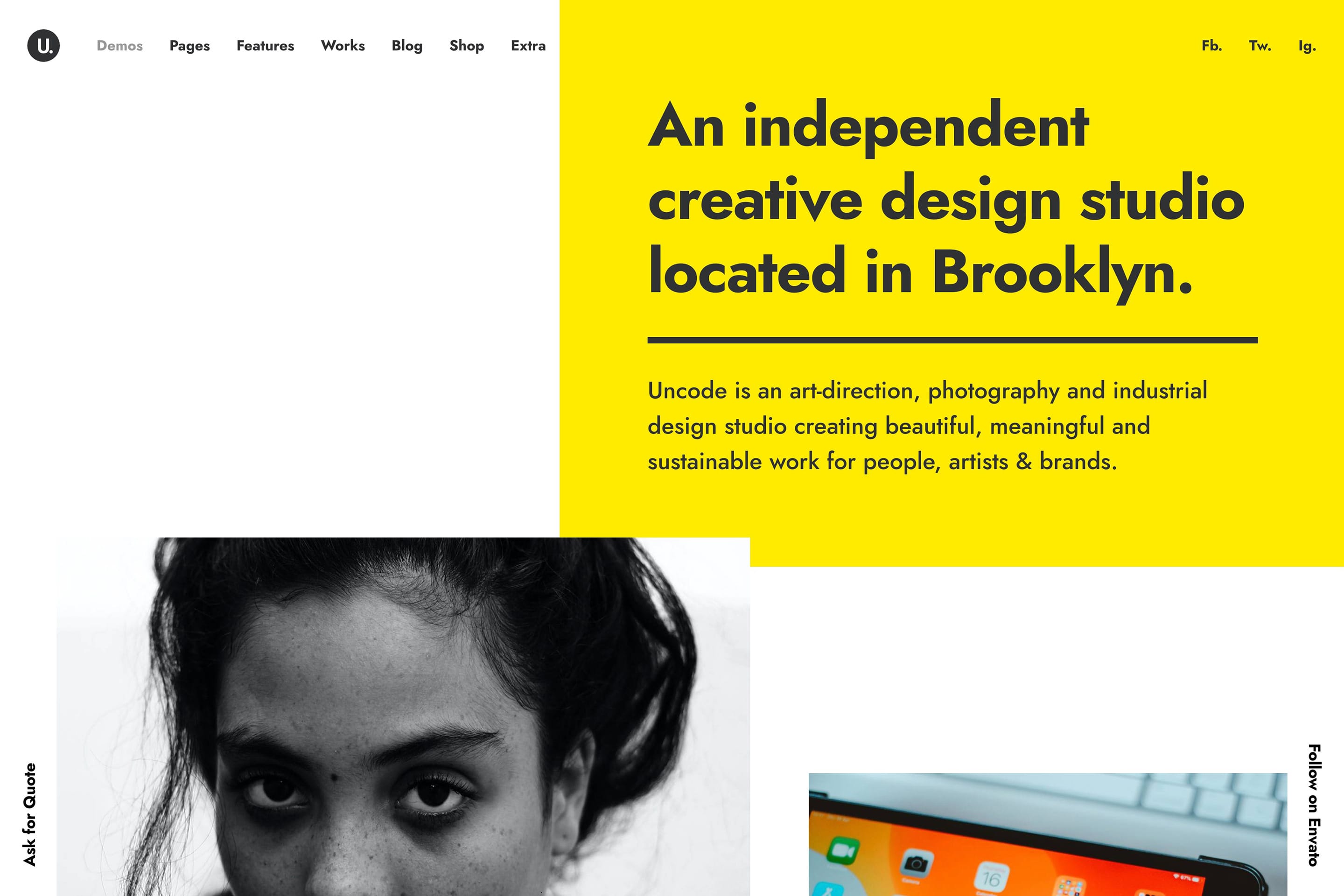
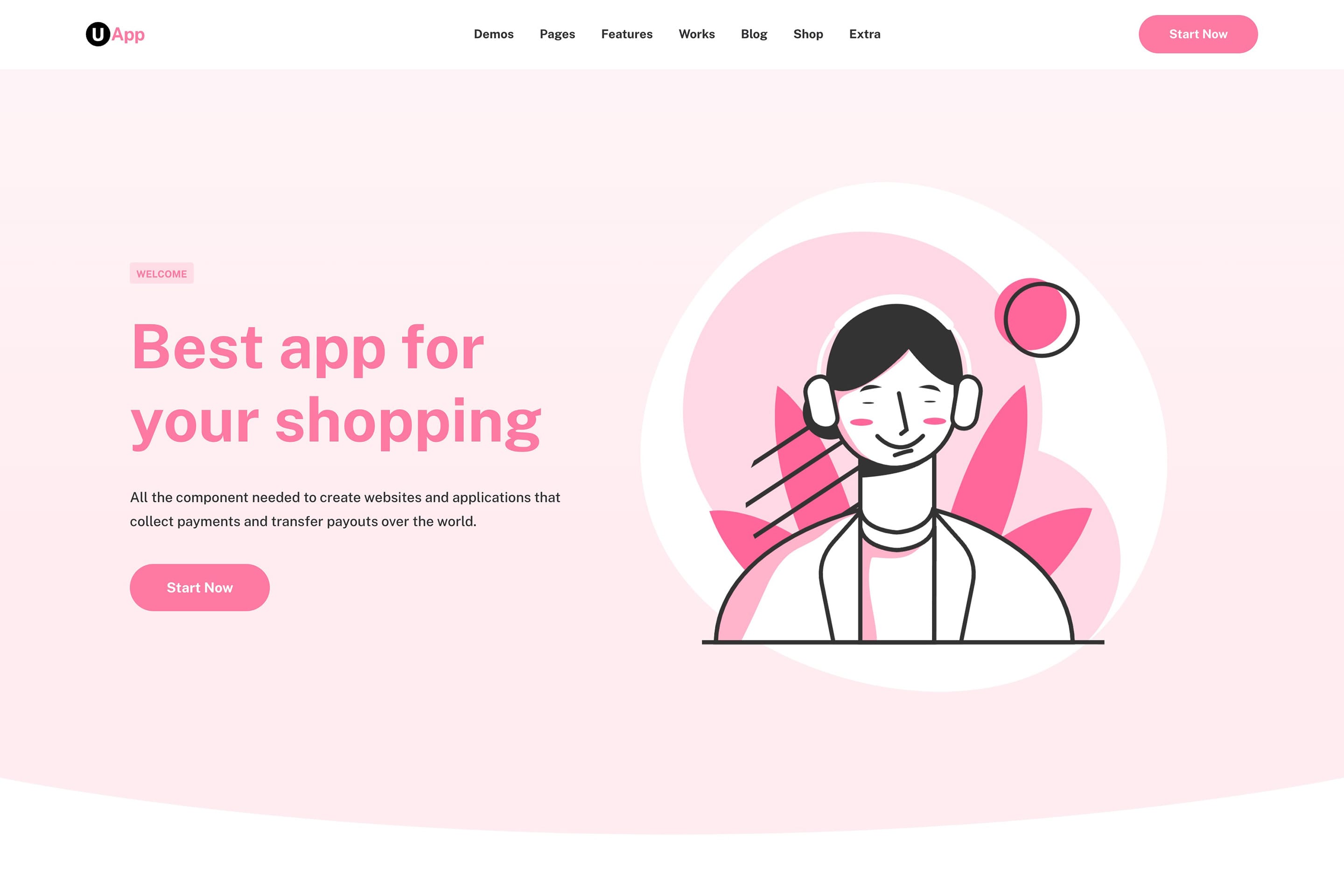
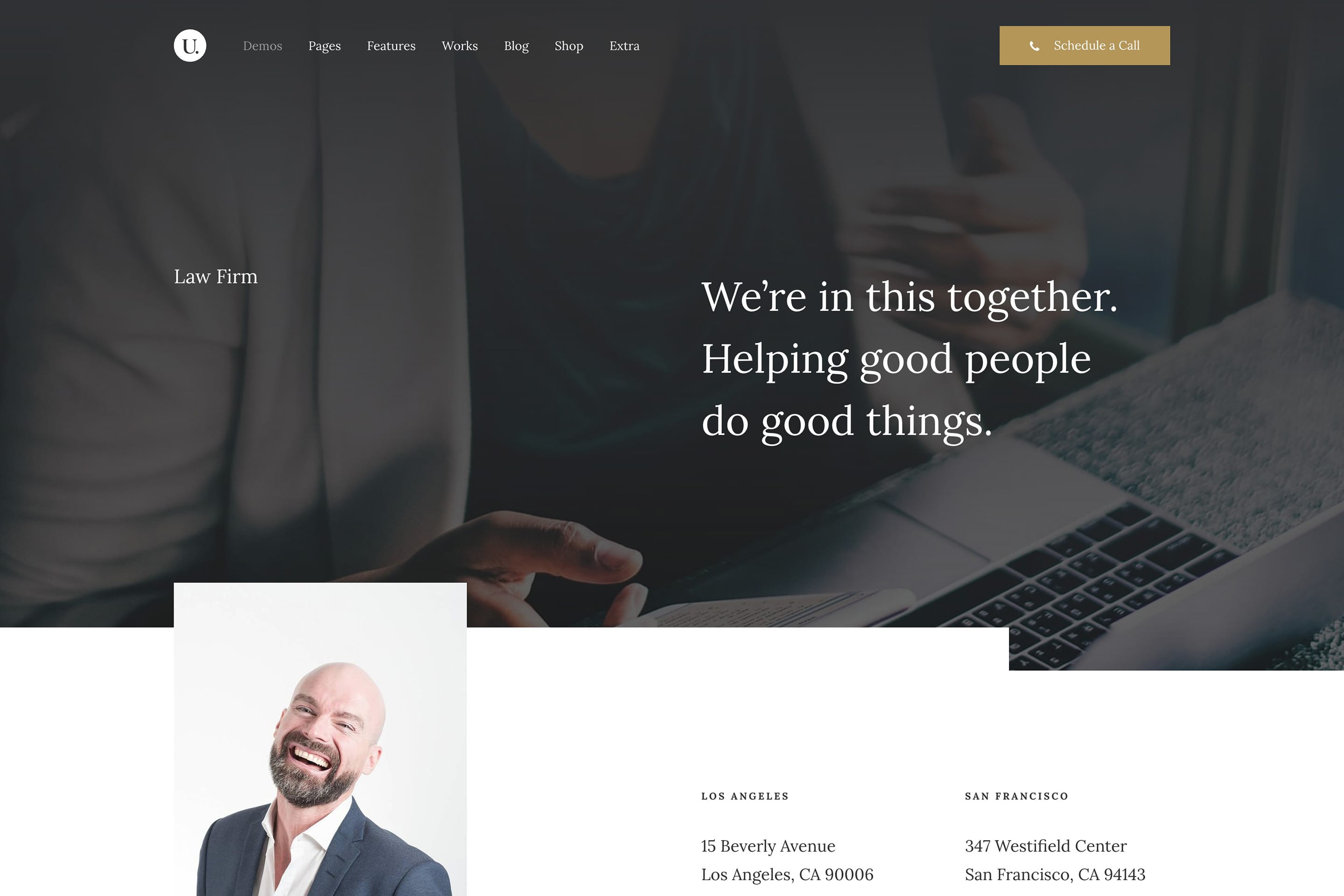
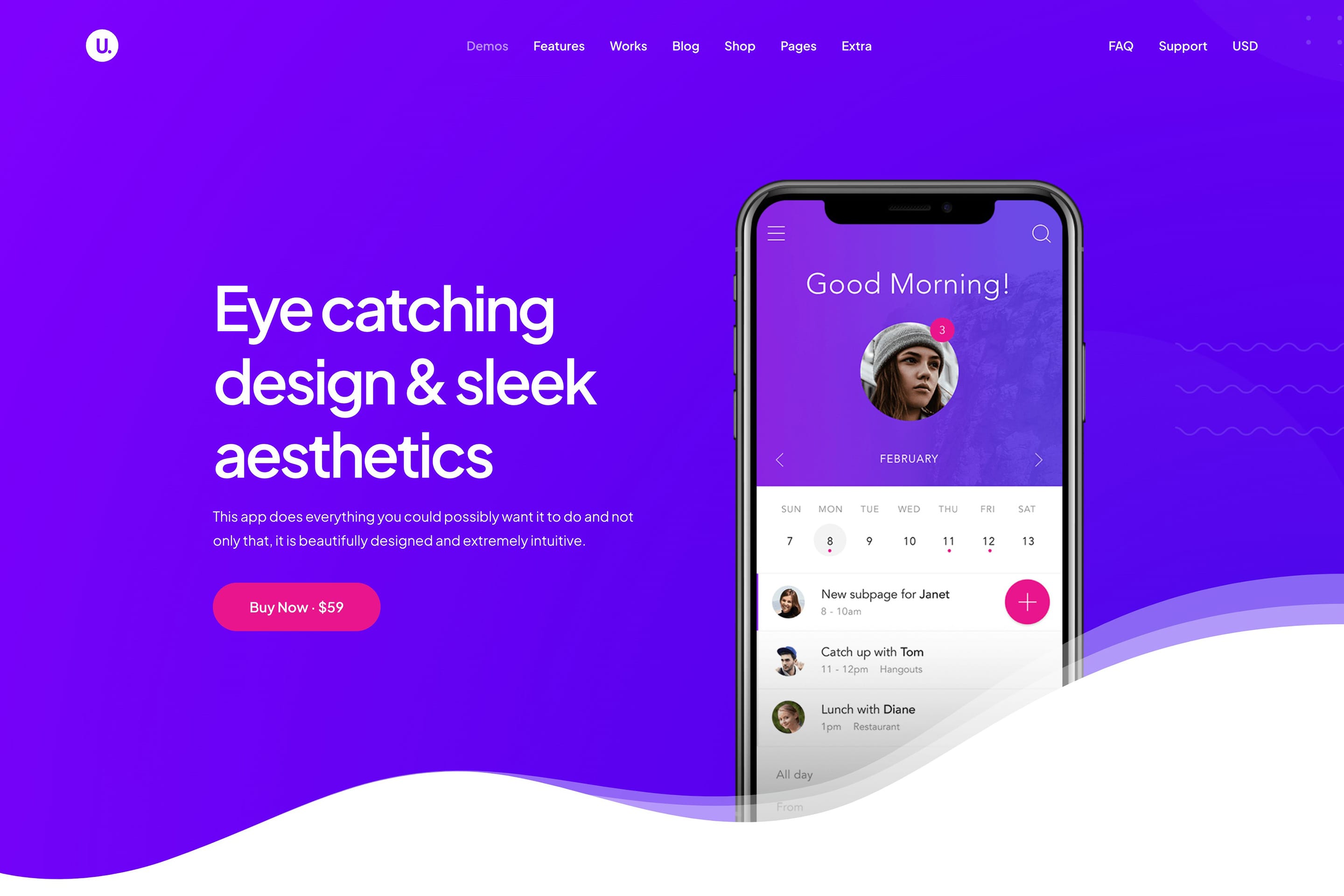
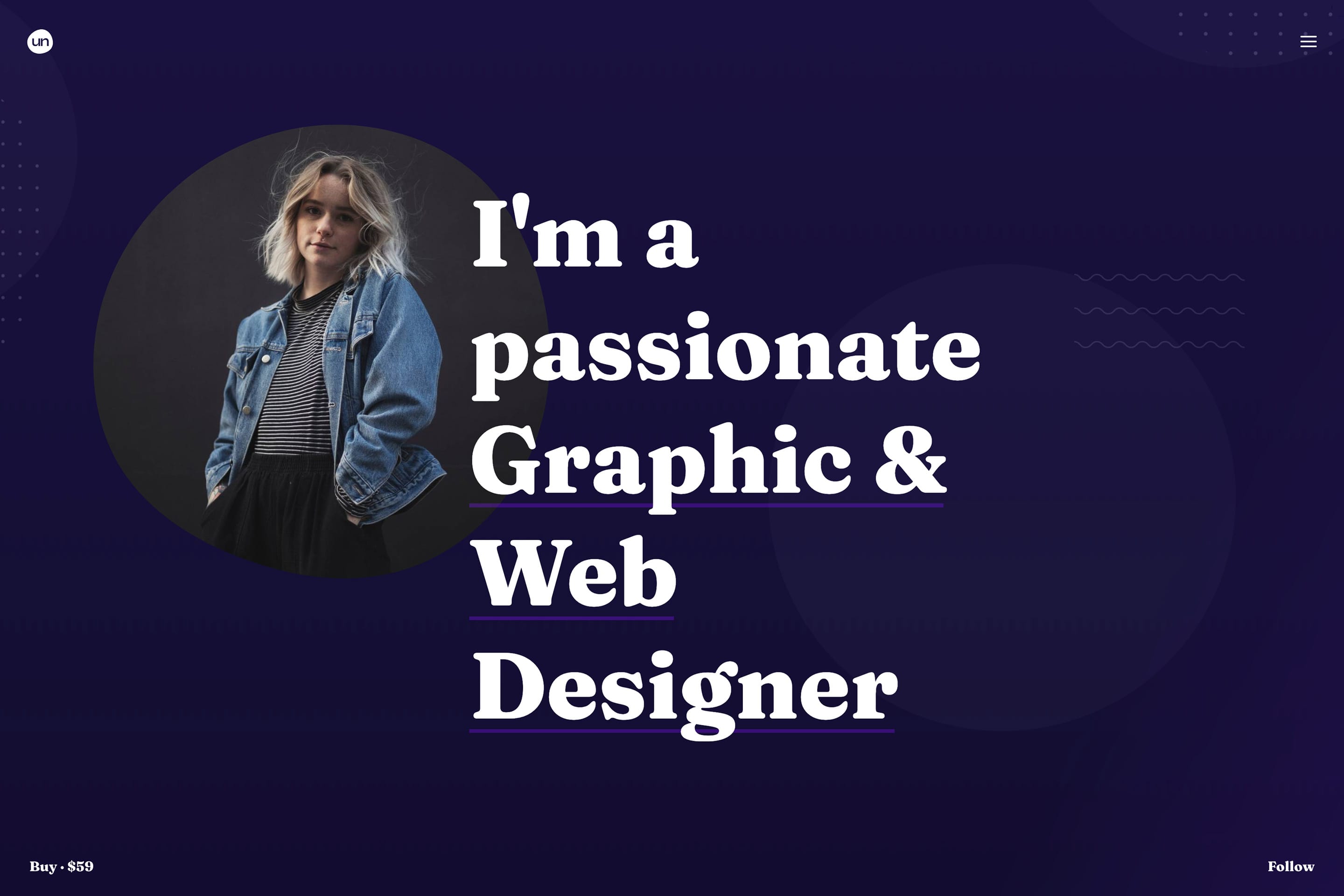
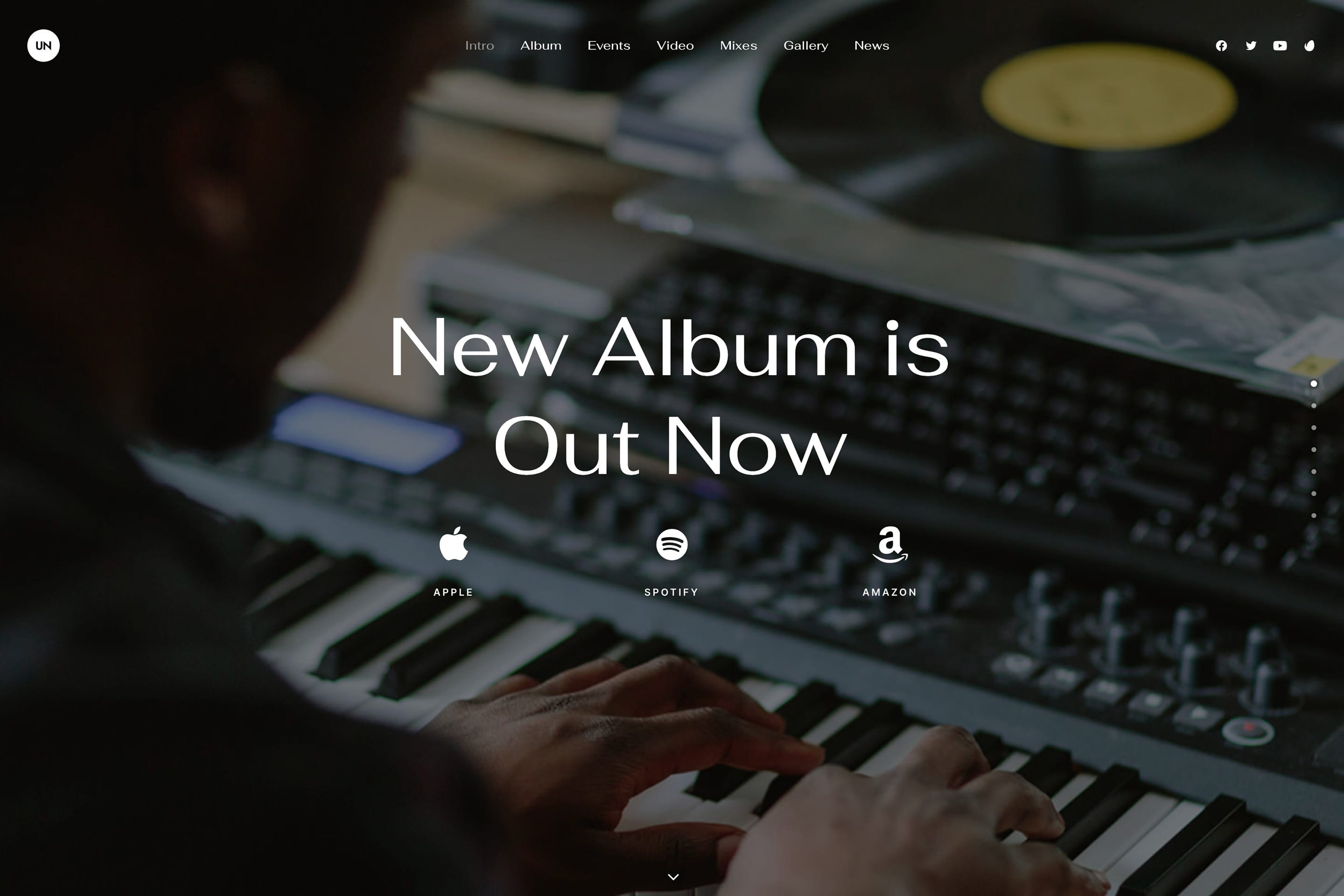
The Megamenu feature gives you unlimited creative control with Content Blocks that can include images, videos, text, buttons, and custom layouts.
No Extra Plugins
Everything you need is built right in. Create stunning Megamenus without installing additional plugins or managing complex dependencies.
Page Builder Based
Building complex Megamenus becomes effortless with the page Builder, allowing you to arrange and customize without any coding knowledge.
Smart Responsive
Your Megamenus automatically adapt to devices, ensuring optimal user experience across desktop, tablet, and mobile with smart responsive behavior.
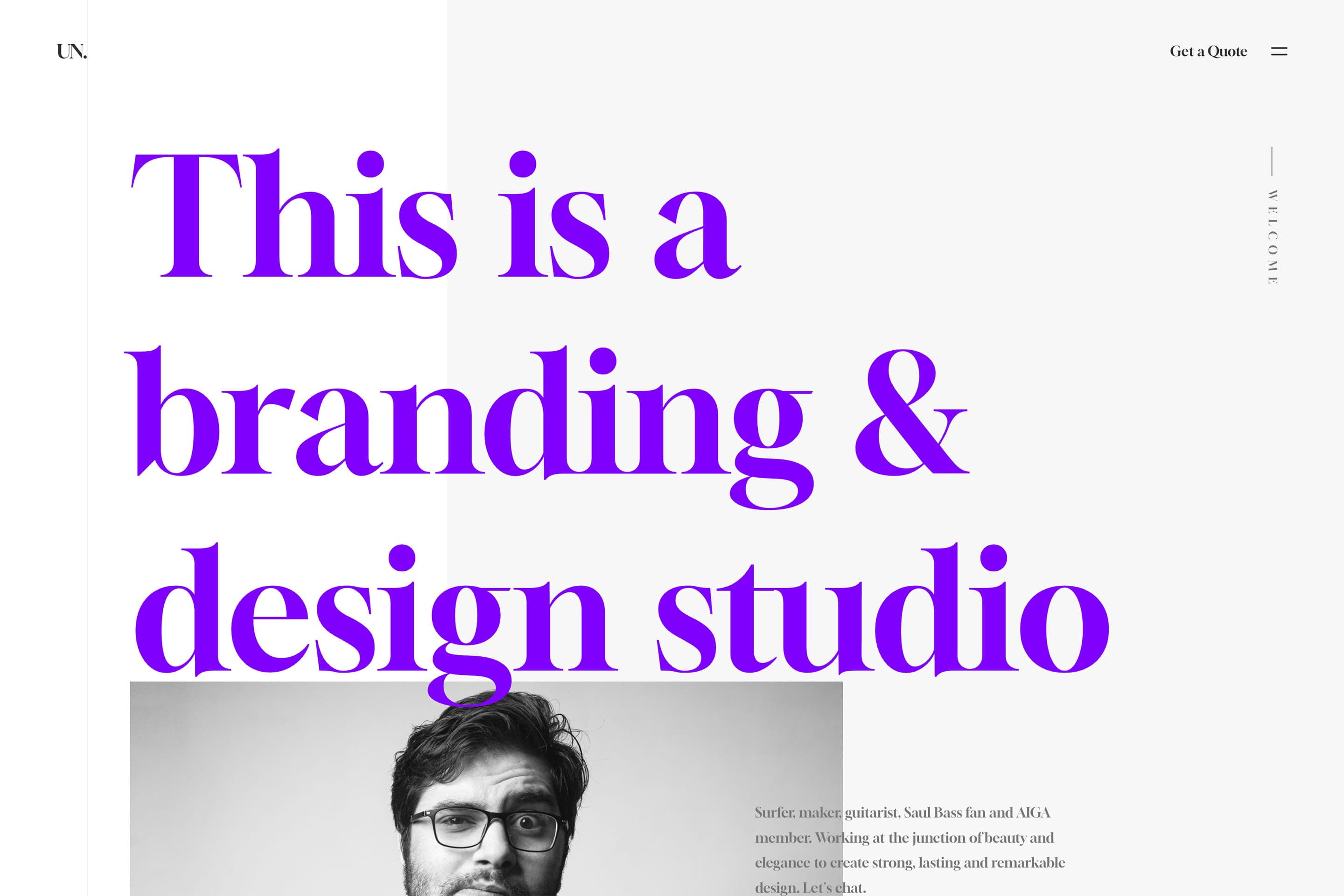
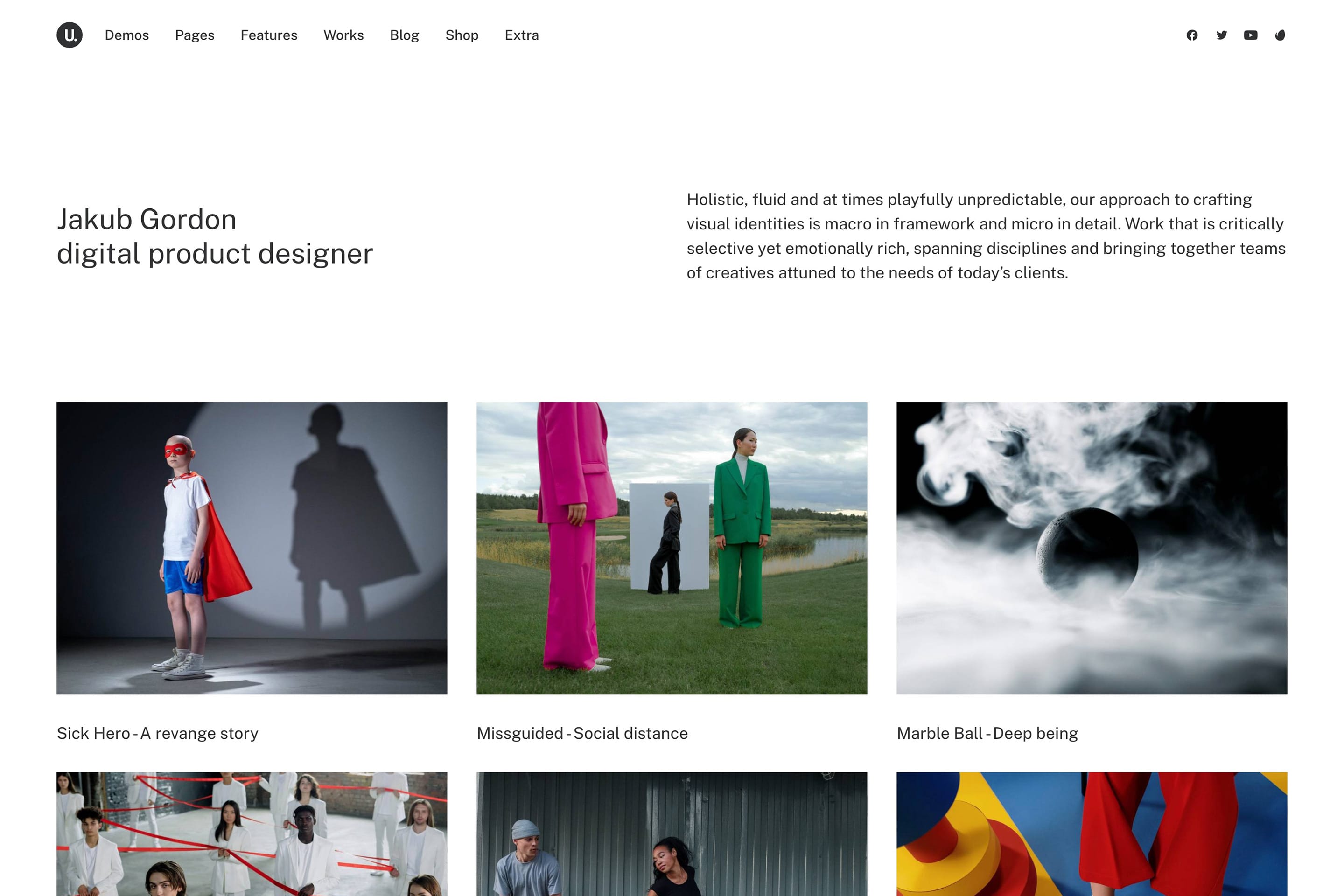
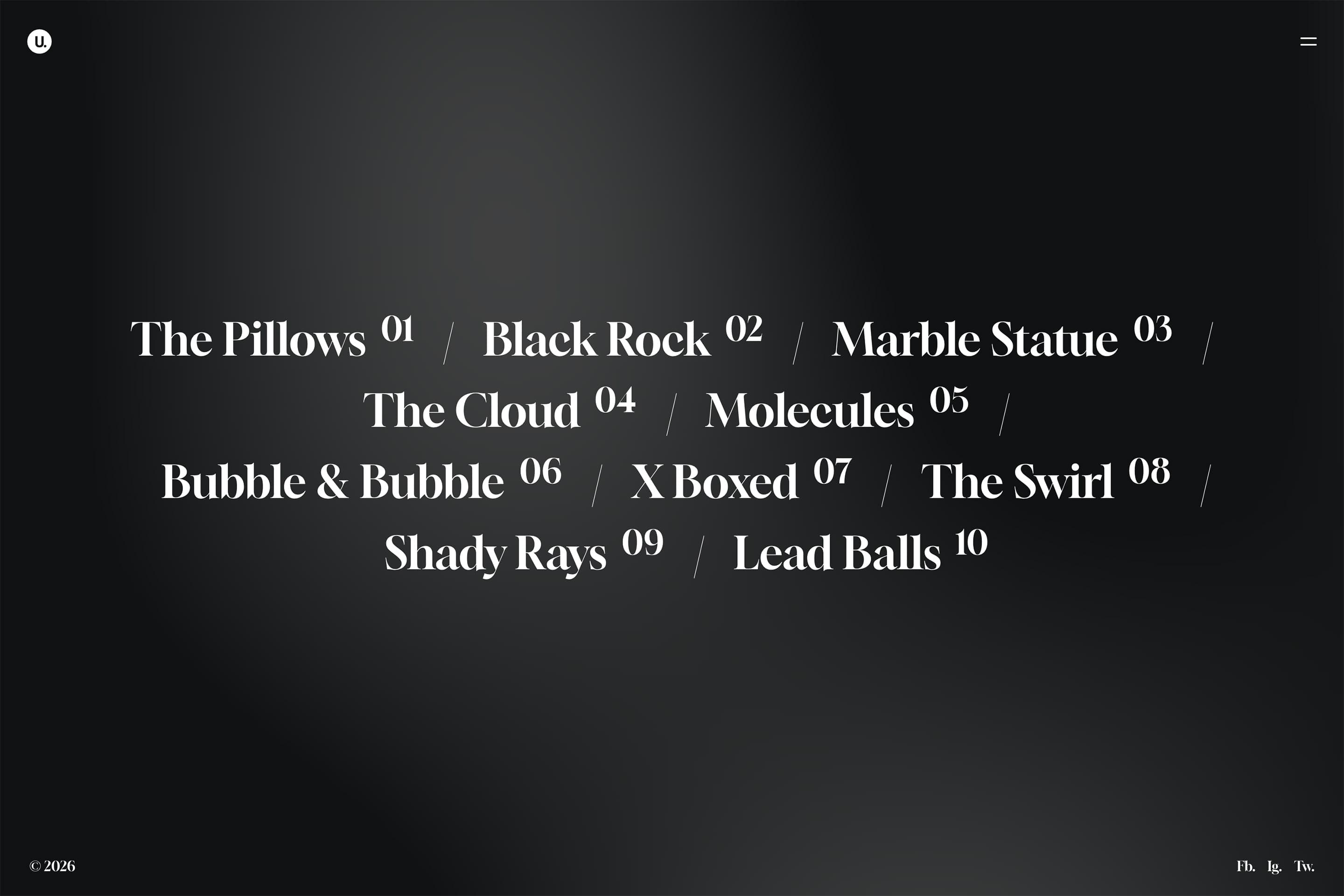
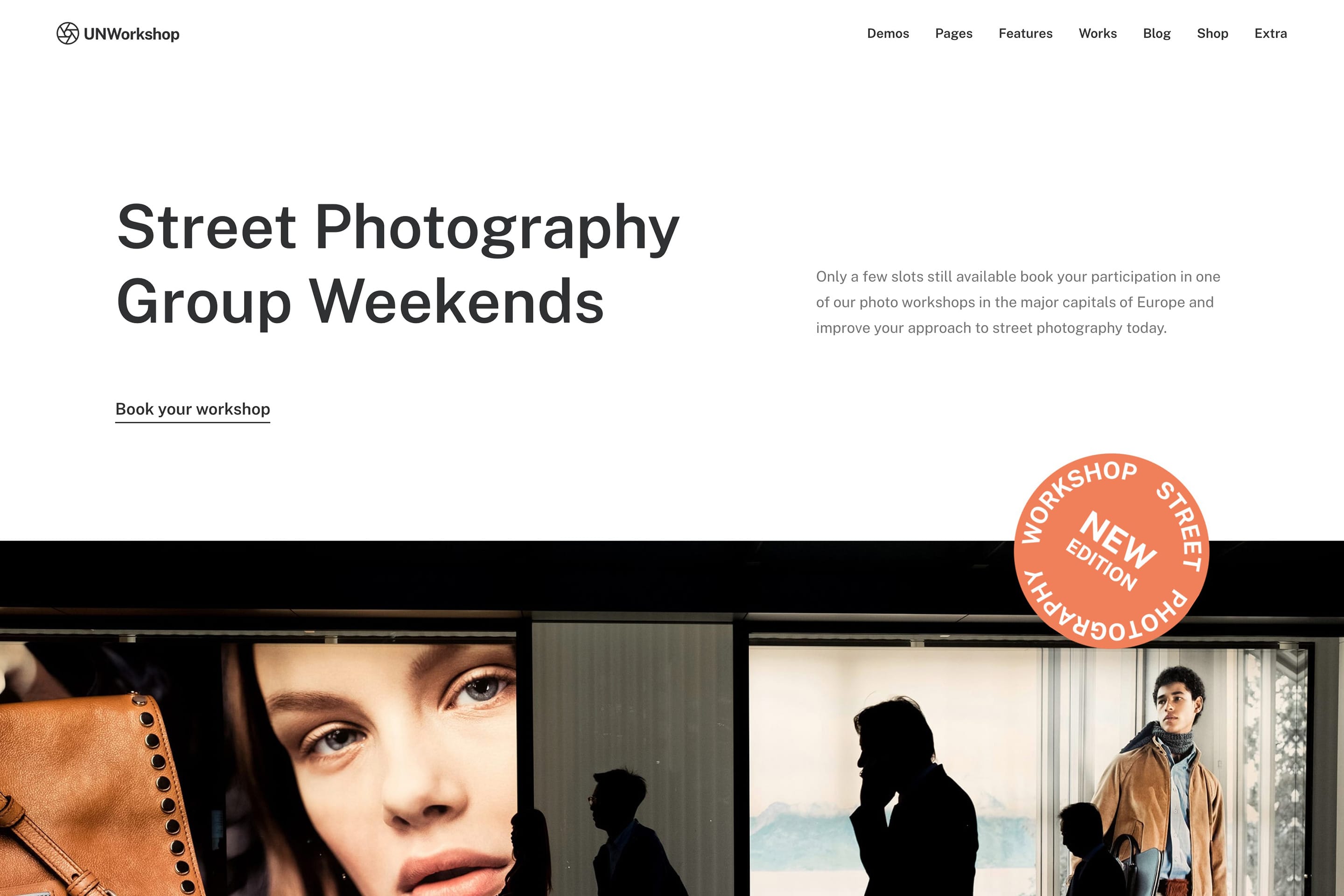
Megamenu Showcase


The Menu Block
Introducing the powerful Menu Block module
Unleash a new creative potential with advanced and efficient typography controls, seamless icon integration, smart image placement, dynamic column layouts, and responsive controls.


Page Builder Based
Build your Megamenus with the Page Builder
Build stunning navigation with the intuitive Page Builder — seamlessly integrate headings, images, buttons, Posts variations, Tabs, and unlimited elements, no coding required.
A Swiss-Army tool
You can use The Content Block in multiple scenarios to centralize your site development, from static sections and headers to dynamic category templates.
Static and dynamic headers
The Content Block can be used to create with the Page Builder single page headers or dynamic headers that are shared among multiple posts or pages.
Page and product layouts
With the Content Block it is possible to create dynamic Single Product template with the Product Builder. Visually and without coding. Hook your clients better than the competition!
Shared page contents
Use it to create any content you want to include on multiple pages or in different positions of your website (for example a Promo section, or a Newsletter Box).
Categories templates
Use the Content Block to create fascinating WordPress category pages and completely custom archive templates with the the Dynamic Options and Elements.
Custom footers
With the Content Block, you can create your favorite footer design for your websites with Page Builder without the need to rely on pre-built footer presets.
Additional use cases
Use the Content Block to define additional custom elements, such as the Author profile or the Related Posts, or to create custom WooCommerce Quick-View designs.
Rapid Prototyping
Pre-designed Megamenu wireframe templates
Jumpstart your design process with ready-to-use Wireframe templates that accelerate prototyping workflows — build sophisticated navigation in minutes, not hours.