
چۈشەندۈرۈش
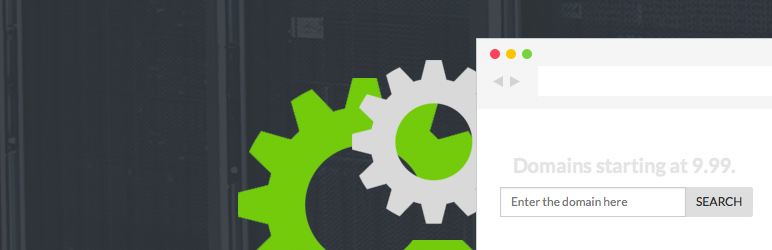
WordPress plugin that allows you to display the responsive WHMCS Domain Checker in a widget. Appearance settings and the list of suggested domains can be configured via WordPress admin.
ئېكران كەسمىسى

The widget settings in WordPress admin. 
The form displayed within a widget on front page using Twenty Thirteen theme. 
The form displayed within a widget on front page using Twenty Fourteen.
ئورنىتىش
- Upload the whmcs-domain-checker folder to the /wp-content/plugins/ directory
- Activate the plugin through the ›Plugins‹ menu in WordPress.
- Go the widgets section in WordPress and drag the WHMCS Domain Checker widget to your widget area.
- Input the path to your whmcs directory (http://www.example.com/whmcs/) and adjust the appearance settings.
باھالاشلار
بۇ قىستۇرمىغا تېخى باھا يېزىلمىدى.
تۆھپىكار ۋە ئىجادكار
«WHMCS Domain Checker» كودى ئوچۇق يۇمشاق دېتال. تۆۋەندىكى كىشىلەر بۇ قىستۇرمىغا تۆھپە قوشقان.
تۆھپىكار
«WHMCS Domain Checker» نى تىلىڭىزغا تەرجىمە قىلىڭ
ئىجادىيەتكە قىزىقامسىز؟
كودقا كۆز يۈگۈرتۈپ، SVN خەزىنە تەكشۈرۈپ ياكى RSSئارقىلىق ئىجادىيەت خاتىرىسىگە مۇشتەرى بولغىلى بولىدۇ.
ئۆزگىرىش خاتىرىسى
1.0.1
- Initial Release