
外掛說明
RuntimeGuard is a monitoring plugin that helps administrators detect, track, and resolve runtime issues in their WordPress site from a centralized dashboard.
It provides real-time insights into errors, system health, and environment issues so you can fix problems before they affect your users.
Why Use RuntimeGuard?
Many WordPress issues go unnoticed until they affect users — broken features, failed emails, silent JavaScript errors, or server misconfigurations.
RuntimeGuard helps you:
- Detect issues early before they impact visitors
- Monitor errors across PHP, JavaScript, and system checks
- Get alerts when something breaks
- Maintain site stability without constant manual checks
Key Features
- Real-time runtime issue logging with severity levels
- JavaScript error tracking for admin and front-end pages
- System health checks including loopback and environment validation
- Debug log scanning and analysis
- Monitoring of database, PHP configuration, email delivery, and file permissions
- Plugin and theme activity history tracking
- Email alerts for critical issues
- Scheduled email digests (weekly, bi-weekly, or monthly)
- Export issue logs as CSV for reporting and analysis
RuntimeGuard is designed as a monitoring and diagnostic tool for administrators. It complements your development workflow but does not replace code linting, testing, or server-level monitoring tools.
螢幕擷圖

Monitor all runtime issues from a single dashboard 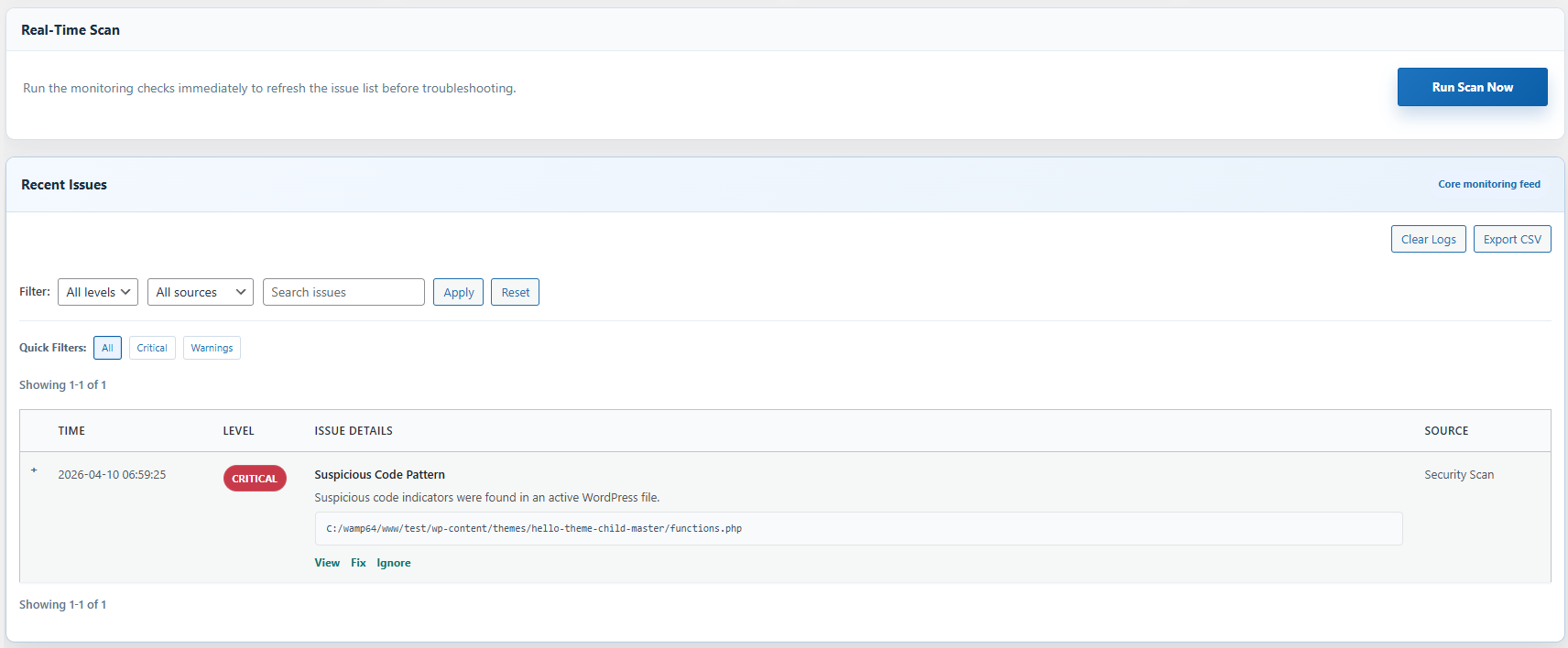
Analyze detailed logs with severity levels and filters 
Track plugin and theme changes over time 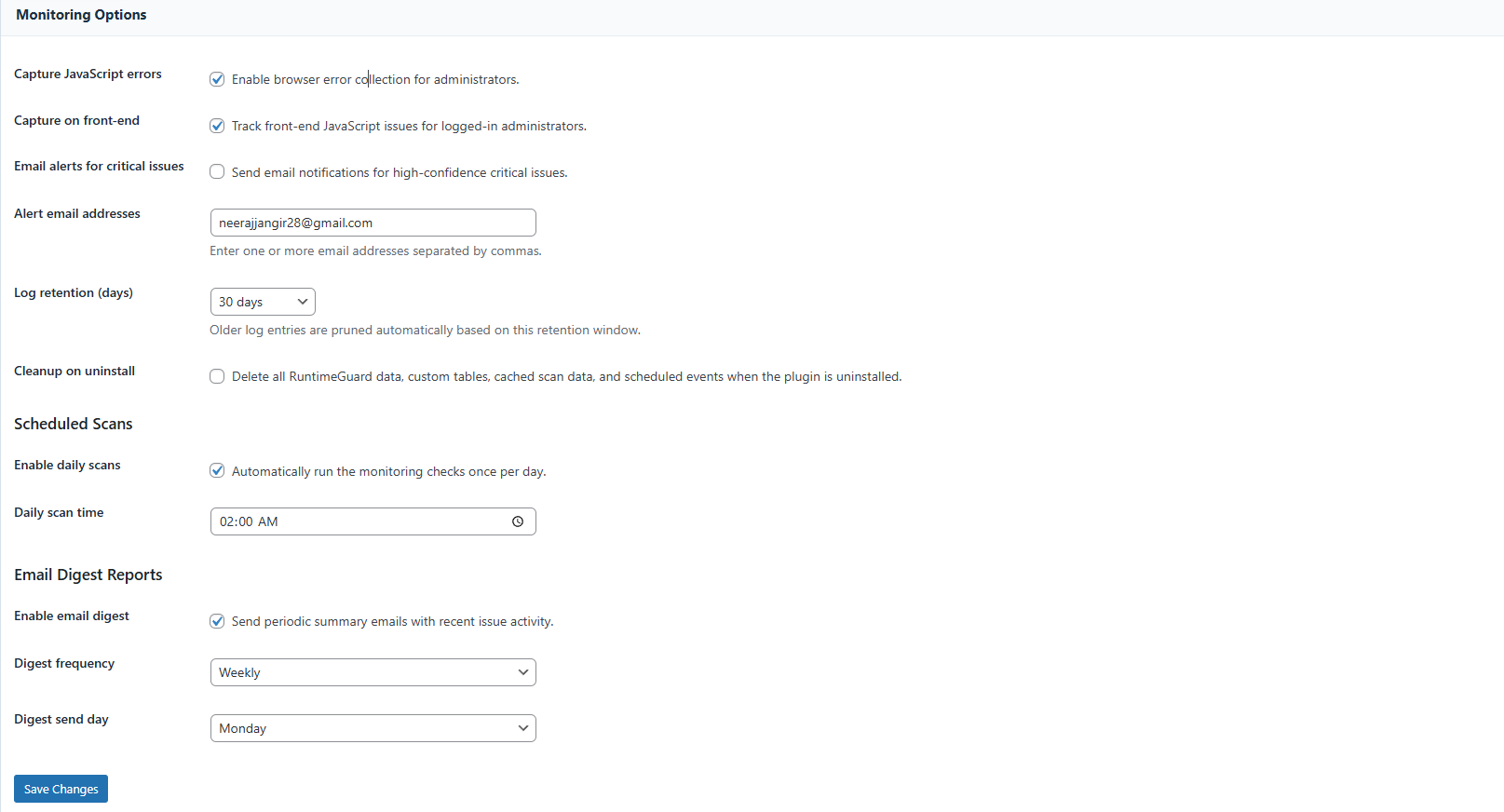
Configure alerts and monitoring settings easily
安裝方式
- Upload the plugin folder to the
/wp-content/plugins/directory, or install it through the WordPress Plugins screen. - Activate the plugin through the Plugins screen in WordPress.
- Open RuntimeGuard from the WordPress admin menu.
- Configure alert email addresses and monitoring settings from RuntimeGuard > Settings.
常見問題集
-
Will this detect every code problem on my site?
-
No. The plugin is designed to detect many runtime issues, but it cannot catch every possible code problem. For example, syntax errors that prevent WordPress from loading may not be fully captured.
-
Can I send alerts to multiple email addresses?
-
Yes. Enter multiple email addresses separated by commas in the settings page.
-
Does this plugin work with debug.log?
-
Yes. If WP_DEBUG_LOG is enabled, the plugin can scan recent log entries and surface matching issues in the dashboard.
使用者評論
這個外掛目前沒有任何使用者評論。
參與者及開發者


變更記錄
1.0.0
- Initial release
- Issue dashboard and manual scan flow
- JavaScript error capture
- Email alerts and digest support
- Plugin and theme history tracking
- System status section and log retention settings