

外掛說明
Synchronize backend data with WordPress post collections over HTTP APIs, enabling remote and automated web content management.
With Posts Bridge you can move your workspace from the WordPress admin to collaboration tools like Google Spreadsheets, Airtable or Grist, or get your Odoo and Dolibarr data automatically synchronized with your website. Don’t bother your team with context switching and manual web content synchronizations. Work where your data is, and use Posts Bridge to seamlessly transform it to web content without effort.
How it works
Posts Bridge treats post collections as indexes that represents your backend data and allows you to use Gutenberg, WordPress’ powerful page builder, as the frontend editor of your backend. Either by manually triggering bulk synchronizations, by scheduling automatic background jobs, or dynamically loading data on renders, Posts Bridge fully integrates your backend data into the WordPress CMS system.
Add-ons
Posts Bridge comes with free add-ons. Each add-on add to the plugin new bridges to work with specific APIs.
Posts Bridge has the following add-ons:
🗓️ Productivity
📦 ERP & Accounting
✏️ CMS
Need a custom integration?
Connect to any custom API using standard HTTP methods and authentication using the abstract REST API add-on. Perfect for integrating with proprietary or less common systems.
Features
Bridges
Bridges act as dynamic mappings between your backend data and WordPress post type collections. Seamlessly convert each database item into a WordPress post, and map backend fields directly to post fields, metadata, or taxonomy terms—effortlessly synchronizing your data.
Backends
Create a reusable “connection profile” for your API. Store your API URL, headers, and credentials once, and apply them across all your bridges. No repetitive setup required—just connect and go.
Credentials
Secure your HTTP requests with flexible authentication options: API keys, Basic Auth, Bearer Tokens, OAuth, RPC credentials, or Digest Auth. Choose the method that fits your needs.
Field mappers
Transform your backend API responses to align with WordPress’s post structure (e.g., post_title, post_content, post_name).
With mappers you can map backend data to post fields, custom fields and into taxonomy terms (such as categories and tags).
Remote fields
Load backend data dynamically at render time. Replace placeholder marks in your post HTML with real-time remote data, ensuring your content is always up to date.
Background synchronizations
Automate your content workflow by scheduling synchronizations to run in the background. Keep your WordPress site fresh with minimal manual intervention.
Custom types
Easily register custom post types directly from the plugin settings using an intuitive visual interface. Define post meta fields and link post types to taxonomies—no coding required.
Debugging console
Track requests, responses, and errors in real time. Diagnose issues quickly and ensure smooth integration with your backend systems.
Links
螢幕擷圖
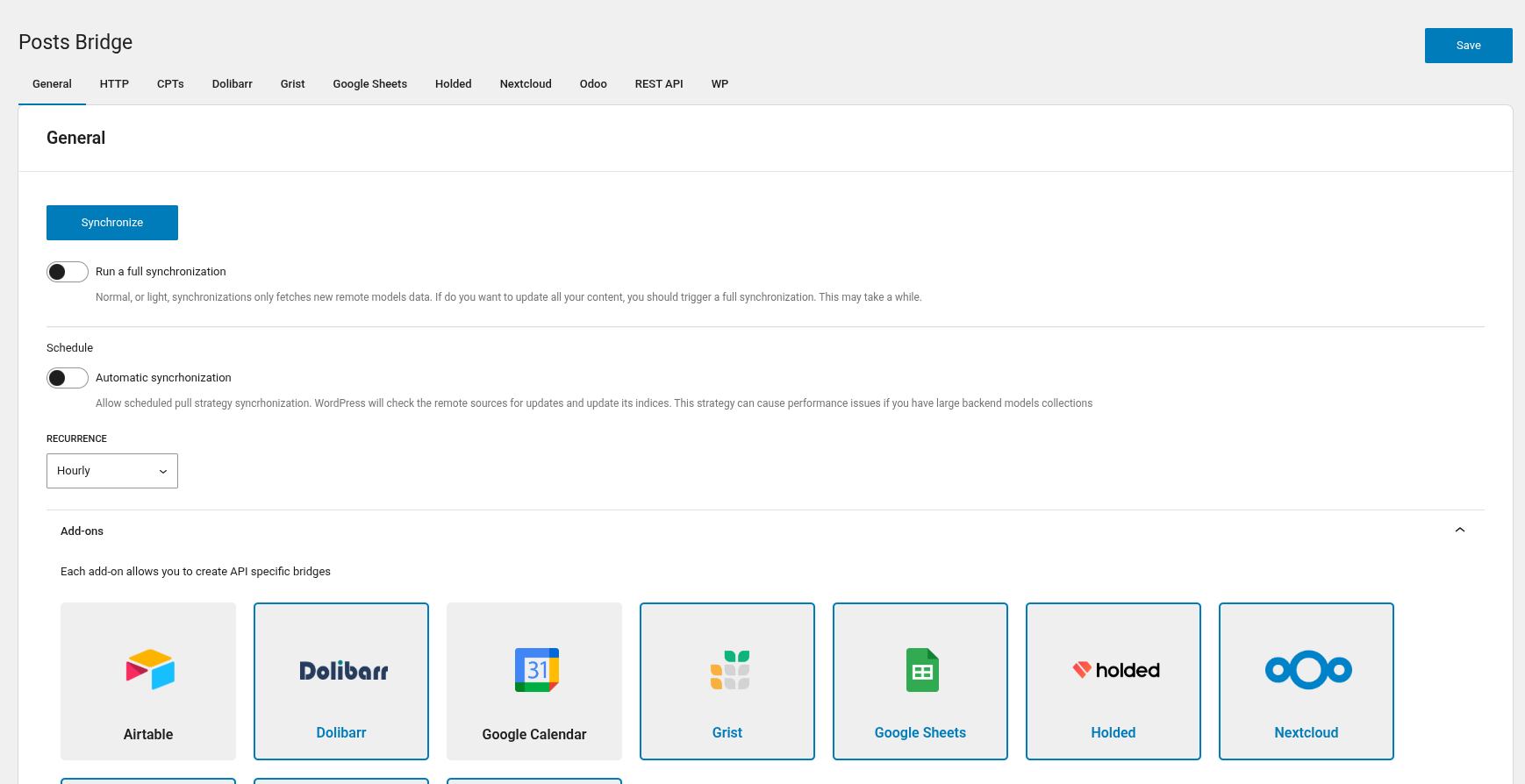
Settings page – Configure global plugin options 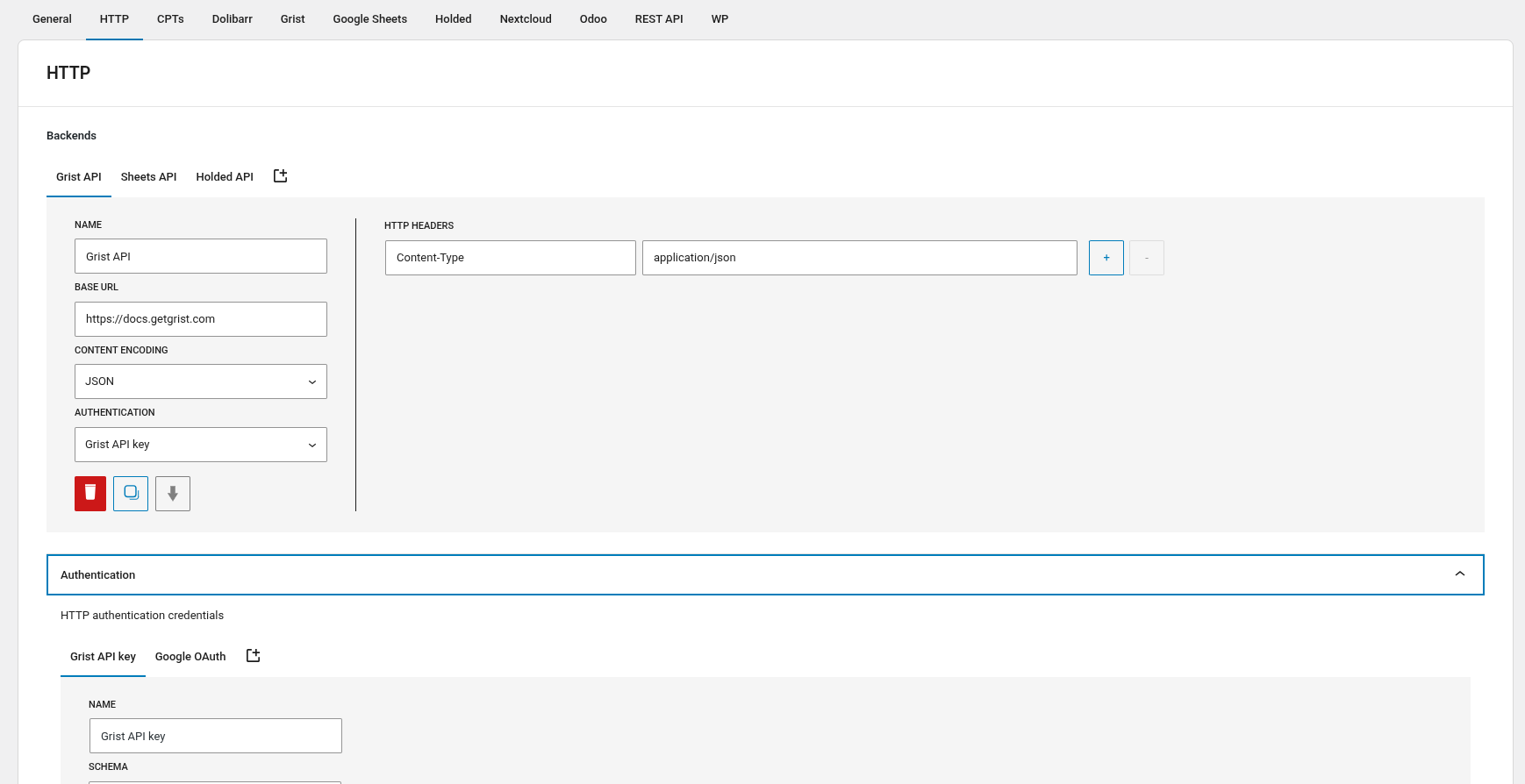
Backends – Save and reuse API connection details 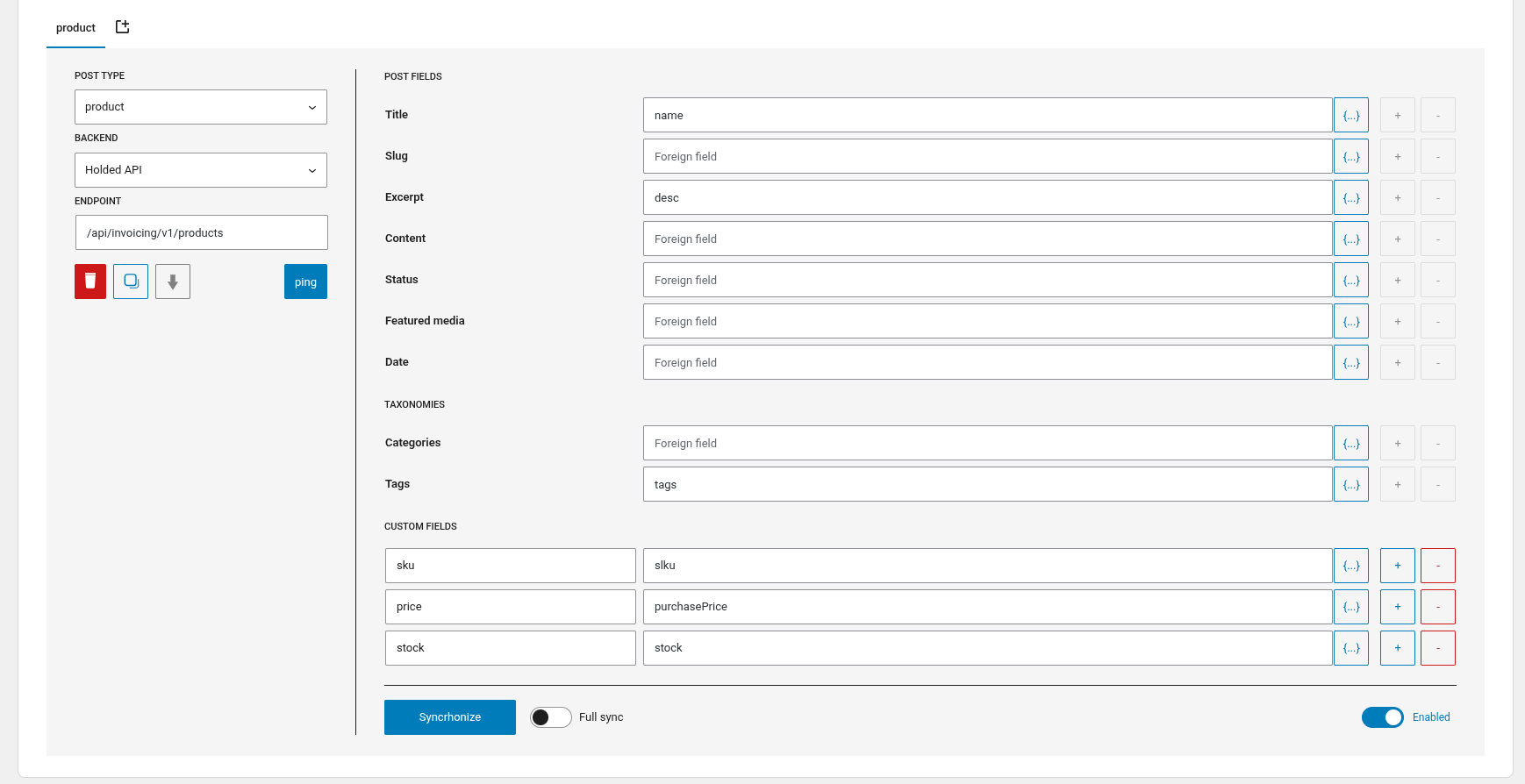
Bridges – Create synchronization mappings for your post collections 
Synchronization – Dispatch manual, detached or live synchronizations 
Remote CPTs – Bind post collections to remote backend records 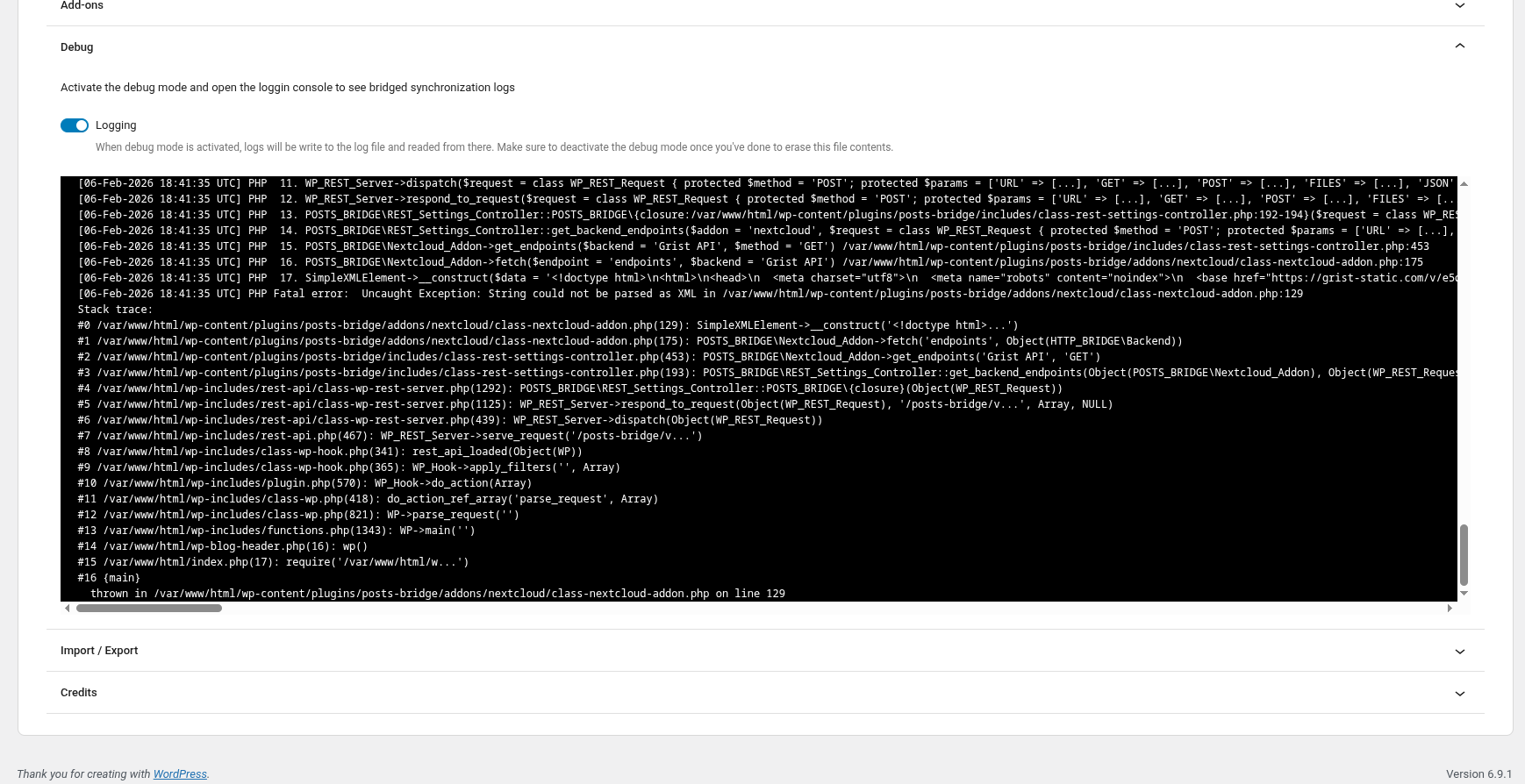
Debug console – Monitor and troubleshoot requests.
適用於區塊編輯器
這個外掛提供 1 個可供 Gutenberg/區塊編輯器使用的區塊。
- Remote Fields Remote fields custom block that replace marks by its remote value on the render.
常見問題集
-
Do I need to know how to code?
-
Nope! Posts Bridge is designed to set up complex HTTP configurations and pipelines of data transformation without the need to write code.
In addition, you can extend Posts Bridge with code using its hooks and PHP APIs.
-
Can I connect to my custom API?
-
Absolutely! Posts Bridge supports any HTTP API, whether it’s a cloud service or a self-hosted solution (like a Dockerized API on your VPS). If your API uses standard HTTP methods (GET, POST, PUT, etc.), Posts Bridge can connect to it.
Maybe a little understanding about how HTTP and HTTP-like APIs works will be required to set up your custom integrations.
-
What if my API requires authentication?
-
Posts Bridge supports API keys, Basic Auth, Bearer Tokens, OAuth, RPC credentials, Digest Auth and custom headers.
-
Is there a free trial?
-
Posts Bridge, including all its add-ons, is free to use.
-
How can I get support?
-
You can get support from Còdec using the Posts Bridge support forum for free. We aim to respond to all inquiries within 24-48 hours.
使用者評論

參與者及開發者

變更記錄
4.1.3
- feat: add gmt date fields in bridge mappers
- feat: scroll into view after ajax progress display
- feat: wordpress schema introspection as data to json loops
- fix: sync ping json returns
- fix: openapi expand fields schema loop
4.1.2
- feat: display ajax synchronization progress
- feat: always support default wp taxonomies
- feat: cpt registration api public methods
- fix: cache introspection transient names
4.1.1
- feat: full live fetch strategy with automatic post titles
- feat: detached synchronizations
- feat: introspection api cache
- feat: introspection filters on generic addon
- feat: remote fields schema as addon introspection requests
- feat: remote fields post type selector for site editor
- feat: check dav modified on nextcloud table headers requests
- feat: odoo pings as login requests
4.1.0
- feat: apply wp coding standards
- feat: plugin repo directory refactor
- feat: http deps as library
- feat: grist addon
- feat: airtable addon
- feat: holded addon
- feat: google calendar addon
- feat: nextcloud addon refactor
- feat: odoo addon refactor
- feat: dolibarr addon refactor
- feat: openapi response introspections
- feat: new cpts settings tab and support for custom fields
- feat: addon endpoints and introspection
- feat: bridge single_endpoint pattern
- feat: move lock files to uploads
- feat: mappers api fields datalists
- feat: post custom fields and taxonomies datalists
- feat: attachments requested with backends
- feat: addons http defaults registration
- feat: dropdown select search input
- fix: gsheets value range url encoding
4.0.1
- feat: odoo add-on jobs template
- feat: disable plugin activation if uploads dir is not writable
- fix: avoid warnings with coalescing
- fix: template tax mappers
4.0.0
- feat: schemas refactor
- feat: frontend refactor
- feat: improve custom post types ui
- feat: sync ping poll
- feat: remove templates
- feat: remove gsheets addon
- feat: bridge enabled state
- feat: update deps
3.0.8
- feat: setting sanitization with defaults recovery
- feat: add wp rest mirror template
- feat: wp rest reuse authorization if exists
3.0.7
- feat: addons mount method
- feat: improve debug console outputs
- fix: exclude loco files from git