

外掛說明
This plugin allows you to list all (or part) of your medias on custom Page / Post.
With one simple shortcode – [list_media]
It can take 7 attributes:
- order – This tells the plugin how to sort the results. By default it is ASC
- order_by – This tells the plugin by what to sort the results (It can use all of the WordPres sorting methods). By defualts it is publish_date
- posts_per_page – This tells the plugin how much attachments should list. By defaults it is -1, which means All
- post_status – This tells the plugin which attachments to list. By default it is null with that it lists all available attachments.
- post_parent – This tells the plugin to list all attachments with parent ID equal to the given parameter. By defaults it is null.
- default_styles – This tells the plugin how the Front-end Table should look like. If the parameter is true it appends the default styles of the table. By default it is true.
- date_format – This is tells the plugin how the date should be formated into the Date field of the Table.
Full description of the Shortcode and it’s attributes can be found here – https://github.com/Gero0Nikolov/list-media-wp.git
螢幕擷圖

Front Demo 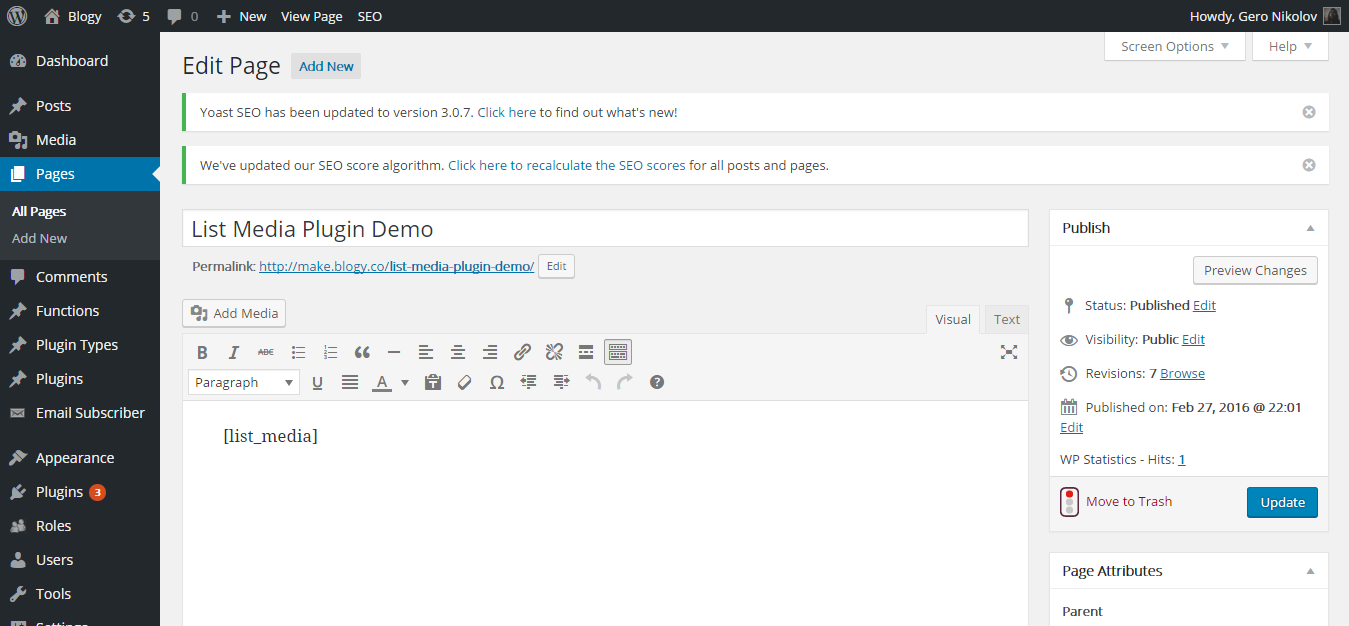
Admin Demo
安裝方式
Download and activate the plugin from WP.Org or
clone the repository from GitHub – https://github.com/Gero0Nikolov/list-media-wp.git –
to your wp-content/wp-plugins/ folder and activate it from the WordPress Dashboard after that.
使用者評論
這個外掛目前沒有任何使用者評論。
