
Deskripsyon
This is a shortcode plugin, with help of that you can create step sections in your post/page.
This helps if you are writing any tutorial and want to separate content each step.
We will be adding few more features soon
Mga Screenshot

Example. 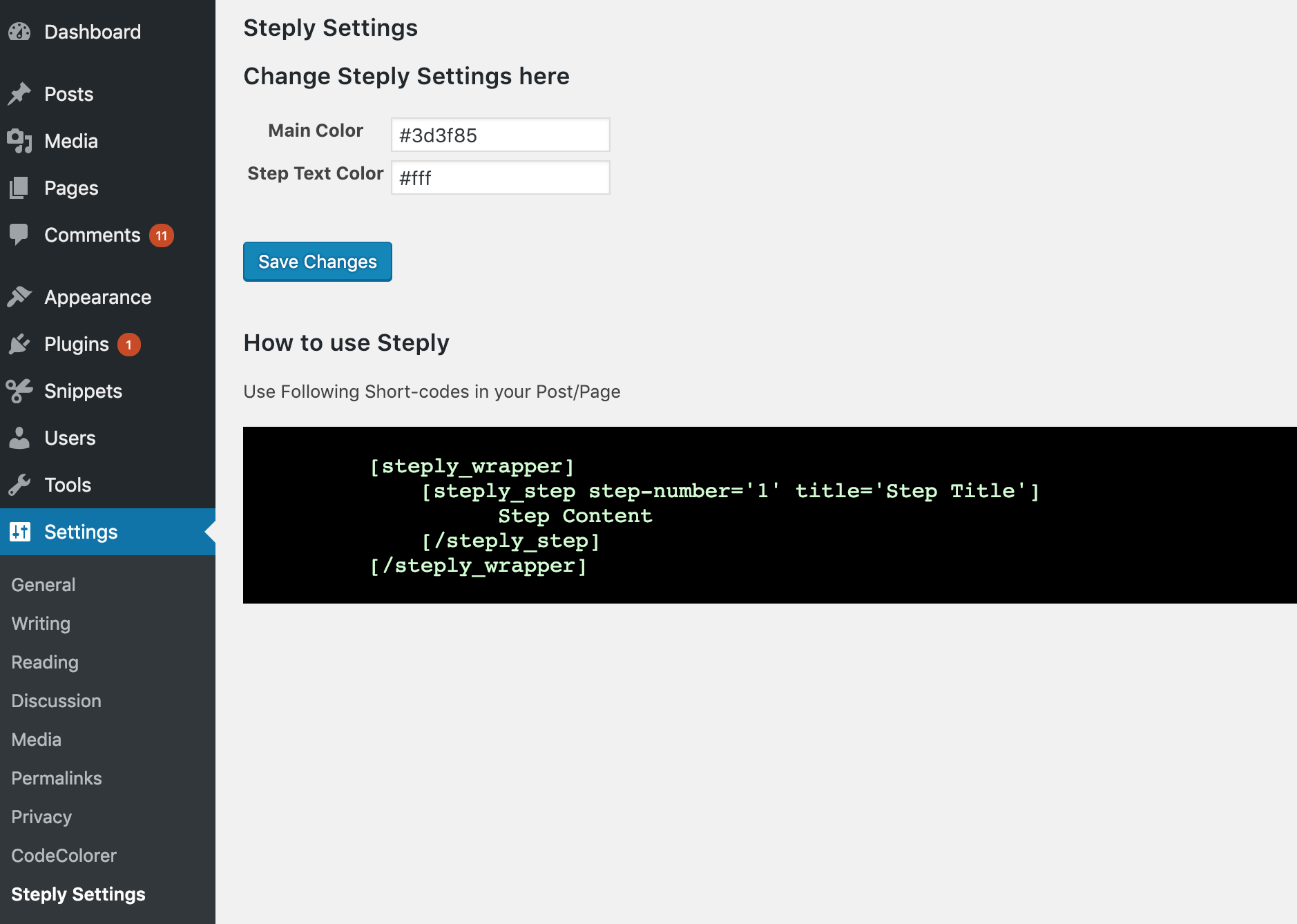
Admin settings
Pag-install
This section describes how to install the plugin and get it working.
e.g.
- Upload the plugin files to the
/wp-content/plugins/steplydirectory, or install the plugin through the WordPress plugins screen directly. - Activate the plugin through the ‘Plugins’ screen in WordPress
- Use the Settings->Setply Settings Option to change color of steps heading background
-
Use following short code:
[steply_wrapper]

        [steply_step step-number='1' title='Step Title']

              Step Content

        [/steply_step]

[/steply_wrapper]
FAQ
- Any live demo
-
Please check this post: Steply Demo
Mga Review
Wala pang reviews para sa plugin na ito.
Mga Contributor at Developer
Ang “Steply” ay open source software. Ang mga sumusunod na tao ay nag-ambag sa plugin na ito.
Mga Contributor
Isalin ang “Steply” sa iyong wika.
Interesado sa development?
Tingnan ang code, i-check ang SVN repository, o mag-subscribe sa development log sa pamamagitan ng RSS.
Changelog
1.0
- Initial release