
Deskripsyon
NorthStar is a simple WordPress plugin that allows you to display a message in the admin bar. It includes a few settings that let you customize the message, as well as the text color and background color of the admin bar link.
Mga Screenshot

Settings page 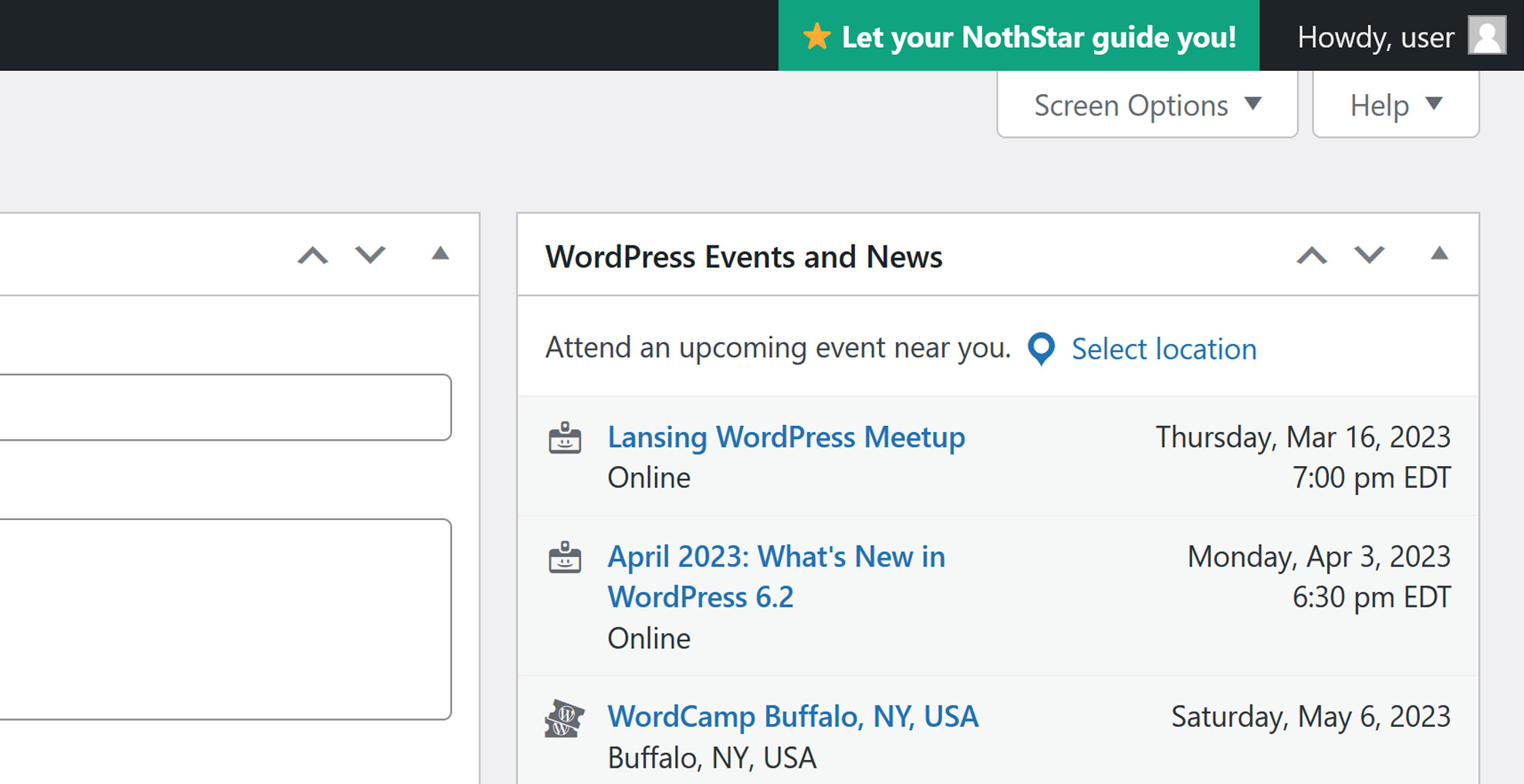
Shown on adminbar throughout site
Pag-install
- Upload the
northstarfolder to the/wp-content/plugins/directory. - Activate the plugin through the ‘Plugins’ menu in WordPress.
- Go to the ‘NorthStar’ settings page and customize your settings.
- If you’ve enabled NorthStar, you should see your message in the admin bar.
FAQ
-
How do I customize the message?
-
Go to the ‘NorthStar’ settings page in the WordPress admin Settings, and enter your message in the ‘Message’ field. Make sure you’ve enabled NorthStar, or your message won’t be displayed.
-
How do I change the text color?
-
Go to the settings page, and use the color picker to select your desired text color.
-
How do I change the background color?
-
Go to the settings page, and use the color picker to select your desired background color.
Mga Review
Wala pang reviews para sa plugin na ito.
Mga Contributor at Developer
Ang “NorthStar” ay open source software. Ang mga sumusunod na tao ay nag-ambag sa plugin na ito.
Mga Contributor
Isalin ang “NorthStar” sa iyong wika.
Interesado sa development?
Tingnan ang code, i-check ang SVN repository, o mag-subscribe sa development log sa pamamagitan ng RSS.
Changelog
1.0.0
- Initial release